Government contract
purchasing files, built as you work
ProcureAudit is procurement software for government contractors. Subcontract records, phase based checklists, a document drive and review approvals sit in one workspace, so the purchasing file is complete by the time anybody asks to see it.
Three stages, and the file builds itself
Set up the procurement, work through the checklist phase by phase, then submit for review. The record accumulates as a by product of doing the work.
Three stages. The purchasing file builds itself.
Set up the procurement, work through the checklist phase by phase, then submit for review. The record accumulates as a by-product of doing the work.
- Create the procurement or let AI draft it from a document
- Work the compliance checklist one phase at a time
- Submit completed phases to the named reviewer
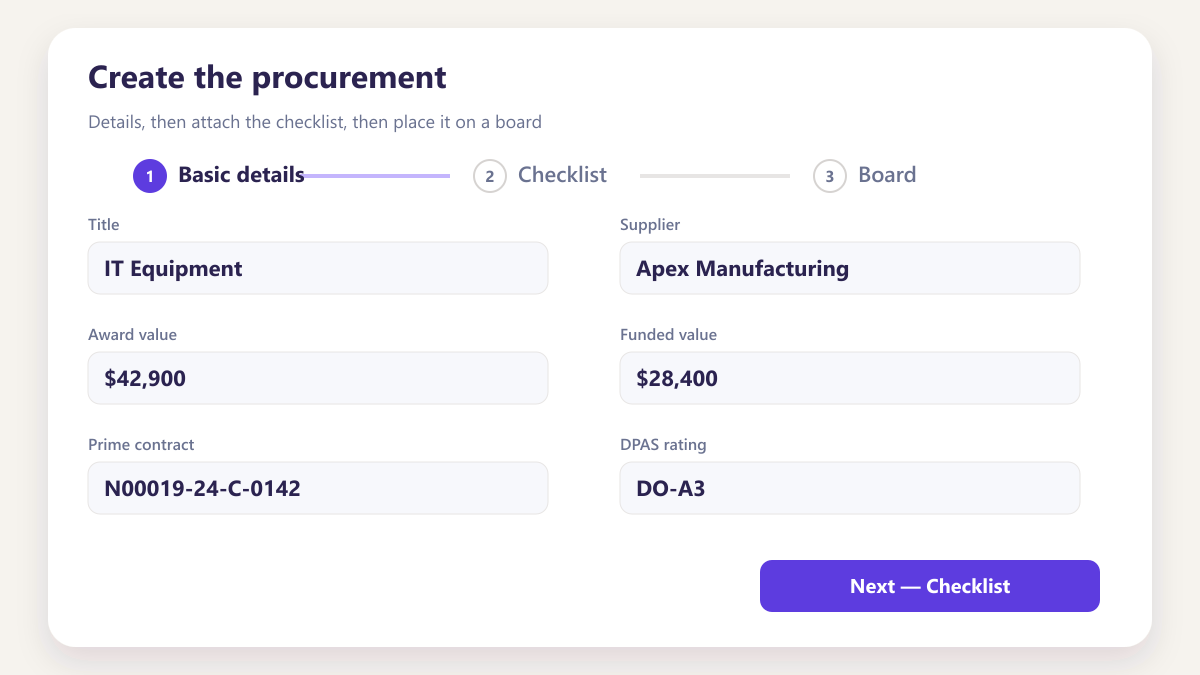
Create the procurement
Enter the details, assign the team, set the country, contract type and board. Or upload a PDF, Word or spreadsheet and AI drafts the award record for you to review, rather than typing it in.
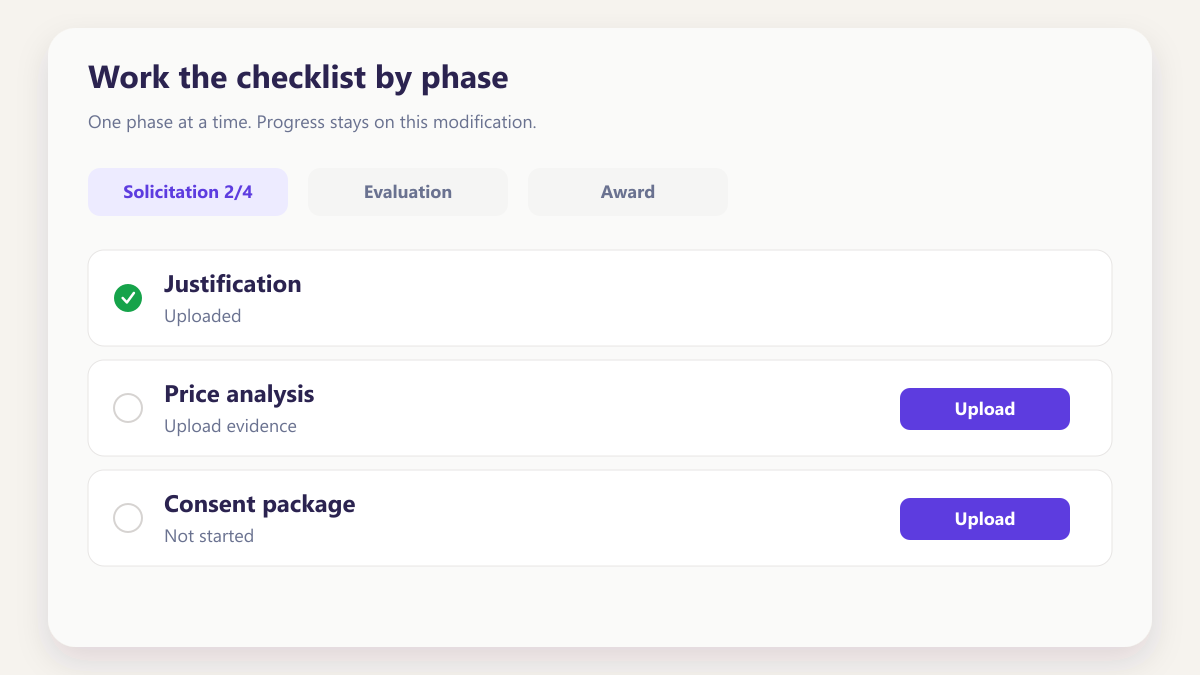
Work the checklist by phase
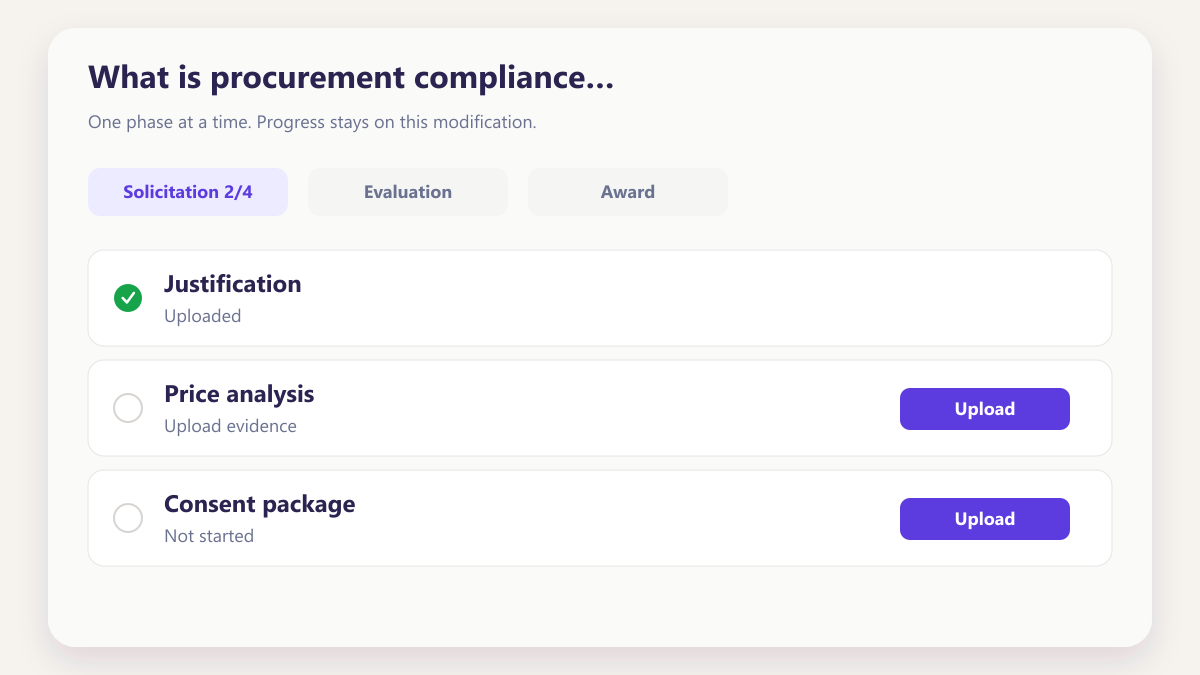
Move through the compliance checklist one phase at a time. Upload the evidence, mark items complete, and watch progress track per modification rather than in aggregate.
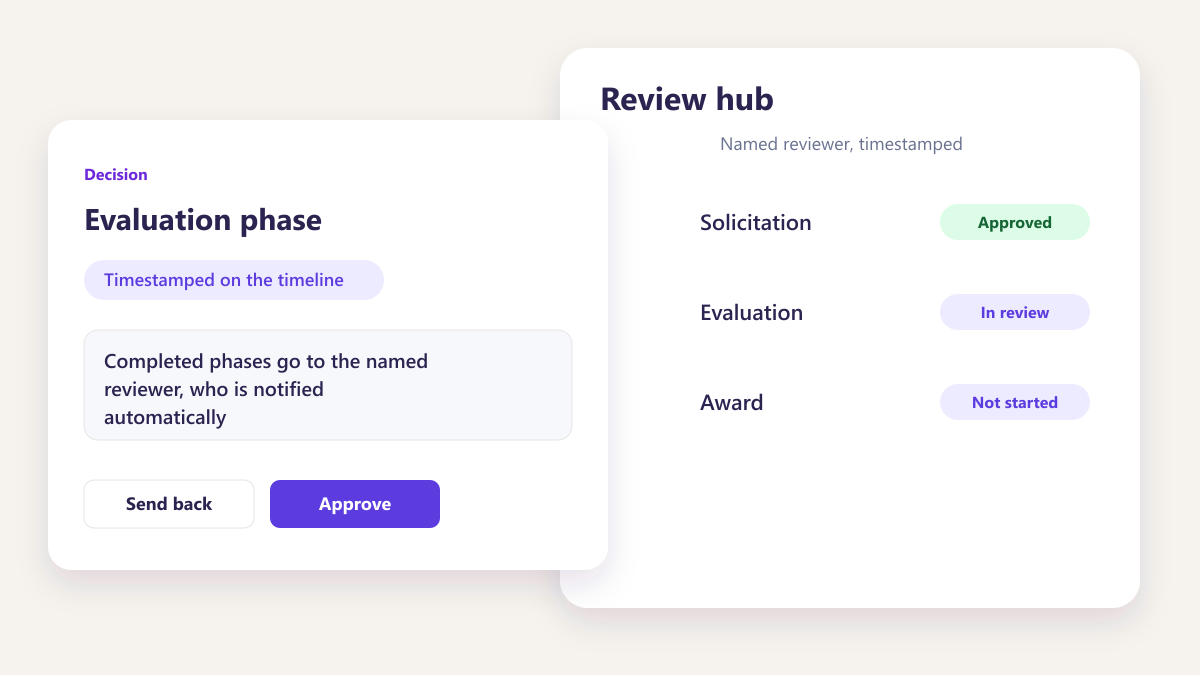
Submit for review
Completed phases go to the named reviewer, who is notified automatically. Every action is timestamped on the activity timeline as it happens.
Boards your team builds, arranged the way each person works
Create as many boards as you programme, a subcontract pile, a review queue then group the same awards by assignee, status, country, value or priority. Share a board as read or edit. A shared default board stays available for anyone who wants the common picture.
Boards your team builds, arranged the way each person works.
Create named boards, group the same awards by assignee, status, country, value or priority, and share with read or edit — without forcing one company-wide view.
- Programme, subcontract and review queues as separate boards
- Group the same awards six different ways
- Share as read or edit, then hide a board when you need to
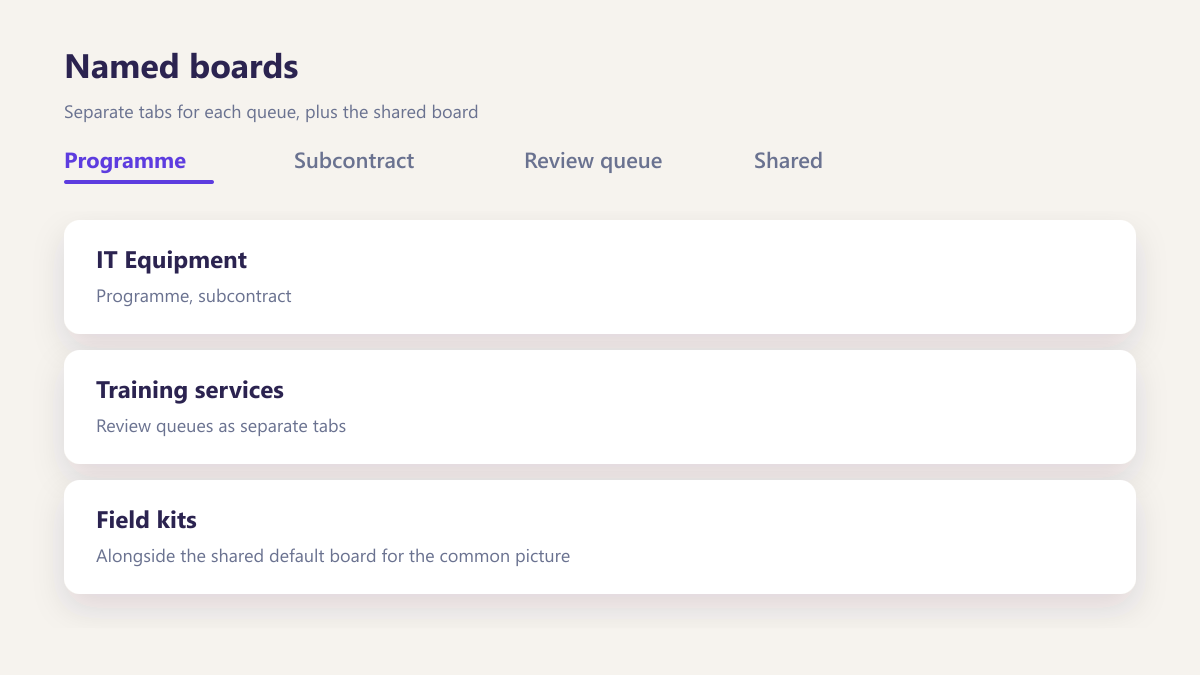
Named boards
Programme, subcontract and review queues as separate tabs, alongside the shared default board for the common picture.
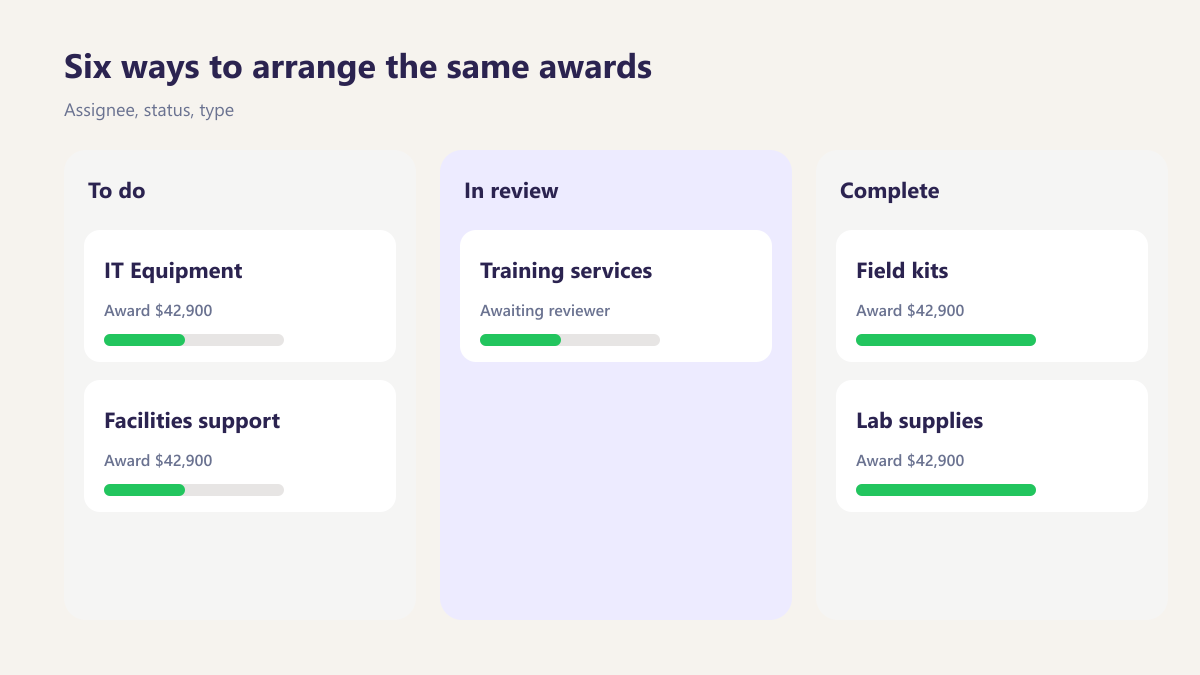
Six ways to arrange the same awards
Assignee, status, type, country, value or priority. Multi-assignee awards appear in each person’s lane.
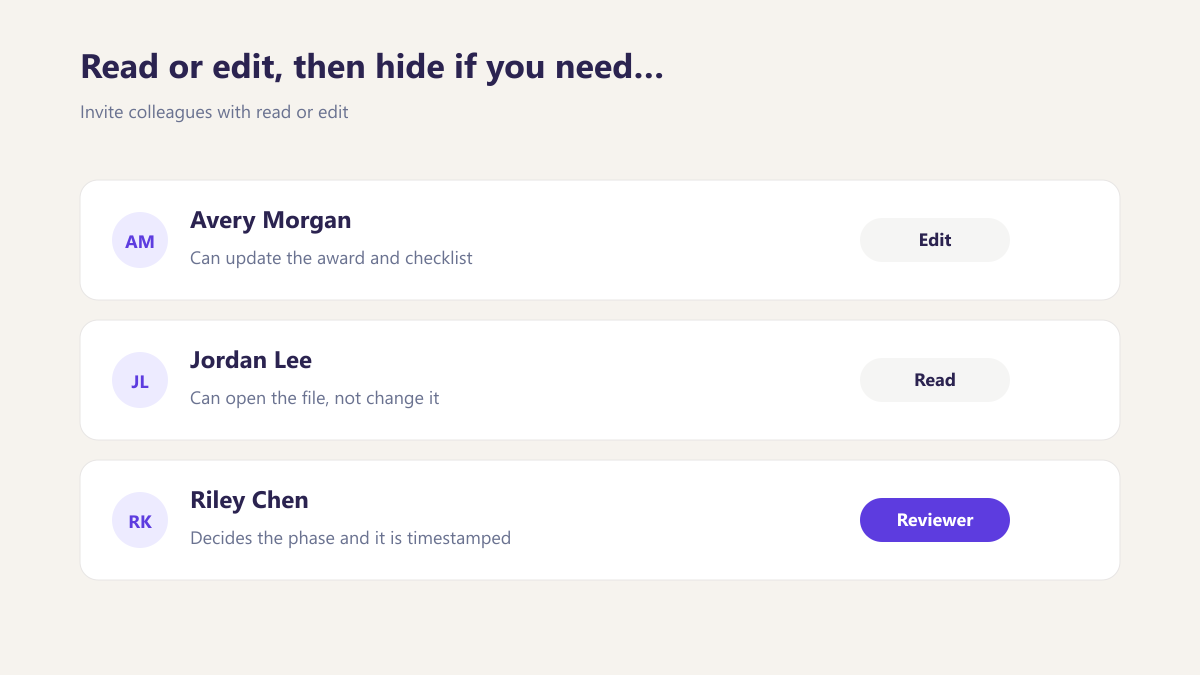
Read or edit, then hide if you need to
Invite colleagues with read or edit. Hide a board from your tabs without losing the awards on it.
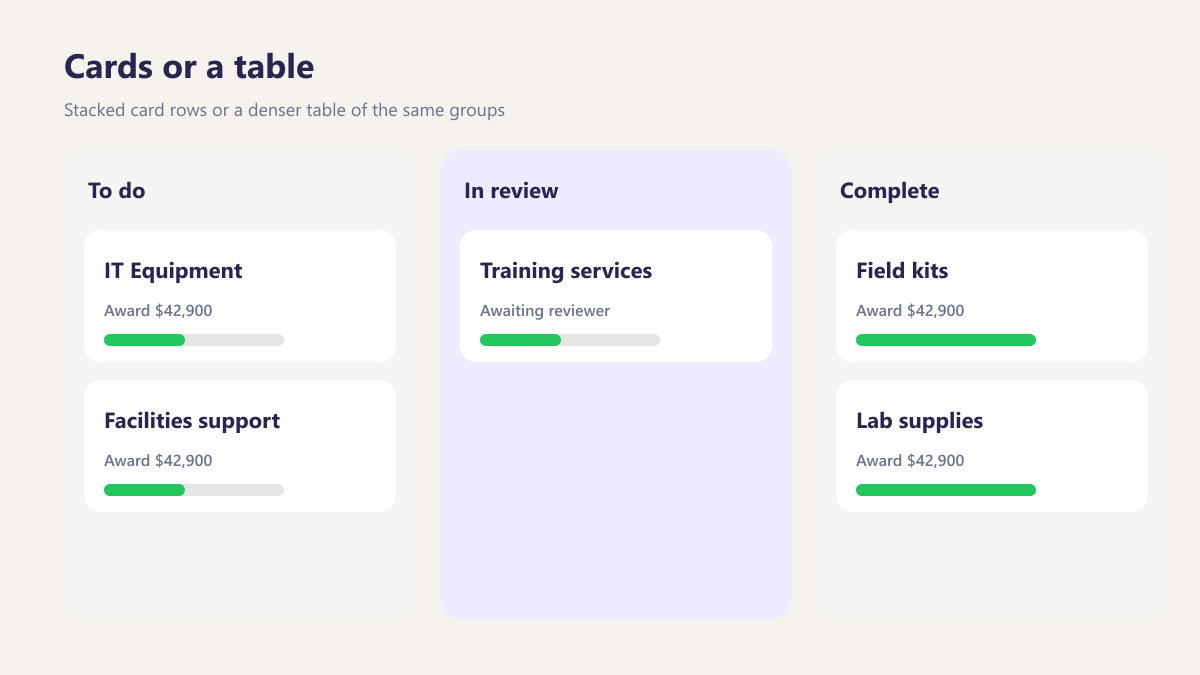
Cards or a table
Stacked card rows or a denser table of the same groups, so a review queue and a programme board can look different.
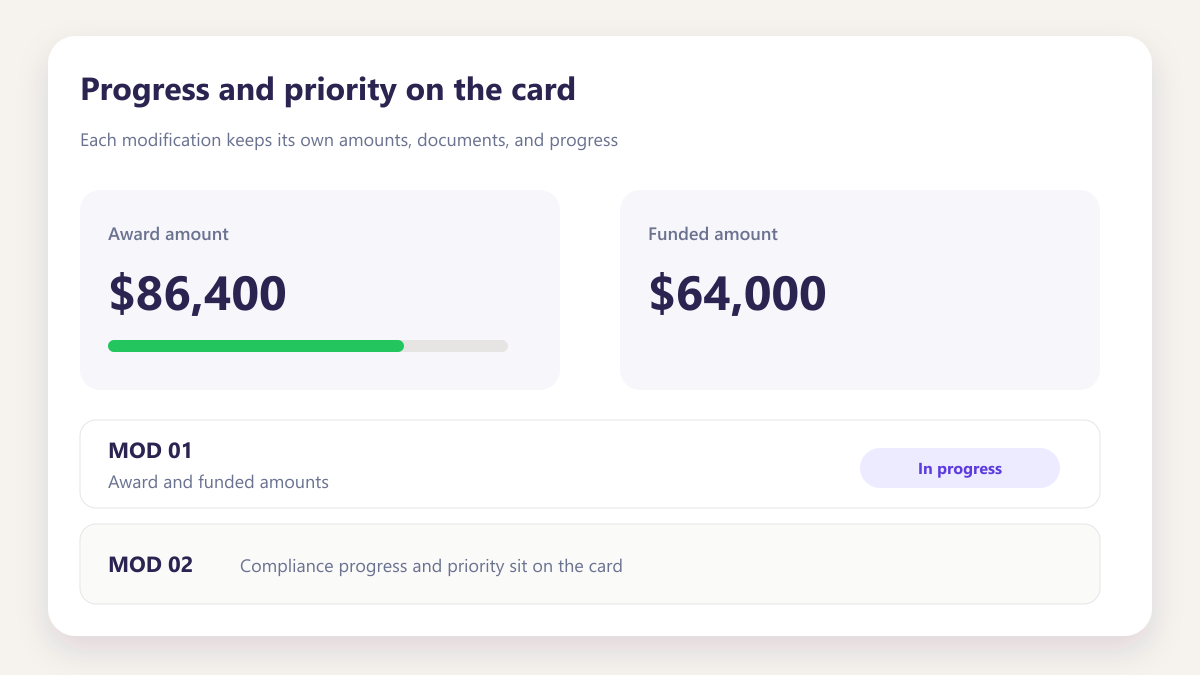
Progress and priority on the card
Award and funded amounts, compliance progress and priority sit on the card. Drag between priority lanes to set it.
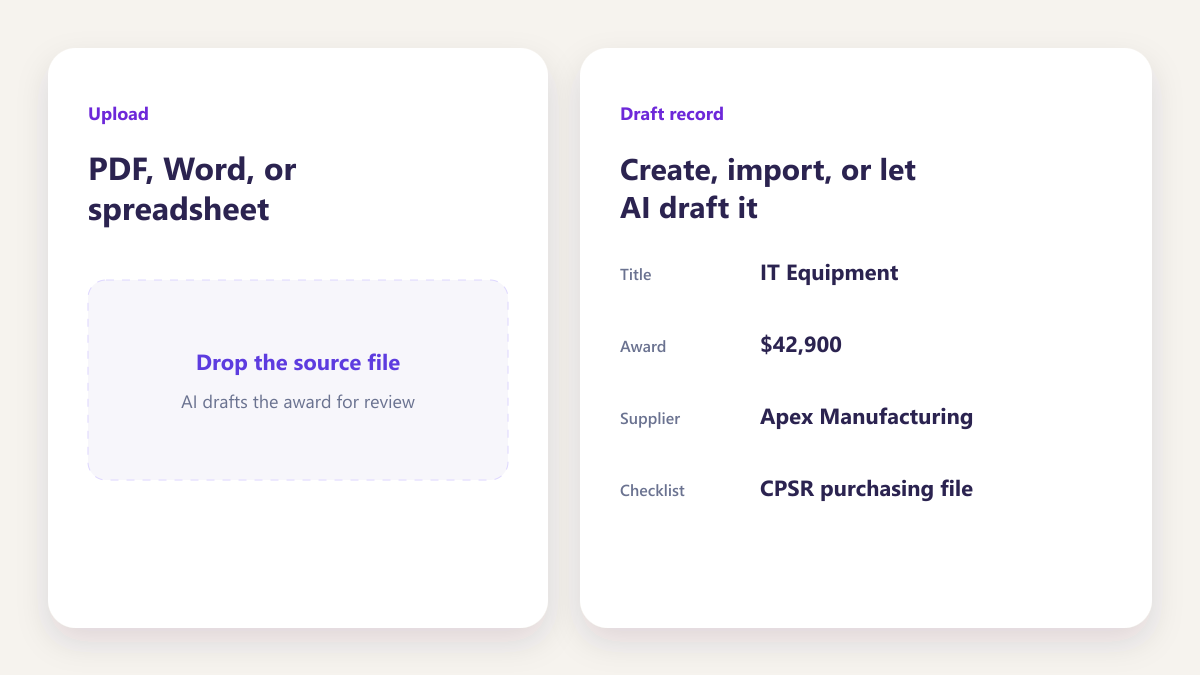
Create, import, or let AI draft it
Create an award on the board, import one from elsewhere, or upload a document and AI drafts the record for you to review.
A buyer running three programmes groups by country. A reviewer groups the same awards by priority. Nobody has to agree which arrangement the company should use.
See Smart BoardThe right view depends on who is looking
A buyer running three programmes needs a different arrangement from a reviewer clearing approvals on a Friday afternoon. Letting each of them build their own board — and group it their way — is what stops people keeping a private spreadsheet to answer the question the shared view could not.
Six tools that work together
Not six subscriptions. Each one reads the same procurement record, which is why the file stays complete without anybody joining it up.
Six tools that share one procurement record.
Not six subscriptions. Each tool reads the same purchasing file, so the file stays complete without anybody joining it up afterwards.
- Smart Board, checklists and document drive on one record
- AI extraction drafts awards and rules from documents you hold
- Review and approval sit on the same activity timeline
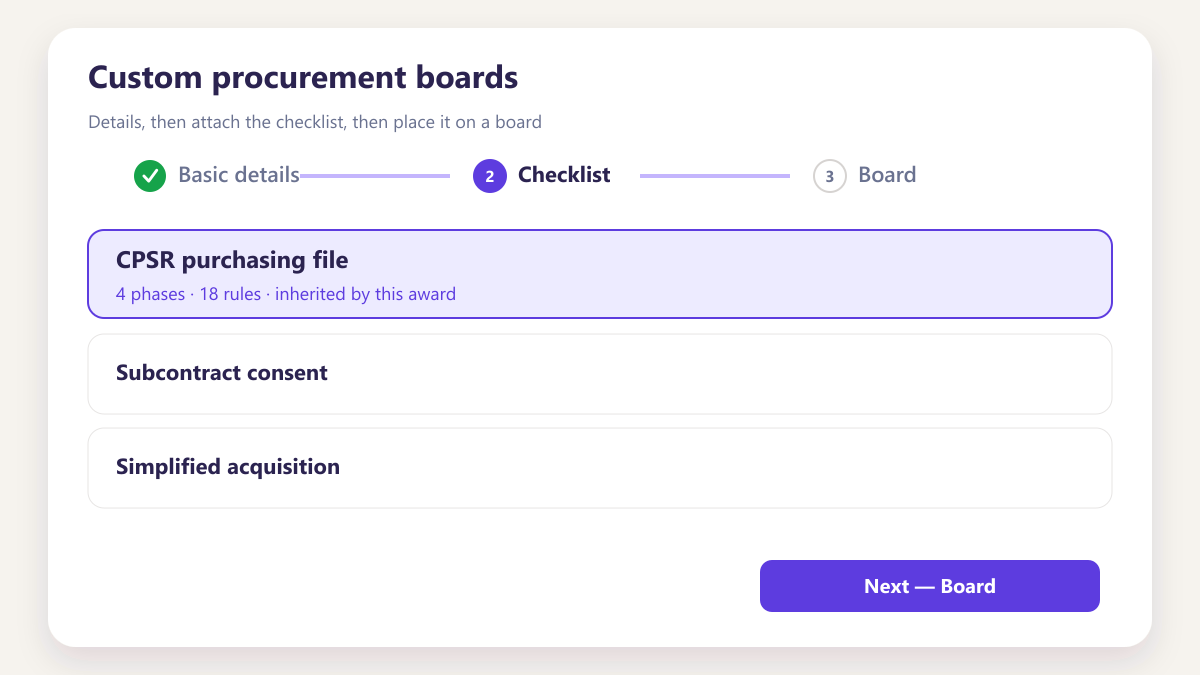
Custom procurement boards
Buyers and reviewers build the board that suits the work they are actually doing.
- Each person builds their own board
- Shared default board for everyone
- Personal task queue with due dates
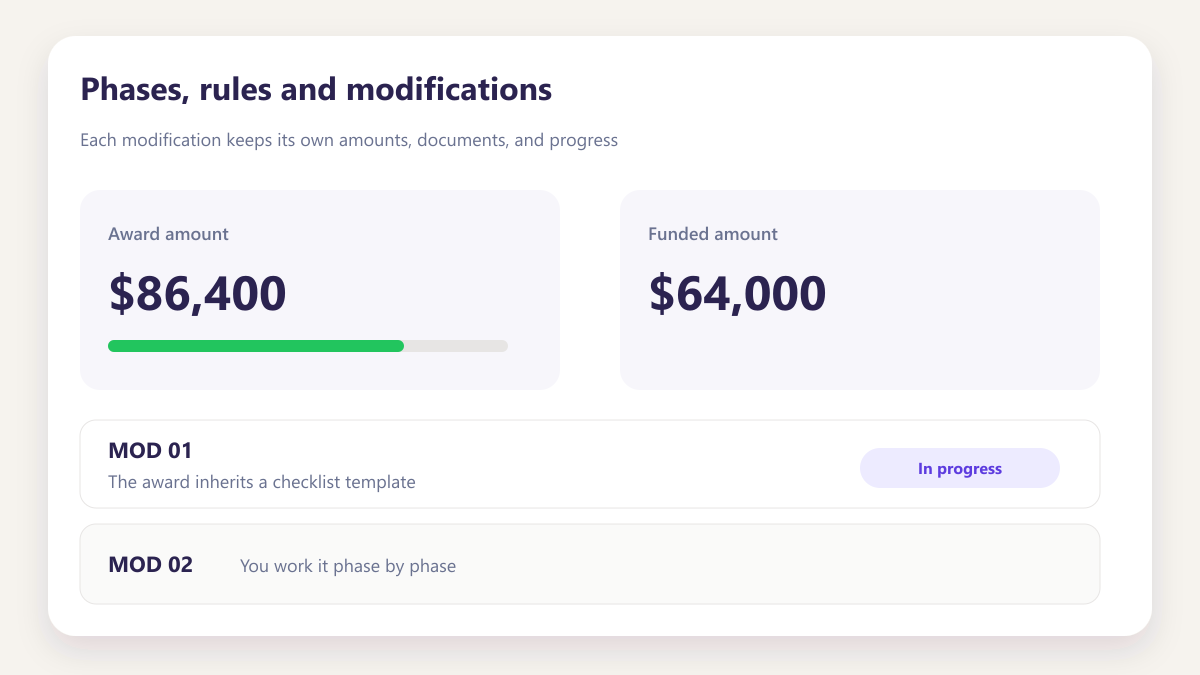
Phases, rules and modifications
The award inherits a checklist template. You work it phase by phase, and each modification keeps its own amounts, documents and progress.
- Checklist template assigned per award and per modification
- Modification tracking with award amounts
- Activity timeline updated in real time
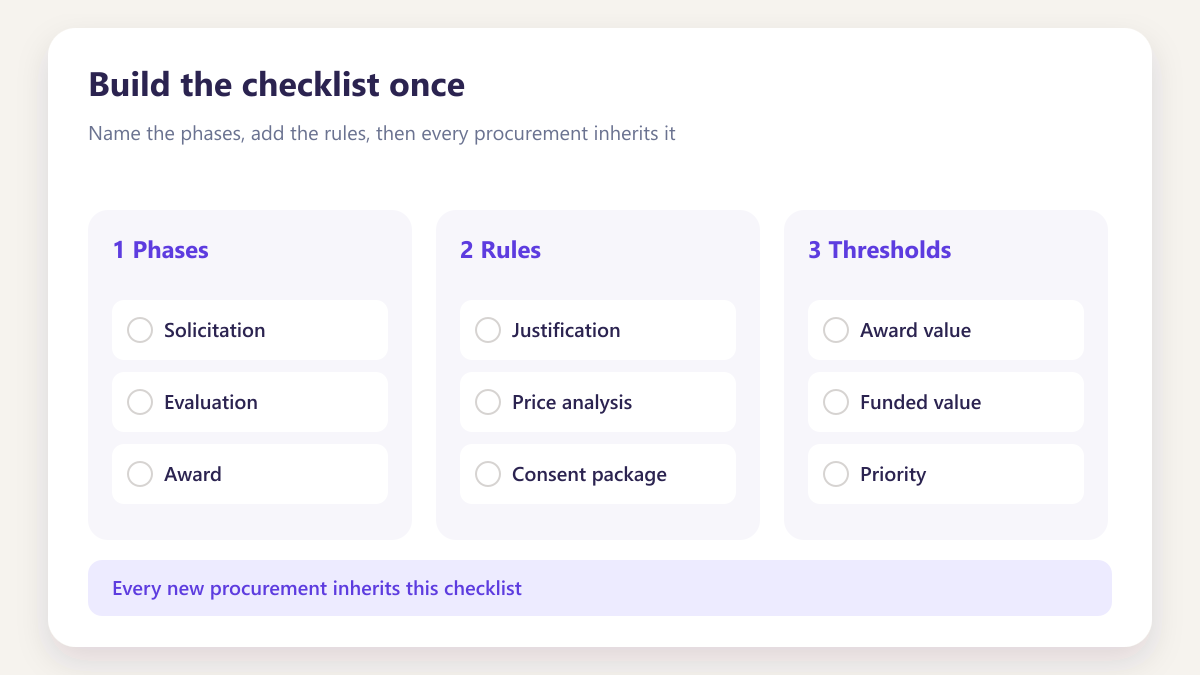
Build the checklist once
A three step wizard that every future procurement inherits automatically.
- Value thresholds that trigger approval
- Named reviewers assigned per phase
- Rules generated from a policy document
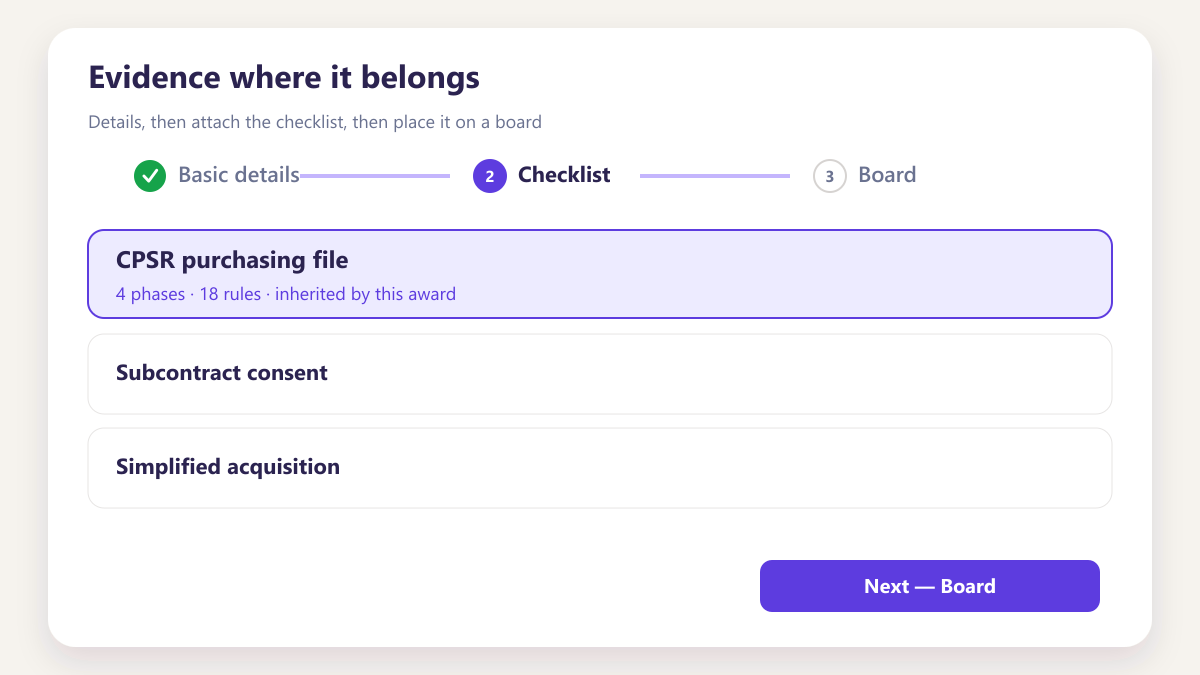
Evidence where it belongs
Storage structured by procurement, modification and phase rather than by folder habit.
- Version control on every file
- In app editing and review routing
- Approval recorded against the document
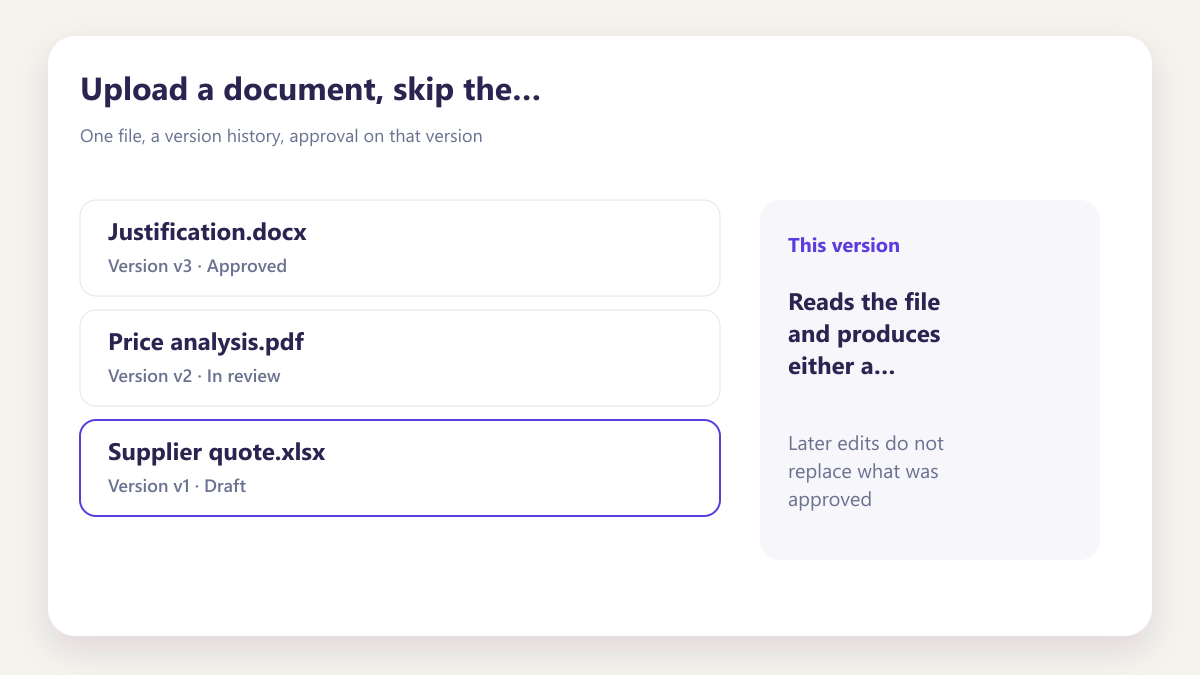
Upload a document, skip the typing
Reads the file and produces either a procurement record or a checklist rule.
- PDF, Word, Excel, CSV and TXT
- Narrative summary of what it found
- Full job history retained
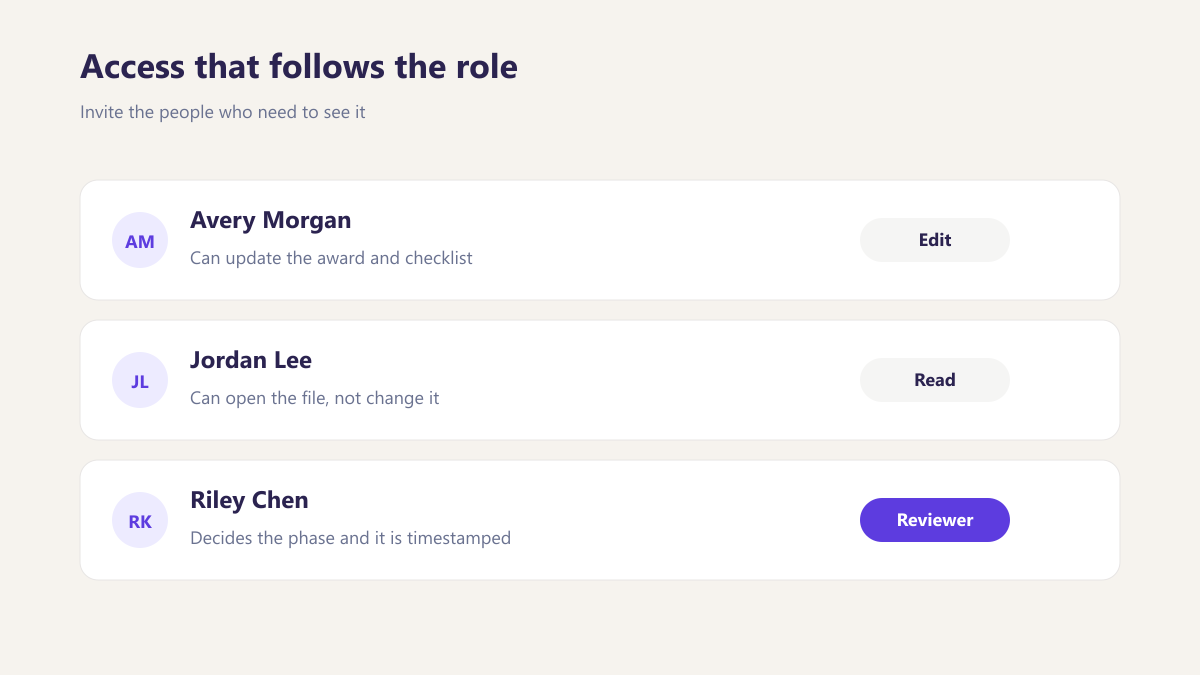
Access that follows the role
Invite the people who need to see it, with the access their role requires.
- Ten or more role types
- Invite by email, workspace shared instantly
- Every action logged with who and when
Progress tracked per phase, and per modification
A single completion percentage across a whole procurement hides more than it shows. Water Treatment SUBK sits at 42 percent overall, and the phases underneath tell you where the work actually is.
Progress tracked per phase, and per modification.
A single completion percentage hides more than it shows. Each rule sits in the phase it belongs to, and MOD 01 and MOD 02 keep their own progress.
- See where work actually sits under the overall percentage
- Reviewers open only the phase they are assigned
- Modifications tracked separately, not merged into the parent
Each rule sits in the phase it belongs to, so a reviewer opening Phase 2 sees only what Phase 2 requires. Reviewers are assigned per phase rather than to the procurement as a whole.
What government contractors actually use this for
Six questions we get asked in almost every first conversation, answered without the sales language.
What is procurement compliance software?
Software that keeps the record behind each purchase in one place, so the documents, approvals and decisions that justify an award can be produced later without anybody reassembling them from inboxes and shared drives.
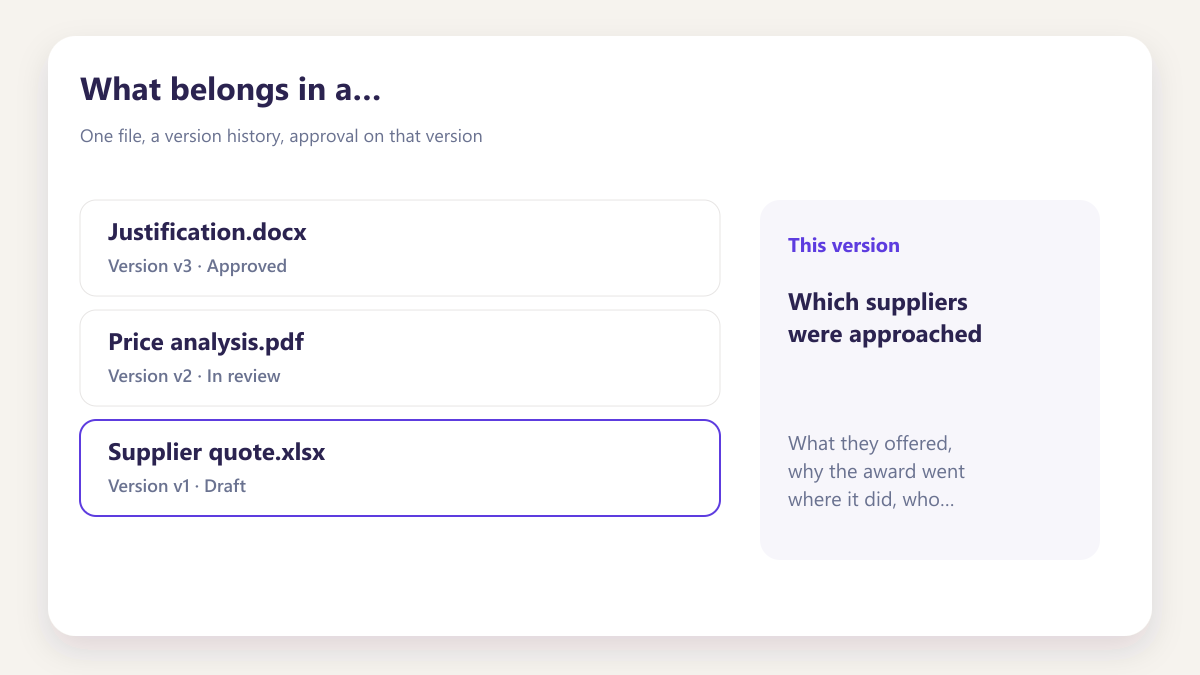
What belongs in a subcontract purchasing file?
Which suppliers were approached, what they offered, why the award went where it did, who approved it, and every modification with its award and funded amounts. Plus the documents behind each of those.
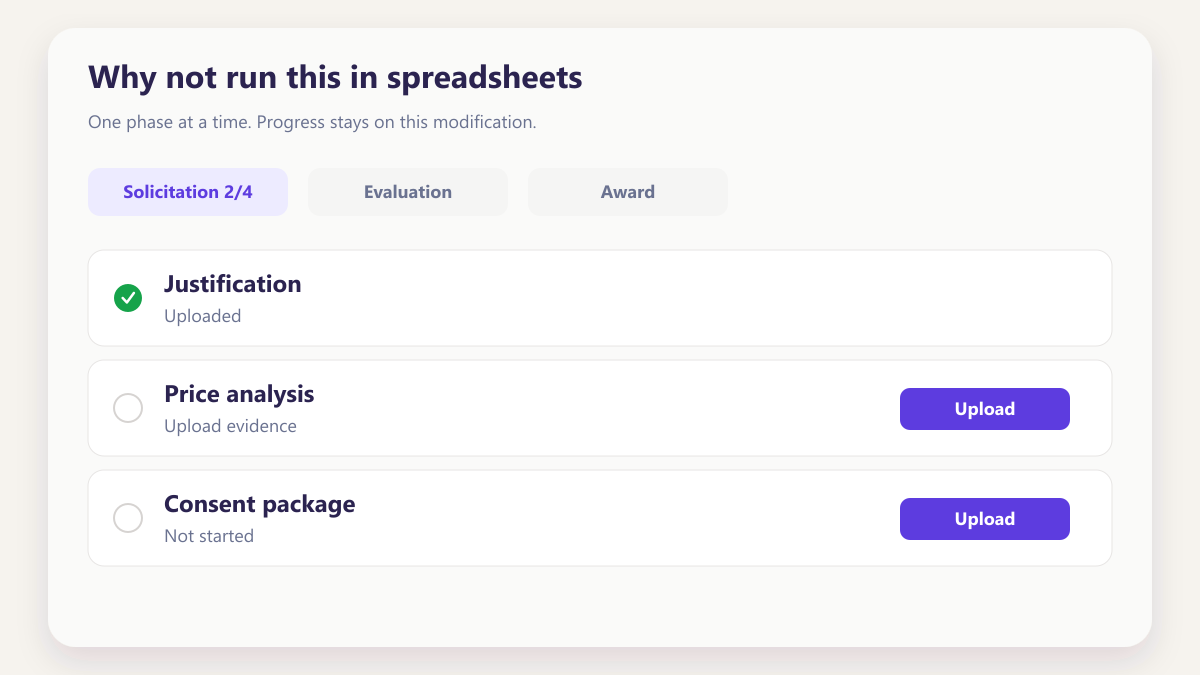
Why not run this in spreadsheets?
Spreadsheets record numbers but not decisions. They cannot show who approved something, when, or what the document looked like at the time, which is exactly what gets asked for months afterwards.
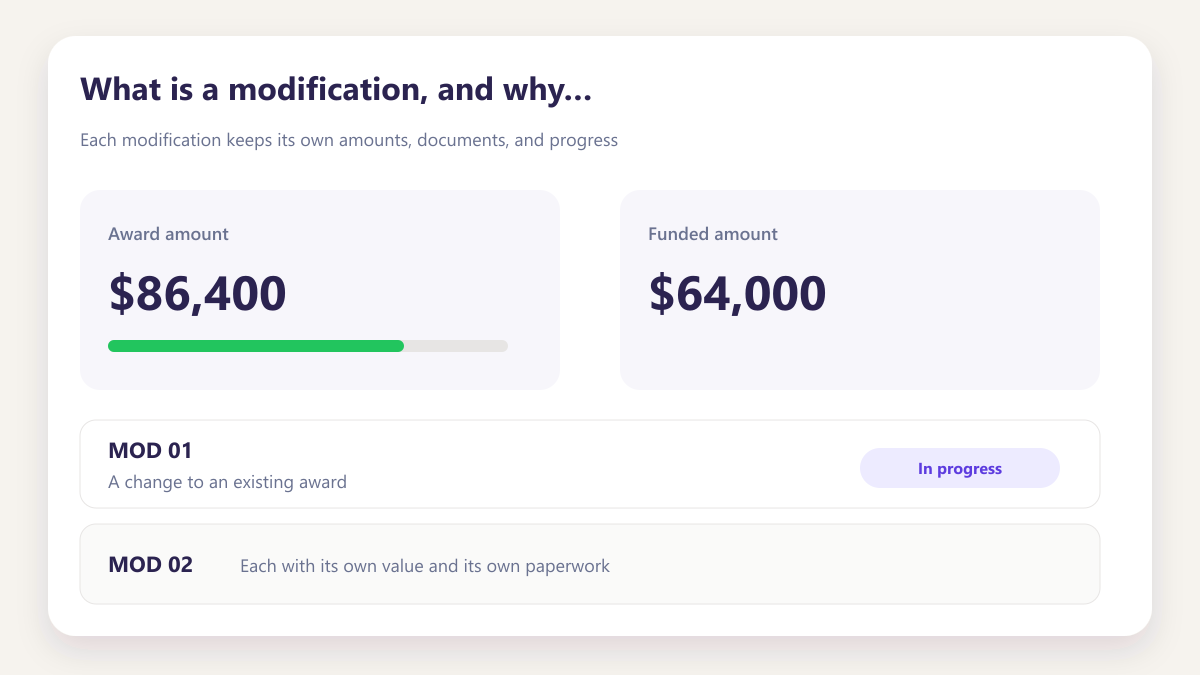
What is a modification, and why track it separately?
A change to an existing award, each with its own value and its own paperwork. Folding modifications into the parent record hides which one a document belongs to, which is where most retrieval problems start.
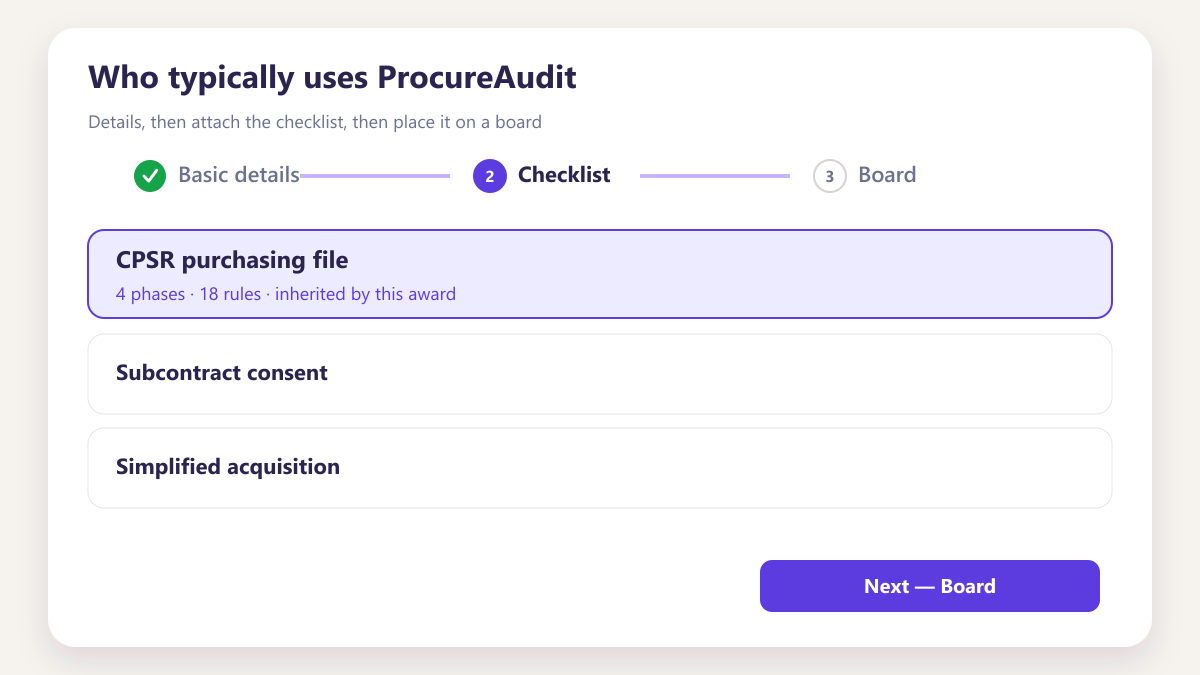
Who typically uses ProcureAudit?
Contract and procurement teams at defence, aerospace, IT services and construction firms, along with the small businesses subcontracting to them who carry the same documentation expectations with fewer people.
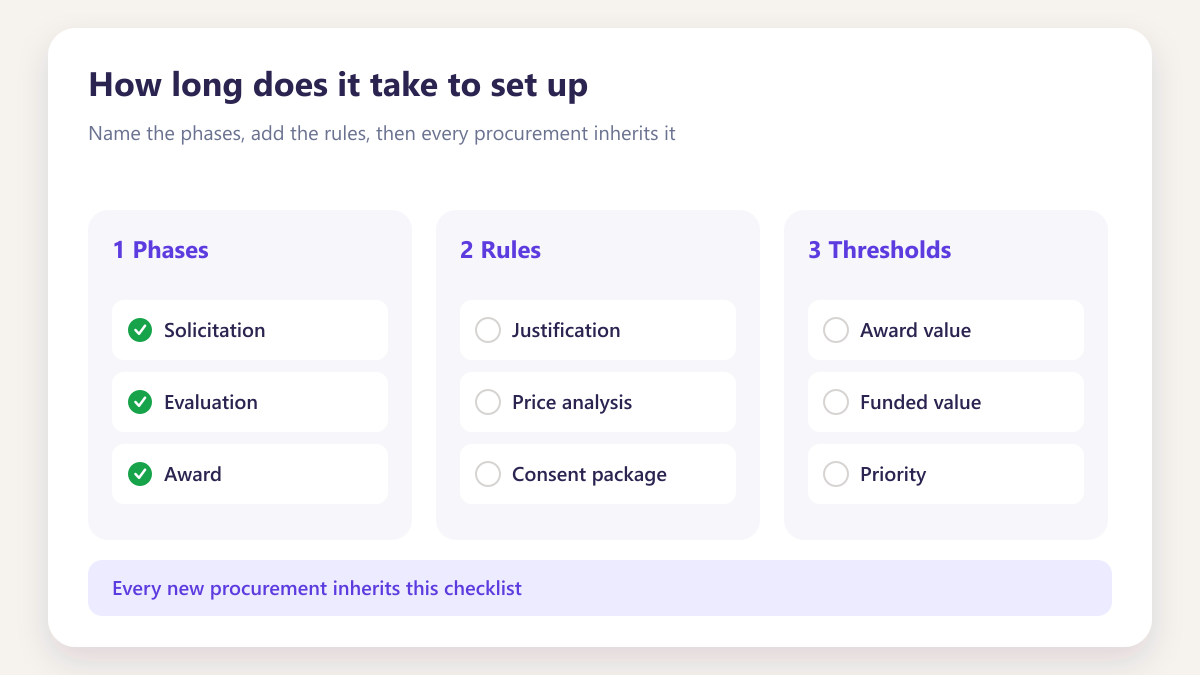
How long does it take to set up?
Most teams build their first checklist template and load an existing procurement in the same afternoon, because documents can be read into records rather than typed in.
See it on your own filePrimes and subcontractors, with different pressures
The workspace is the same. What differs is which phases carry the weight and which documents get asked for.
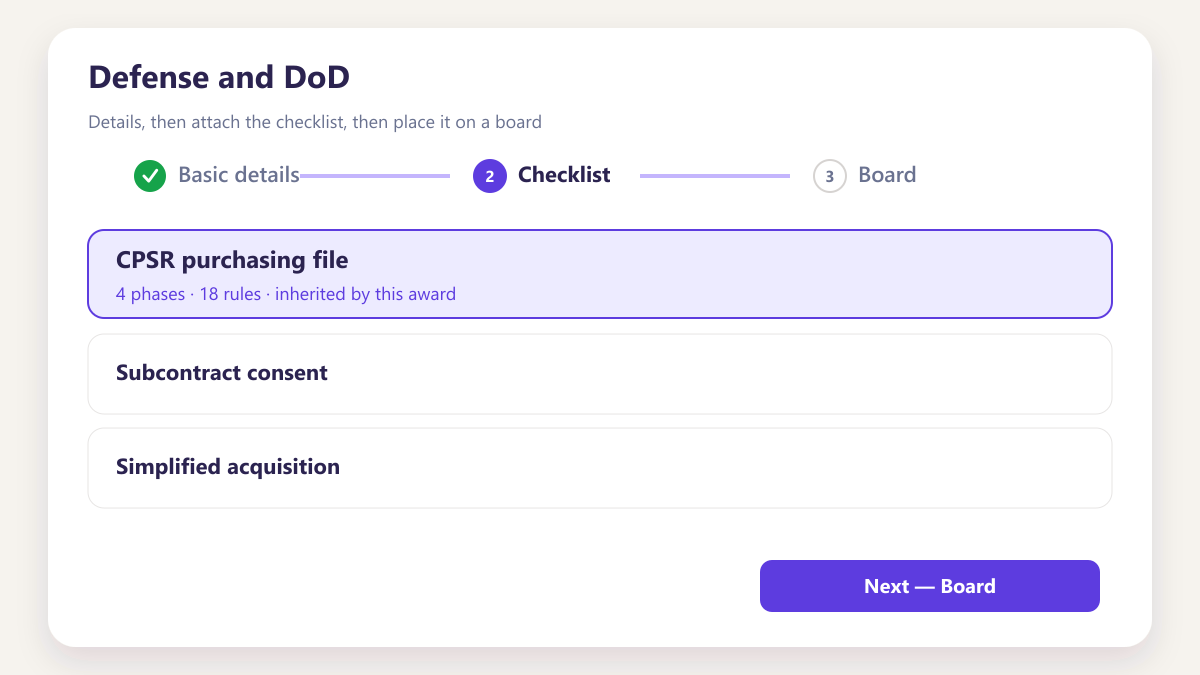
Defense and DoD
Subcontract files, flow downs and modification history across programs, held per procurement rather than per folder.
IT and cybersecurity
Purchasing records for work where the supply chain itself is scrutinised, with evidence retained against each award.
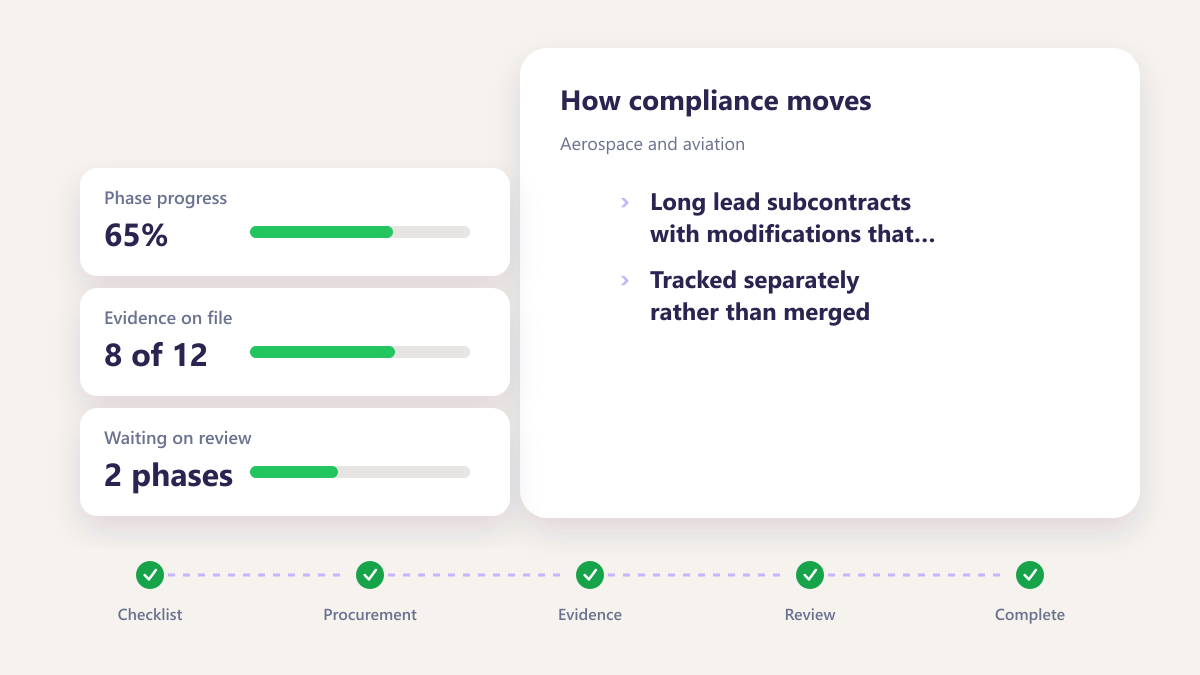
Aerospace and aviation
Long lead subcontracts with modifications that accumulate over years, tracked separately rather than merged.
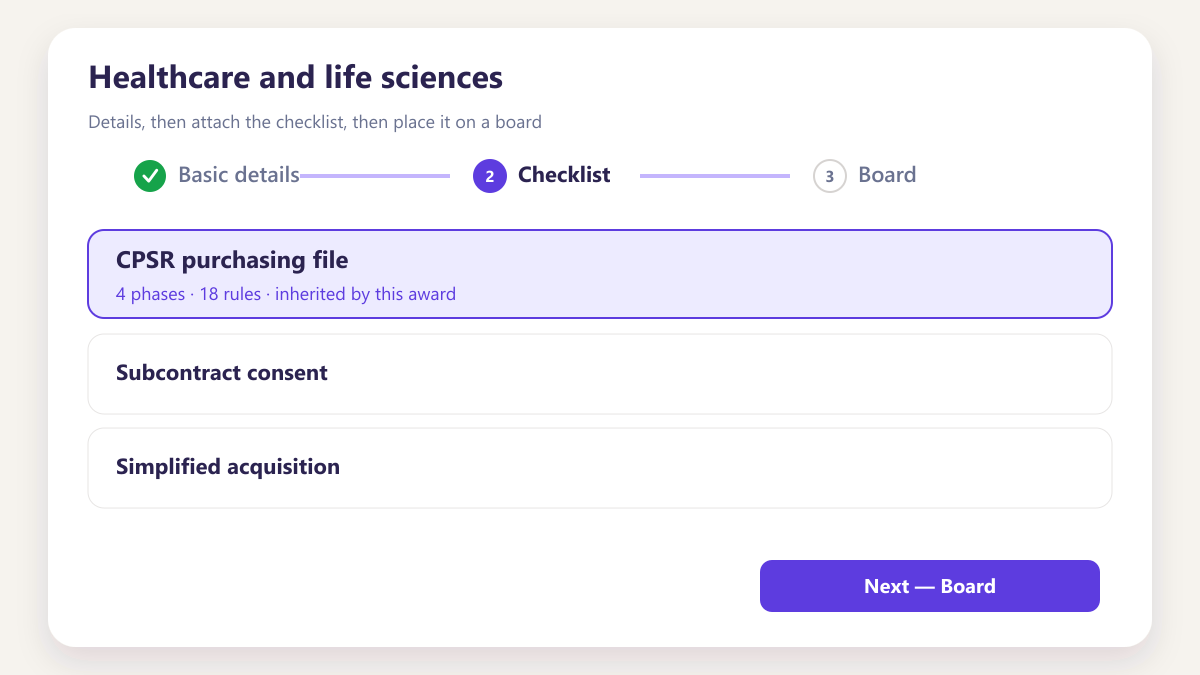
Healthcare and life sciences
Purchasing files for federally funded work, with the documentation each award requires kept alongside it.
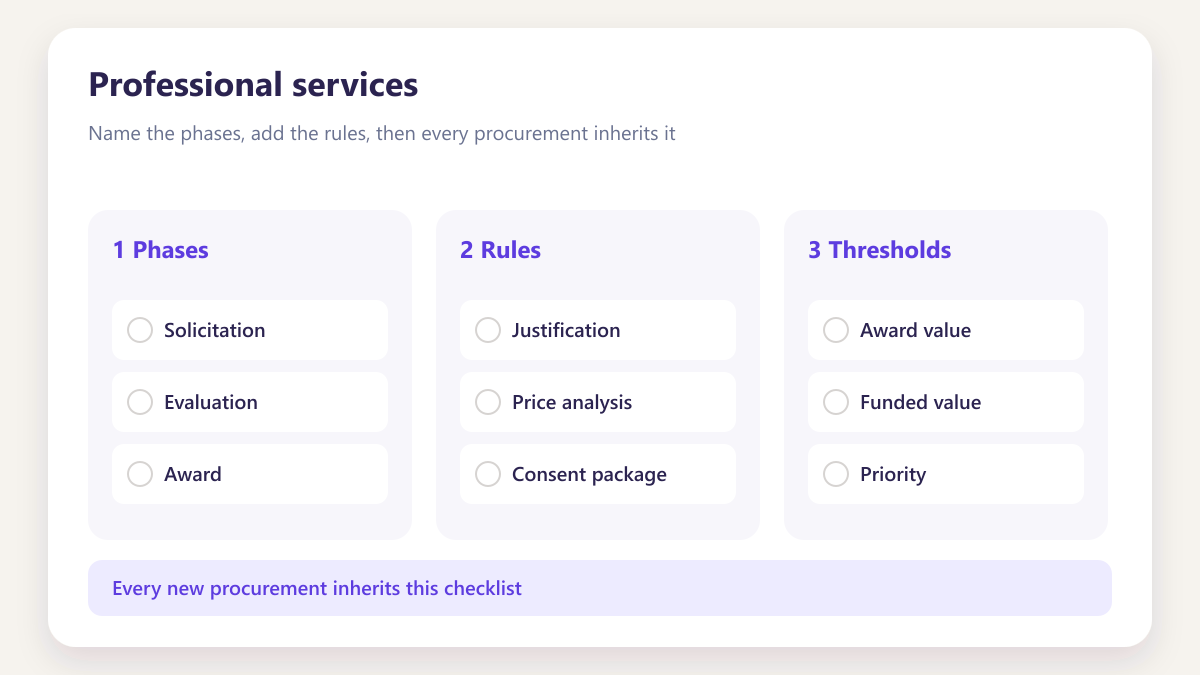
Professional services
Time and materials or fixed price engagements where the purchasing decisions have to be evidenced afterwards.
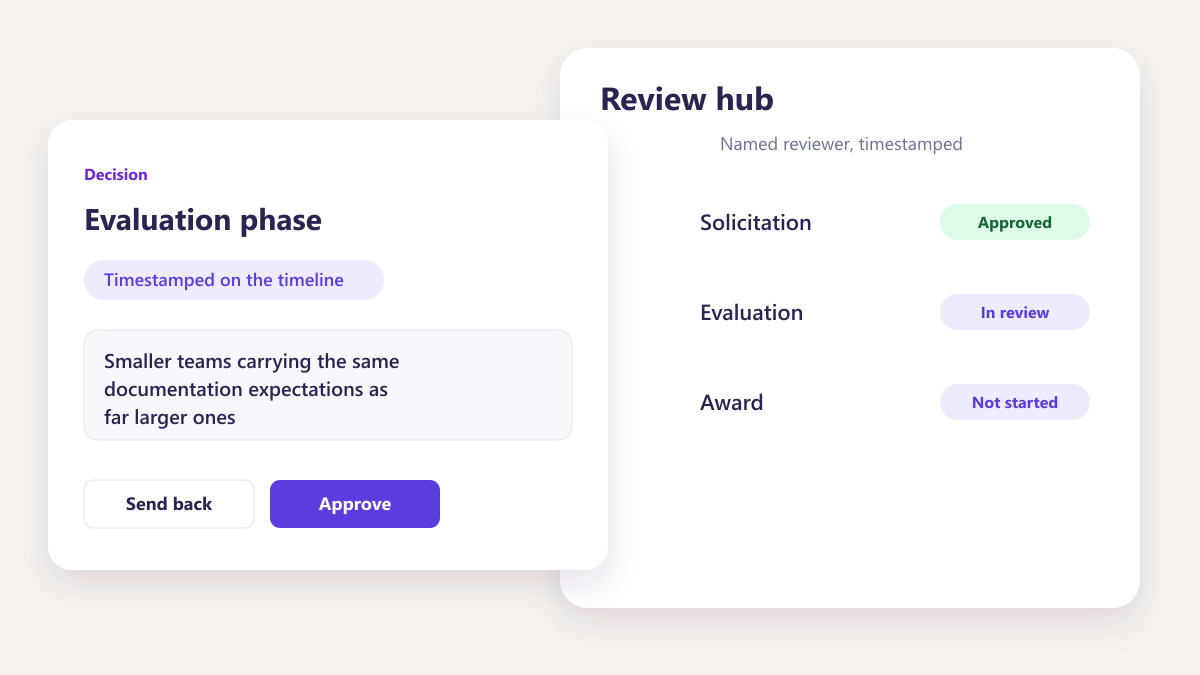
Small business and 8(a)
Smaller teams carrying the same documentation expectations as far larger ones, without the back office to match.
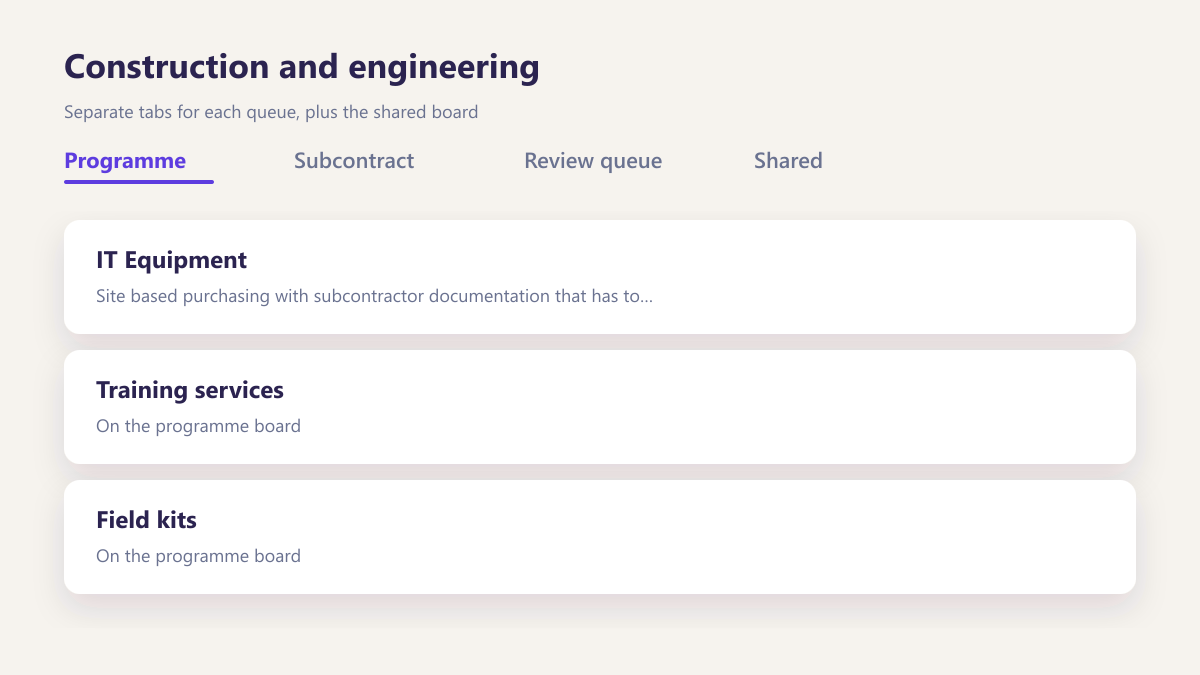
Construction and engineering
Site based purchasing with subcontractor documentation that has to be current before work begins.
Logistics and supply chain
High volume purchasing where delivery records and modifications both need to be retrievable per award.
Somewhere between the two
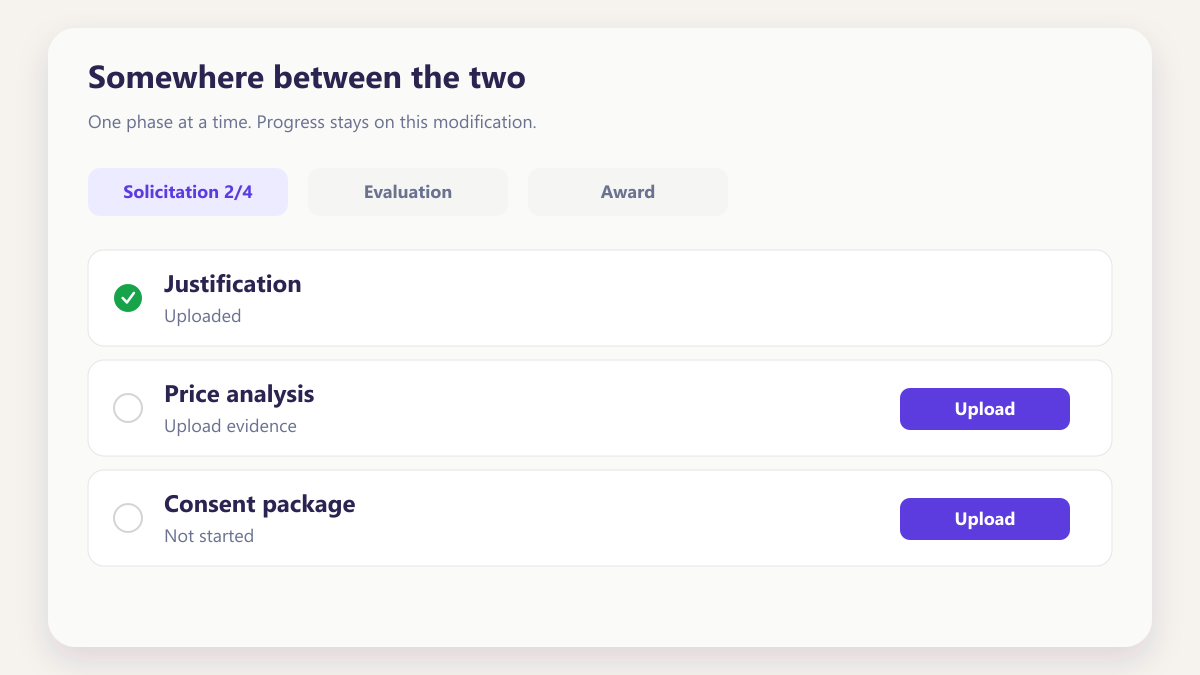
Most contractors are both a prime on some work and a sub on other work. The workspace handles both without separate setups.
Talk it throughProcureAudit handles the file. eProcureAI handles the buying.
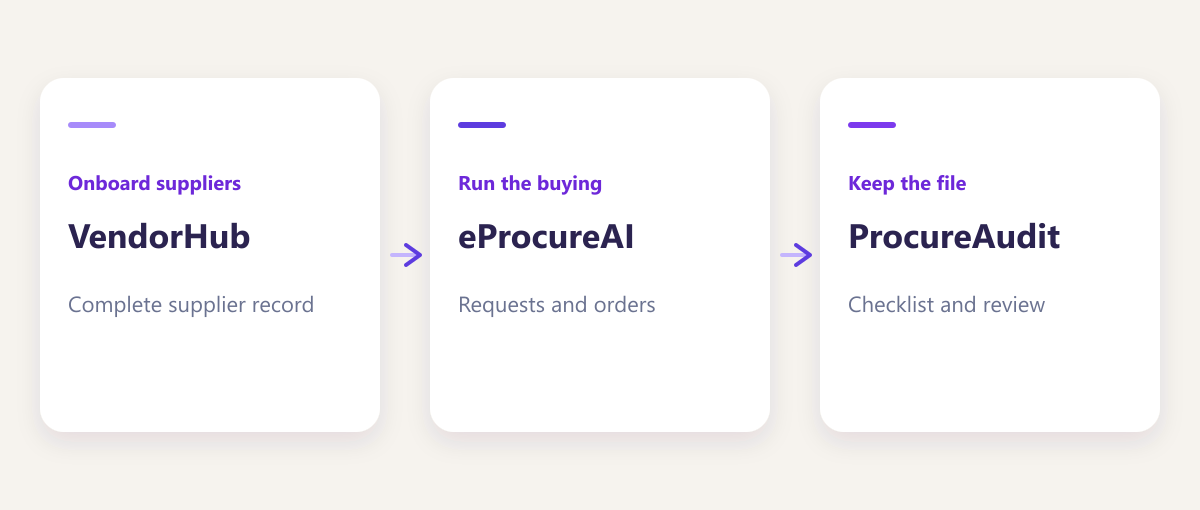
ProcureAudit is built by eProcureAI, alongside the main procurement platform and VendorHub. If the pressure you feel is subcontractor paperwork rather than the purchasing file itself, VendorHub onboards suppliers and hands ProcureAudit a complete record.
Questions we hear often
What is ProcureAudit?
What is the Smart Board?
How does AI extraction work?
Can we build our own checklists?
How are modifications handled?
How does the document drive work?
Can I invite my team?
How does this relate to eProcureAI?
See it on one of your own procurements
Bring a subcontract file you would rather not assemble by hand. We will set it up on the call and show you what the record looks like afterwards.
Book a demo