Home / Features / Team and roles
Team and rolesTeam Roles and Workspace Access for Contract Purchasing
Access that follows the role, not the person
Invite the people who need to see a purchasing file and they get exactly the access their role requires. More than ten role types cover the finance, procurement and support functions that touch this work.
More people than most teams expect
Purchasing files are not handled only by procurement. Finance, program, IT and support functions all appear, and each needs a different amount of access.
Administrators
The small group who configure templates, thresholds and who can do what.
Kept deliberately small, because a template change affects every award created afterwards.
Learn moreFinance managers
Watching award and funded amounts, and reviewing the phases where money is the question.
Usually the reviewer named on the phases that carry a value threshold.
Learn moreProcurement officers
The people placing awards, working through phases and uploading evidence.
The largest group in most workspaces, and the one whose experience decides whether adoption holds.
Learn moreHow access is usually granted
The default pattern in most organisations is to copy somebody's access. It is fast, and it is why nobody can explain the permission structure two years later.
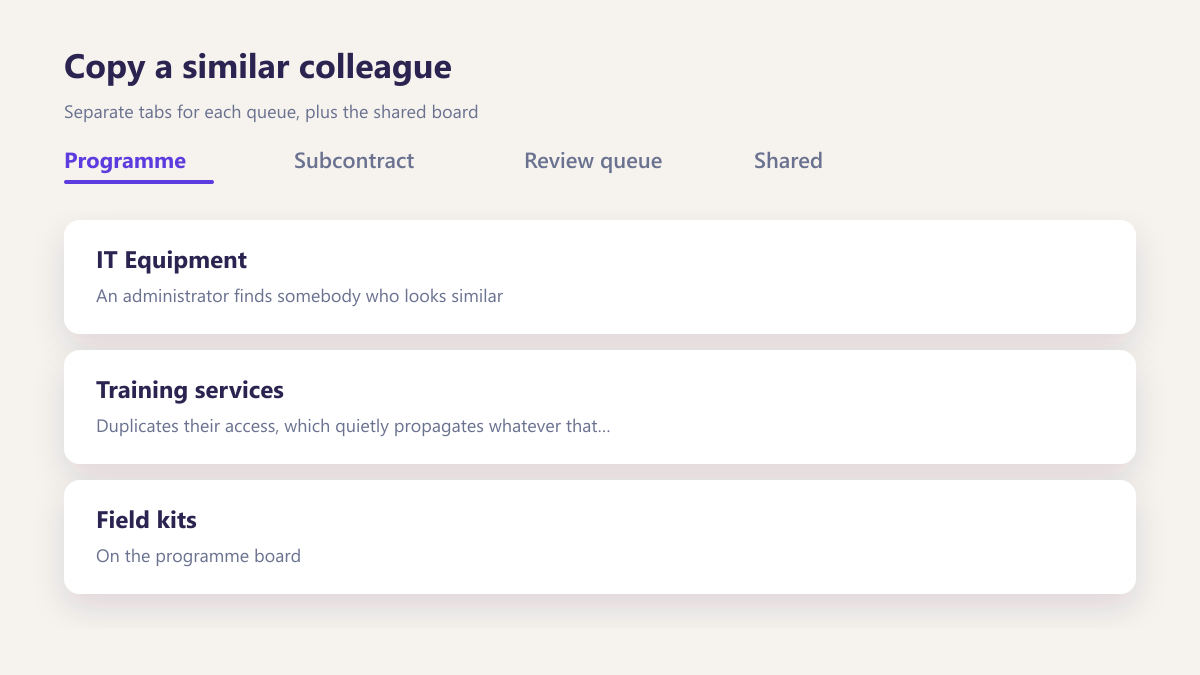
Copy a similar colleague
An administrator finds somebody who looks similar and duplicates their access, which quietly propagates whatever that person had accumulated.
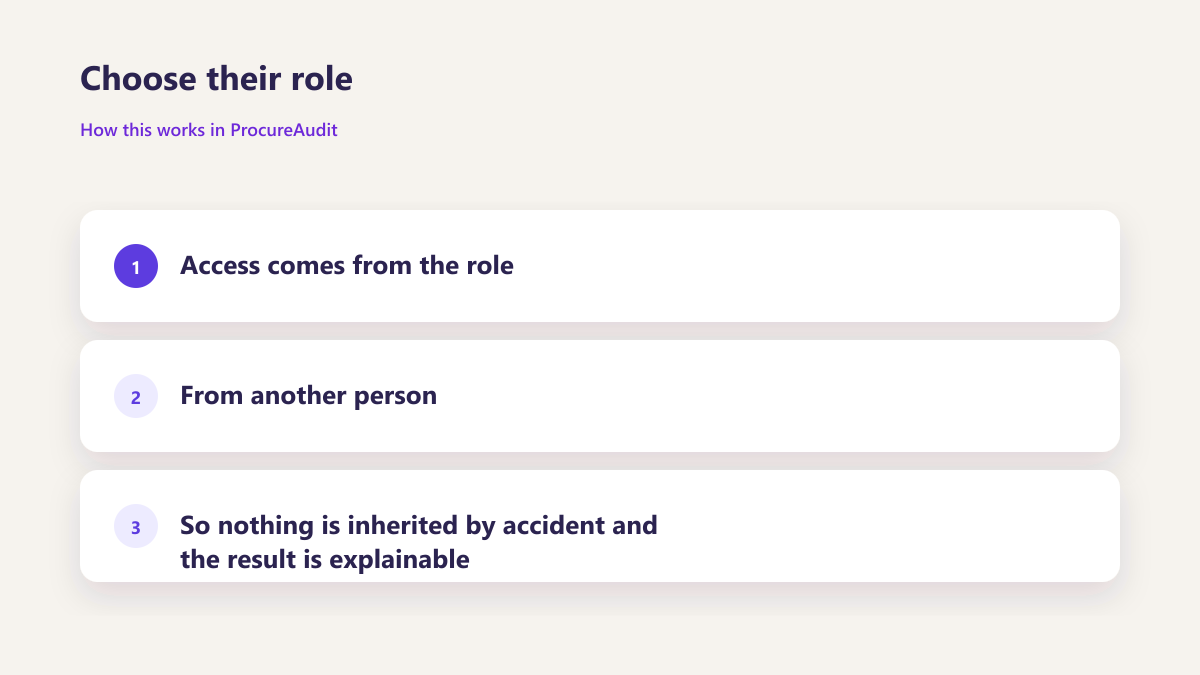
Choose their role
Access comes from the role rather than from another person, so nothing is inherited by accident and the result is explainable.
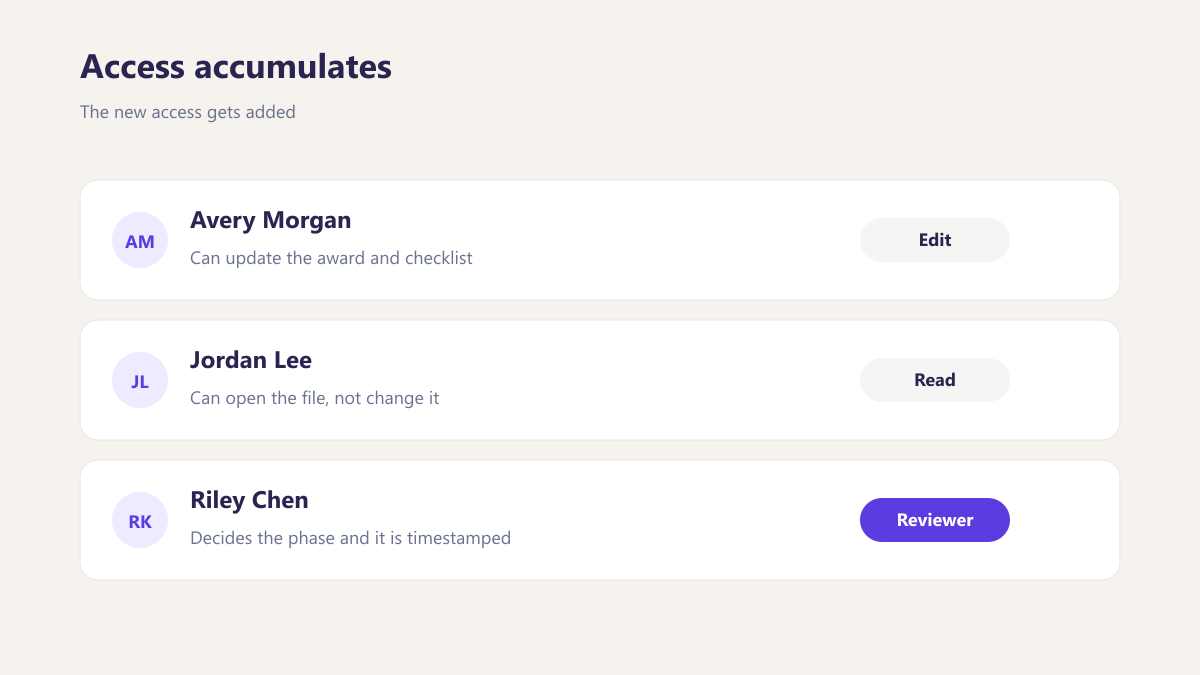
Access accumulates
The new access gets added and the old access rarely gets removed, so people gradually acquire permissions from every job they have held.
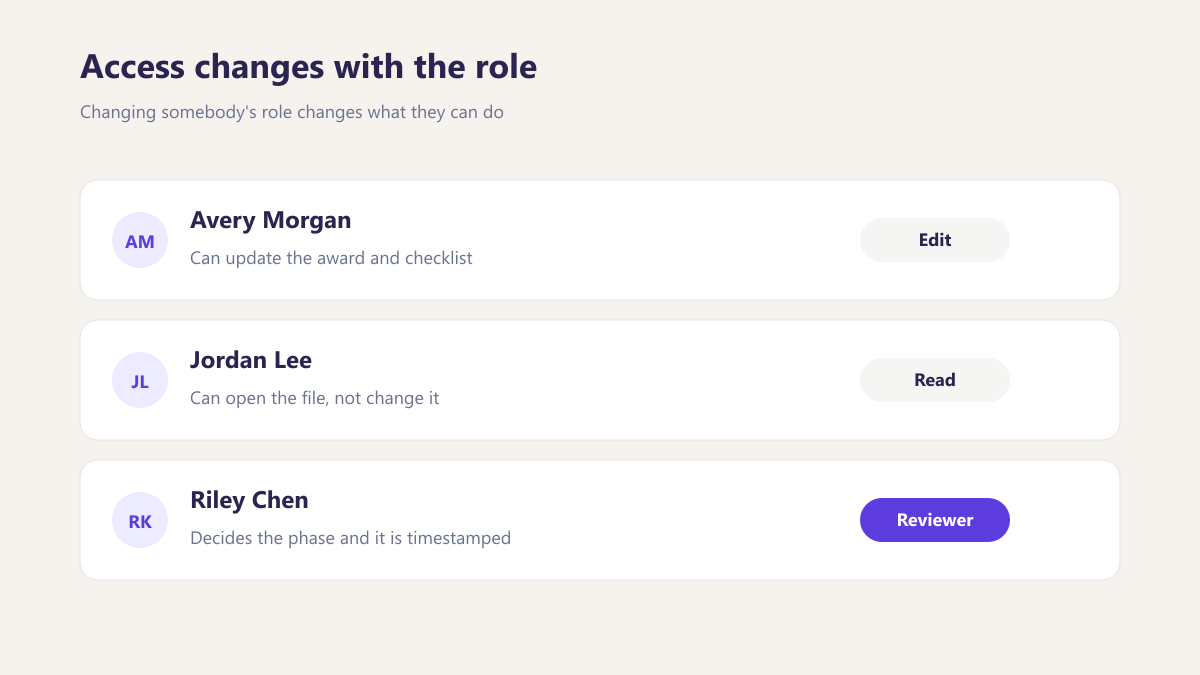
Access changes with the role
Changing somebody's role changes what they can do, so nobody carries permissions from a position they left.
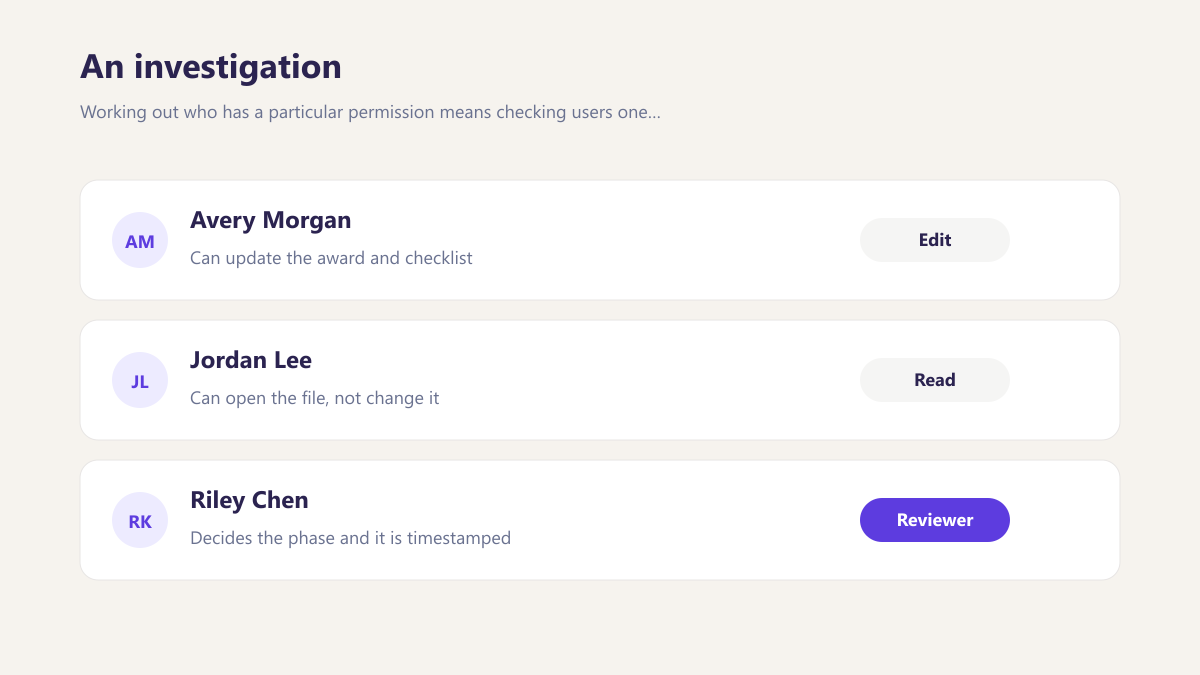
An investigation
Working out who has a particular permission means checking users one at a time, which is why the honest answer is usually that nobody is certain.
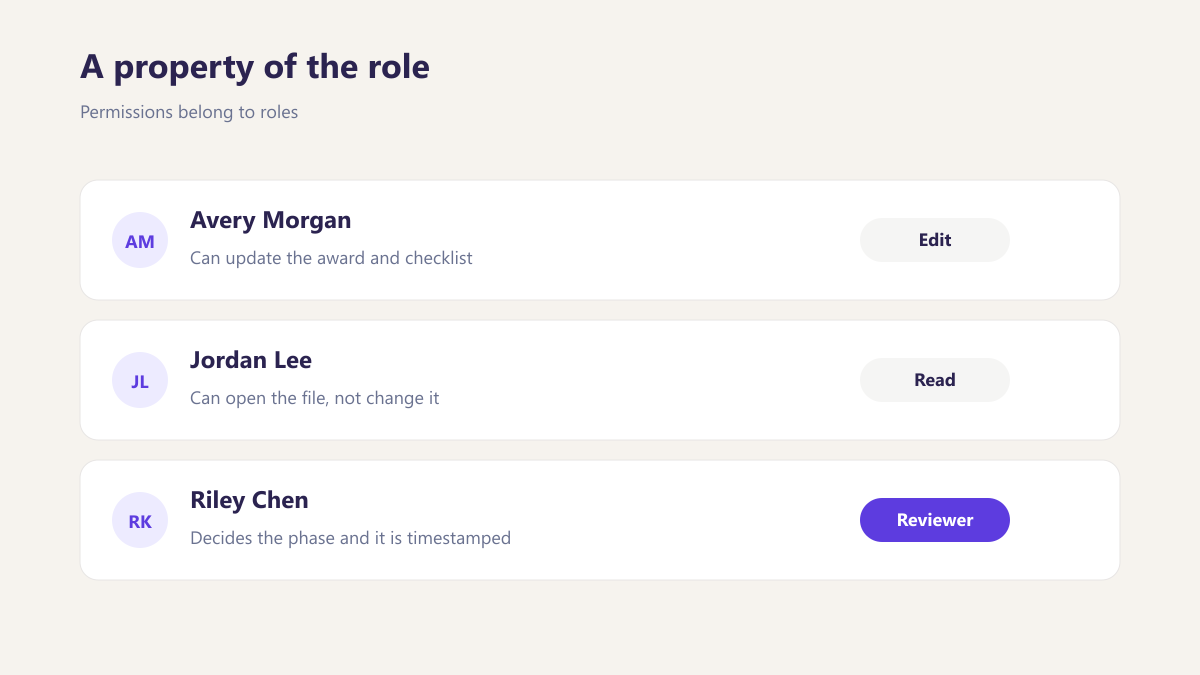
A property of the role
Permissions belong to roles, so the question of who can do something is answered by looking at who holds that role.
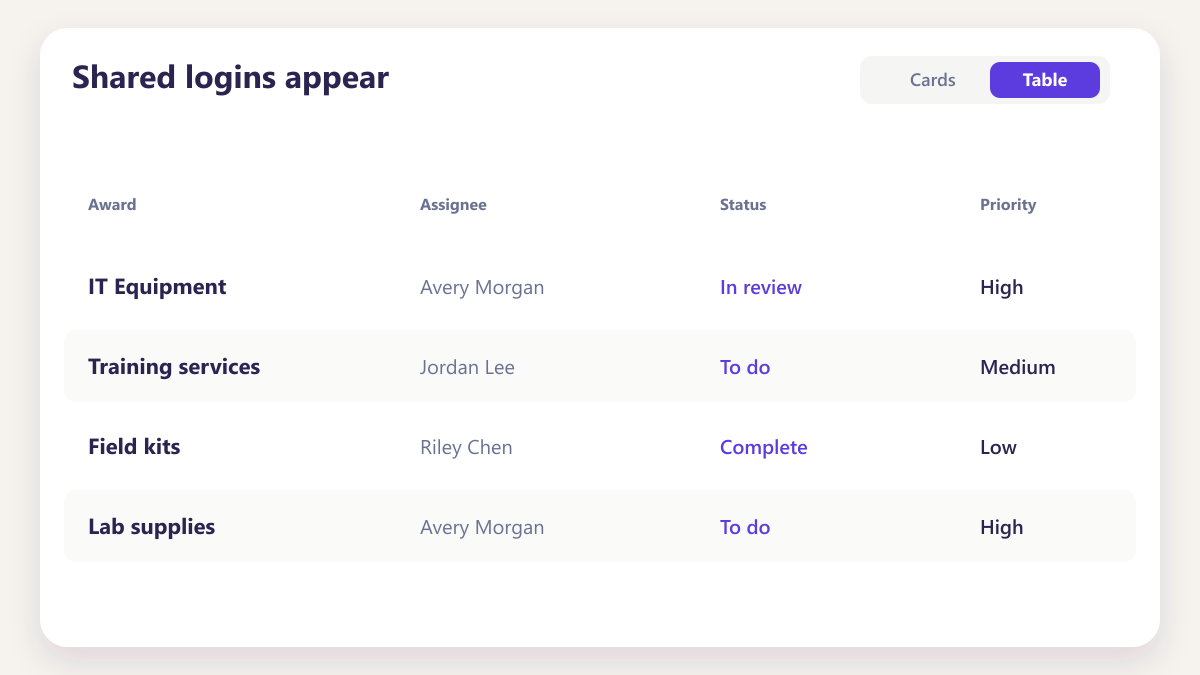
Shared logins appear
When access is awkward to grant, teams share accounts, and the activity record stops being able to name who actually did anything.
Always a named person
Access is easy enough to grant properly that there is no reason to share a login, and every action carries a name.
Three outcomes from role based access
Three outcomes from role based access
An activity trail is only useful if each entry names a person. Access that is straightforward to grant removes the reason teams share logins in the first place.
- The activity record stays worth having
- Permission creep stops happening
- Onboarding takes minutes
The activity record stays worth having
An activity trail is only useful if each entry names a person. Access that is straightforward to grant removes the reason teams share logins in the first place.
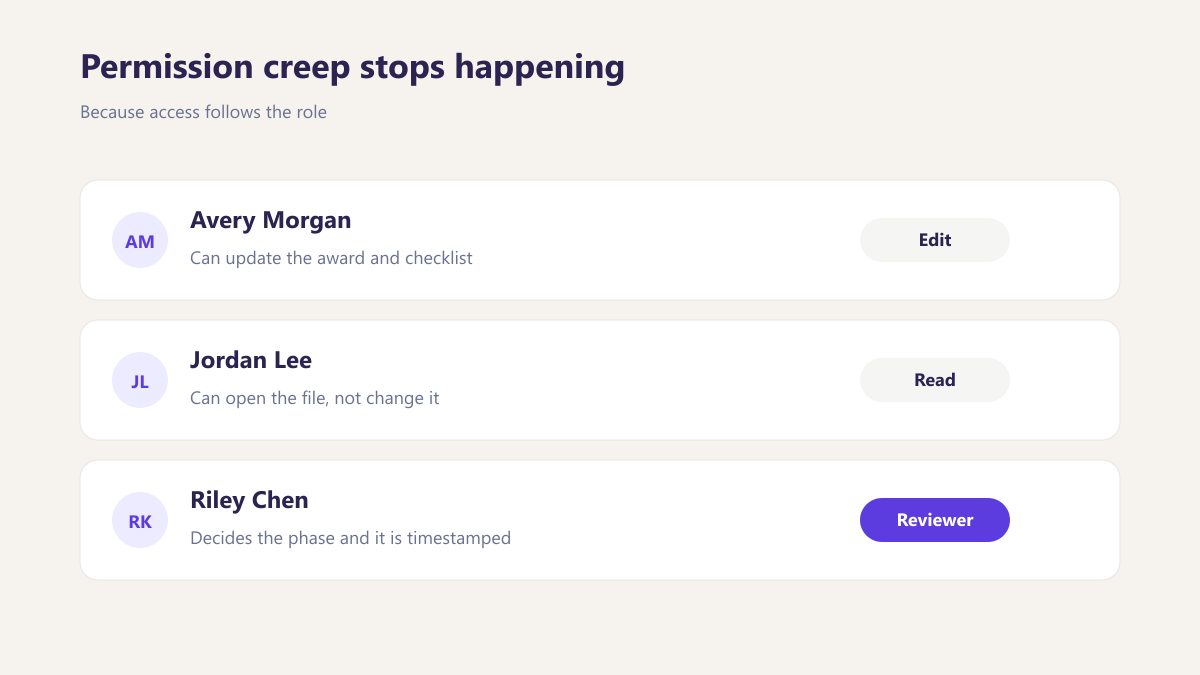
Permission creep stops happening
Because access follows the role rather than the person, moving between jobs updates what somebody can do instead of adding to it.
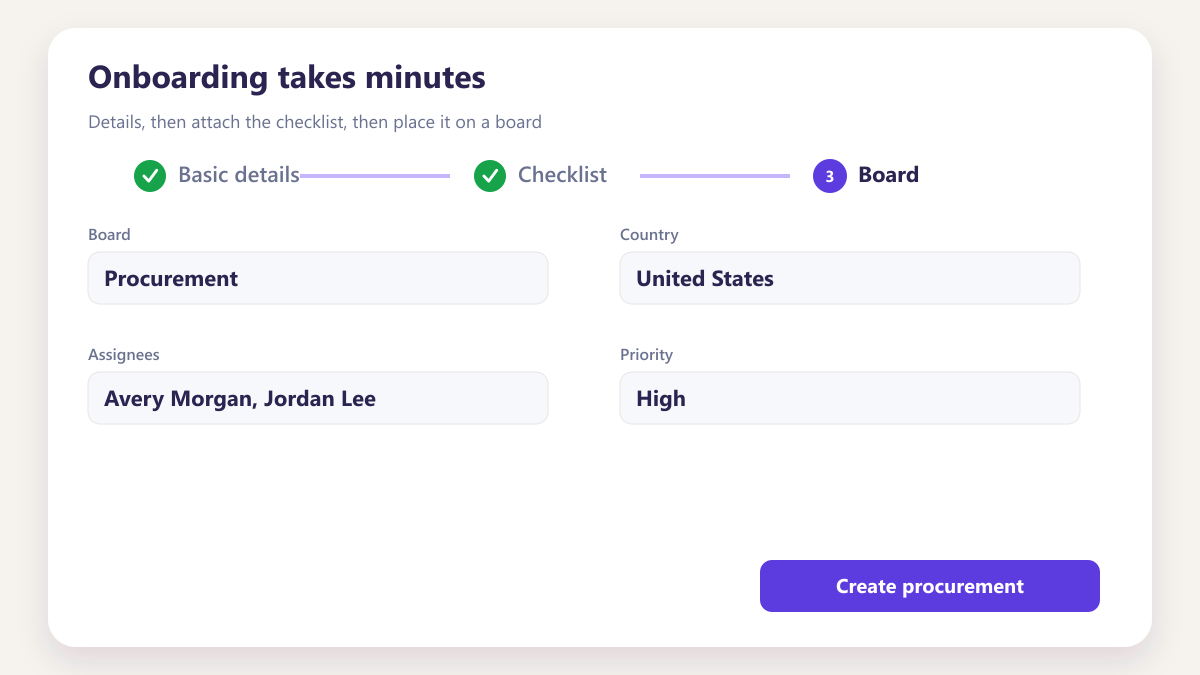
Onboarding takes minutes
Invitation by email with a role selected, and the workspace is shared as soon as it is accepted. There is no configuration session to schedule.
Three things worth seeing
Role based access sounds abstract until you watch what it does when somebody joins, moves or hands work over.
Join, move, hand over — three things worth seeing.
Role-based access is abstract until you watch what happens when somebody joins, changes seat or hands work across. The workspace is shared with the access the role requires already applied.
- Invited by email and working the same day
- Access follows when somebody moves role
- Handovers keep history readable for both people
Invited by email, working the same day
You enter a name, an email and a role. They accept and the workspace is shared, with the access their role requires already applied.
- No configuration session to schedule
- No copying access from a colleague
- Workspace shared as soon as they accept
- Productive the day they are invited
Changing the role changes what they can do
When somebody moves between functions their role changes, and the access changes with it rather than being added to what they already had.
- Old access removed rather than retained
- New access applied from the role
- No accumulation across previous jobs
- The structure stays explainable
Reassignment recorded rather than silent
When an award moves to a colleague, the reassignment is logged with both names, so the record shows who carried it at each point rather than only who holds it now.
- Reassignment logged with a timestamp
- Both names retained in the history
- Nothing about the record changes
- Context preserved for whoever reads it later
Five steps, usually inside an hour
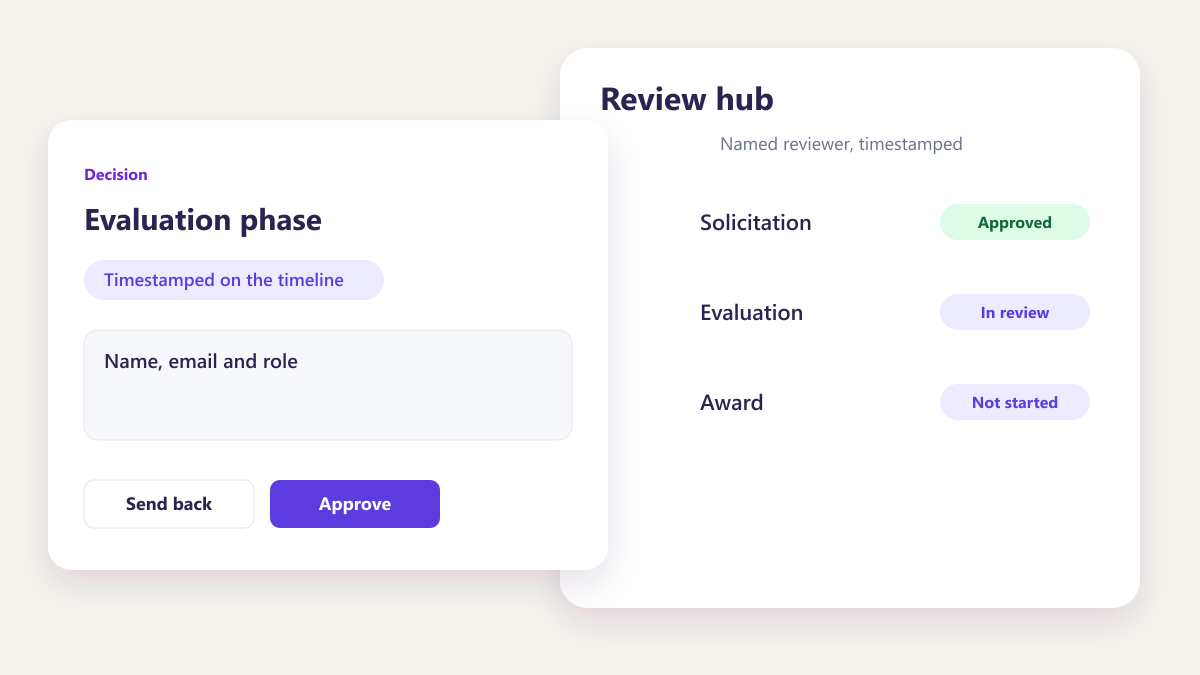
Invite by email
Name, email and role. The workspace is shared as soon as they accept.
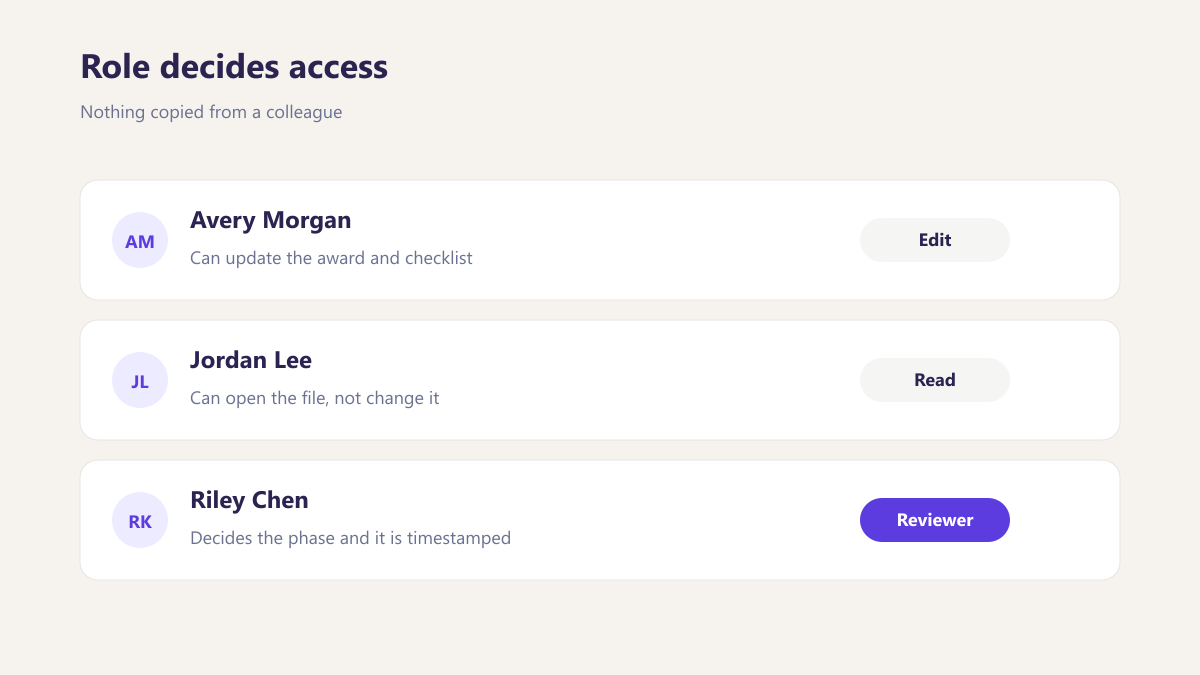
Role decides access
Nothing copied from a colleague, so nobody inherits permissions they should not have.
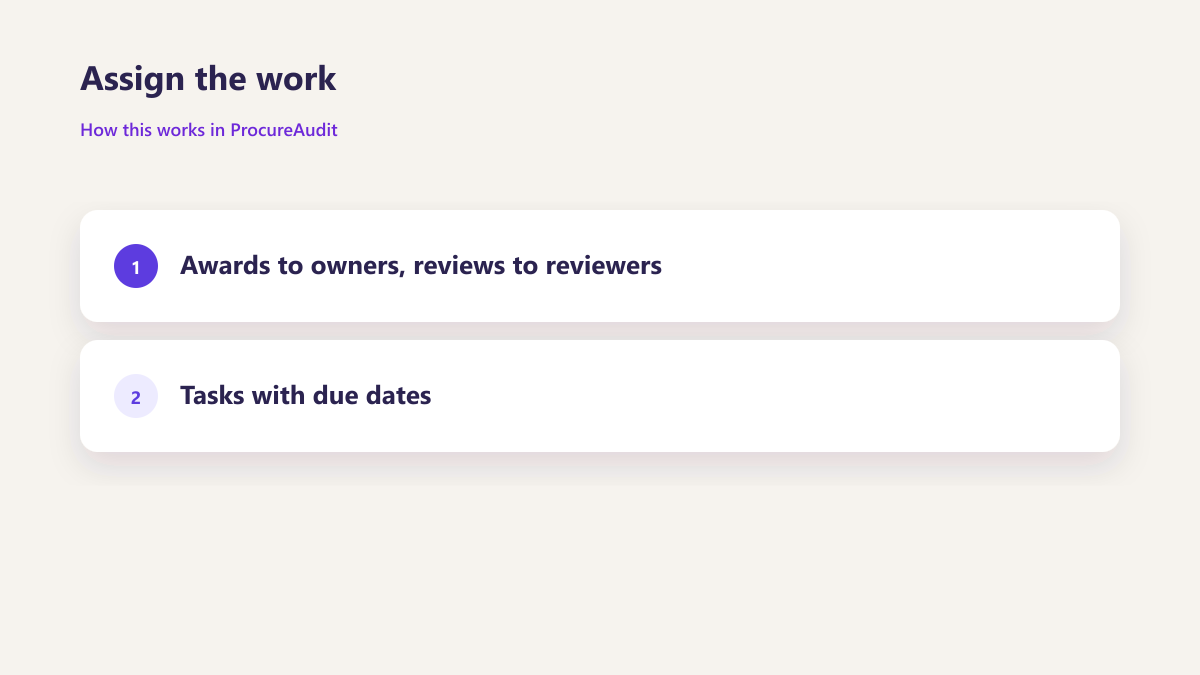
Assign the work
Awards to owners, reviews to reviewers, tasks with due dates.
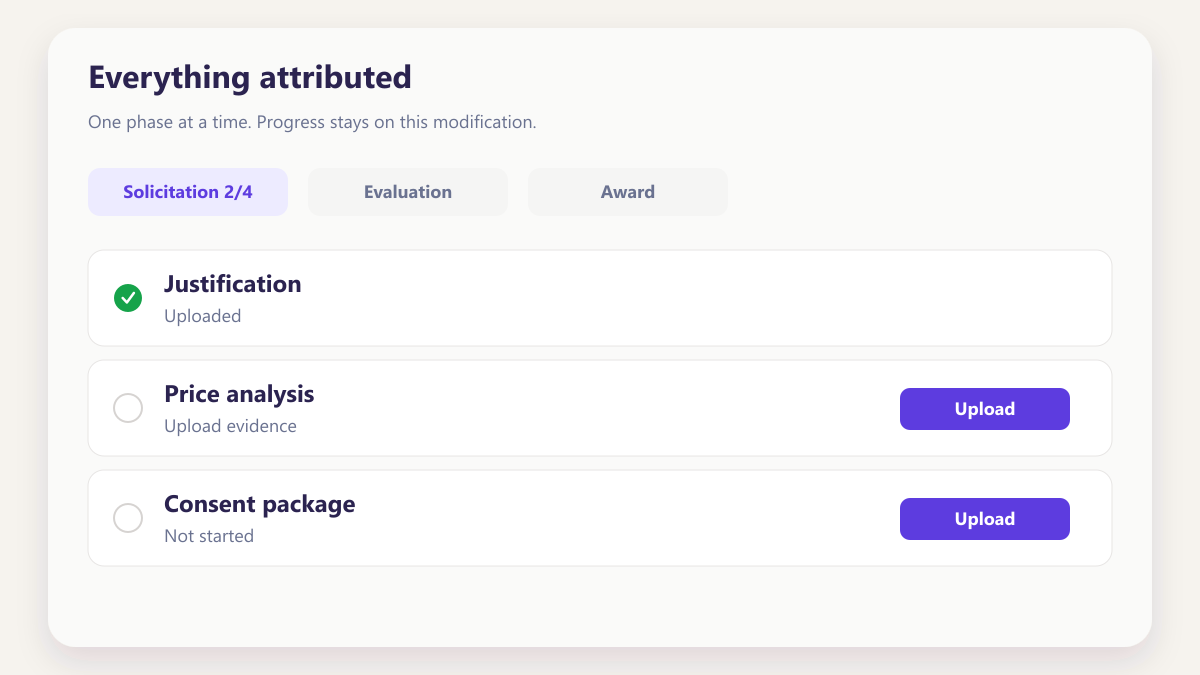
Everything attributed
Each action carries a name and a time, which is what makes the record useful later.
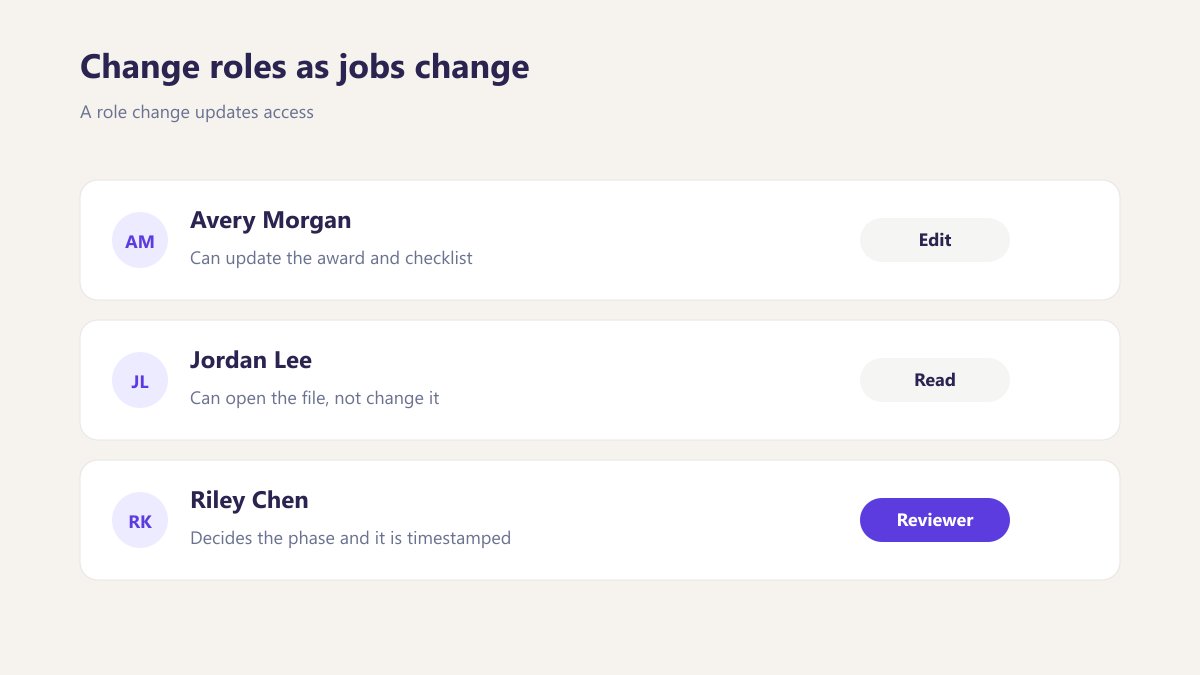
Change roles as jobs change
A role change updates access rather than requiring a new account.
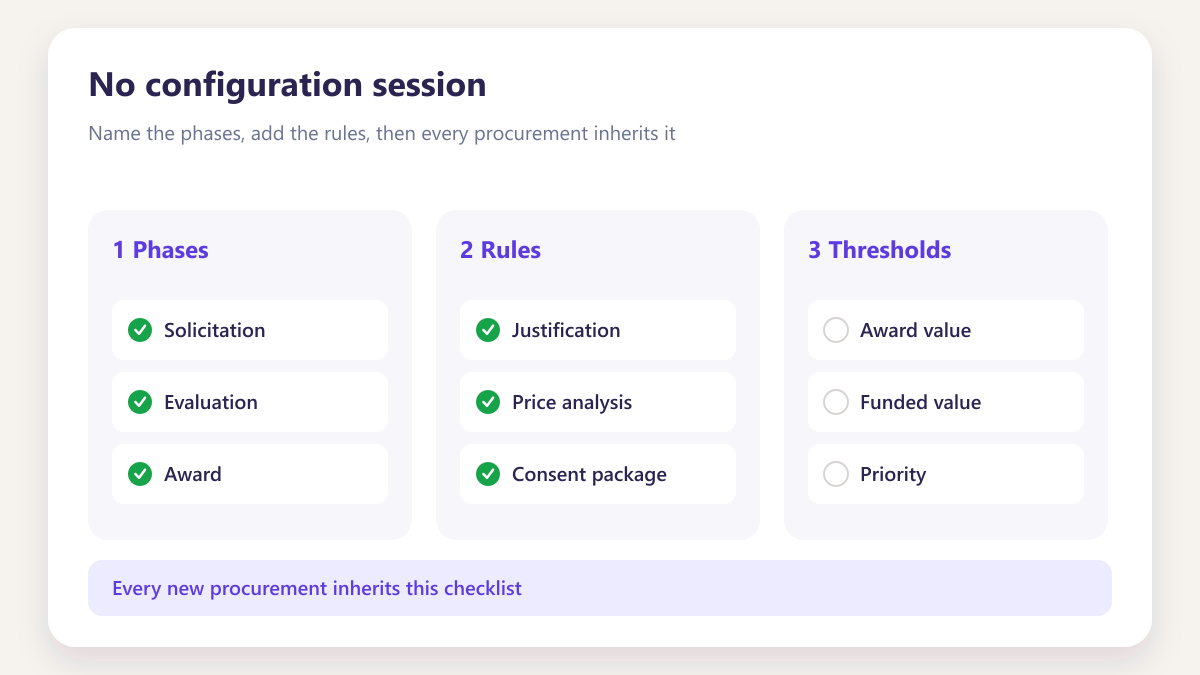
No configuration session
Most teams are working the same day they are invited.
Four groups, four levels of access
Full working access
Creates awards, works through phases, uploads evidence and owns records.
Review and visibility
Reviews value related phases and watches award against funded amounts.
Read and assign
Sees progress across a program and reassigns work without touching evidence.
Narrow scope
IT and admin support functions with the access their specific job requires and nothing more.
Questions about team and roles
How many role types are there?
How does somebody get access?
Can we change somebody's role later?
Is every action attributed?
What happens when work is handed over?
Can somebody have access to one program only?
What happens when somebody leaves?
Other parts of the same workspace
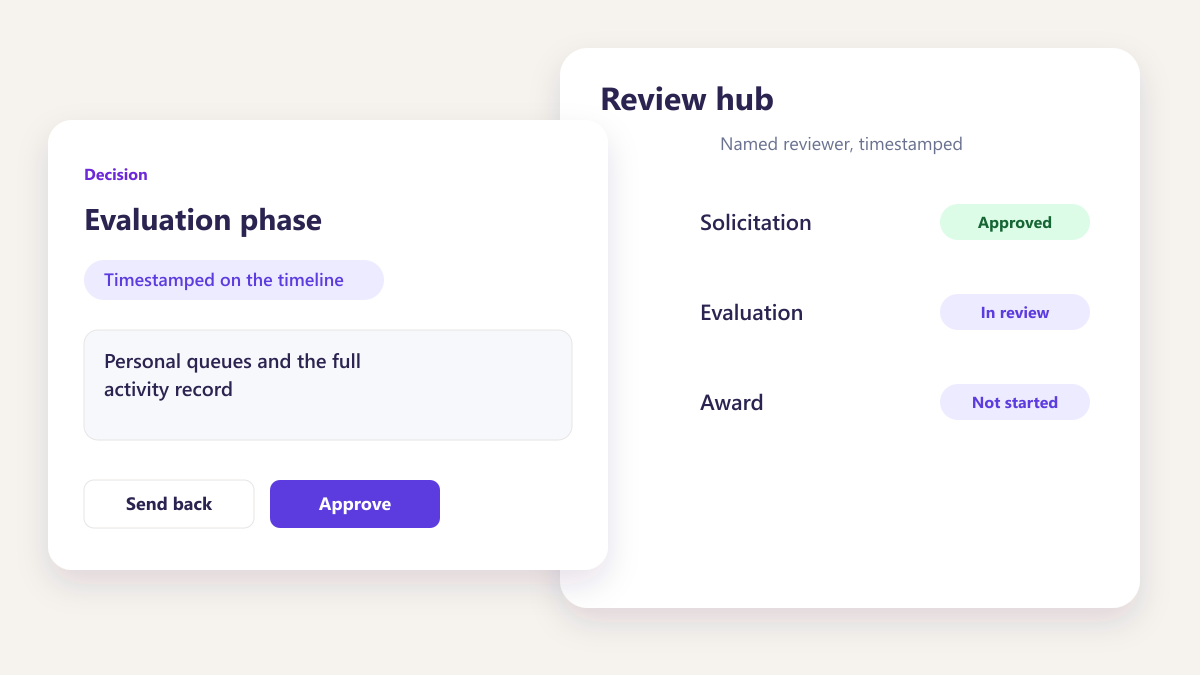
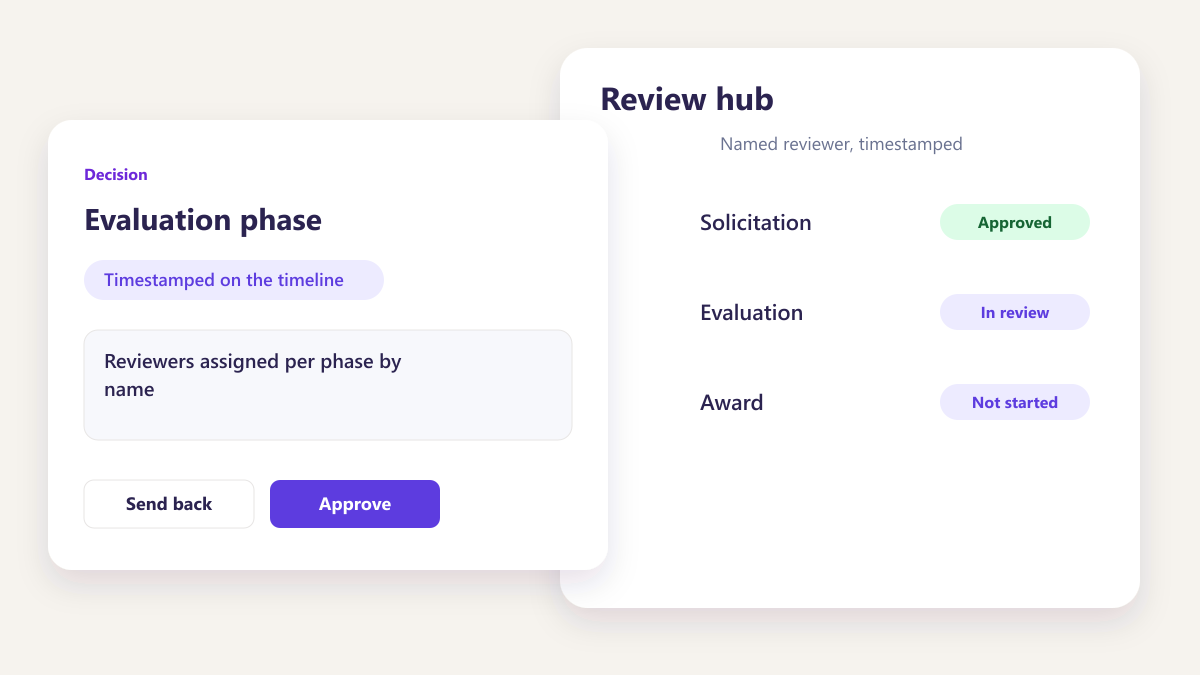
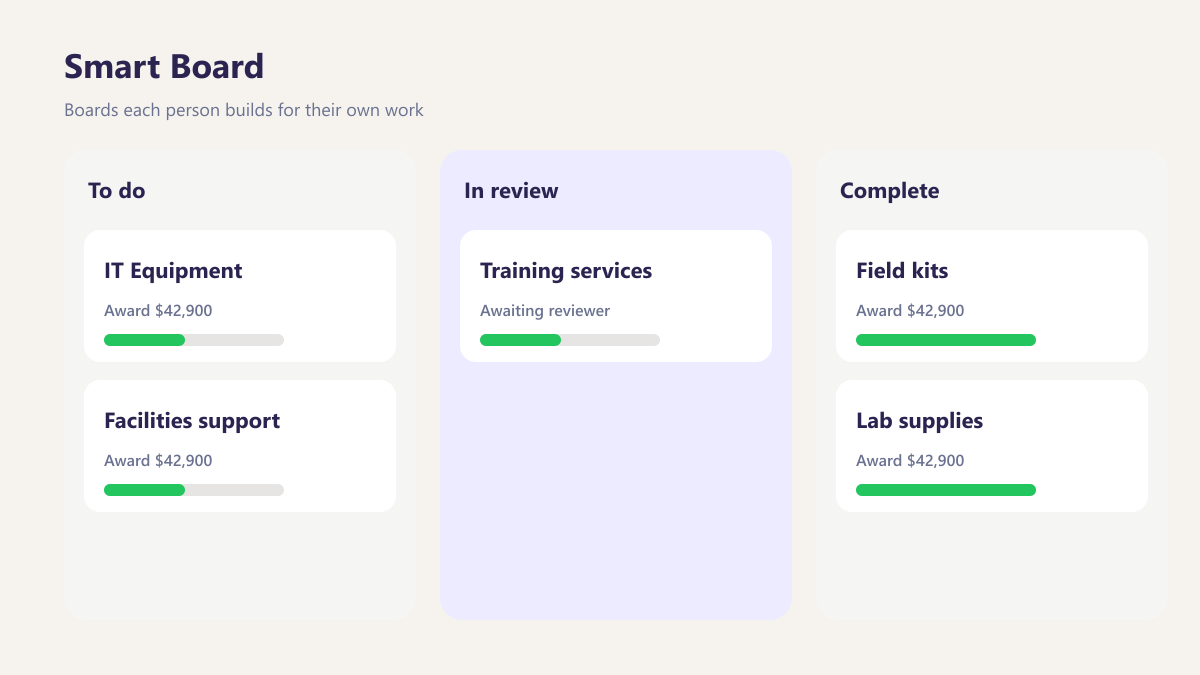
Map your team on the call
Tell us who touches a purchasing file in your organisation and we will show what each of them would actually see.
Book a demo