See every award,
the way you work
Smart Board is where contract teams see live subcontracts, purchase requests and approvals in one place. Each person builds the arrangement that fits their work, and a shared default board keeps the organisation on one picture.
Visibility that keeps the record moving
A purchasing file rarely fails loudly. Work stops, nobody notices, and the gap turns up when somebody asks for the file. This is how that gets caught while it is still cheap.
Visibility that keeps the record moving
A purchasing file rarely fails loudly. Work stops, nobody notices, and the gap turns up when somebody asks for the file. This is how that gets caught while it is still cheap.
- Stalled awards surface early
- Private trackers stop appearing
- Status questions stop arriving
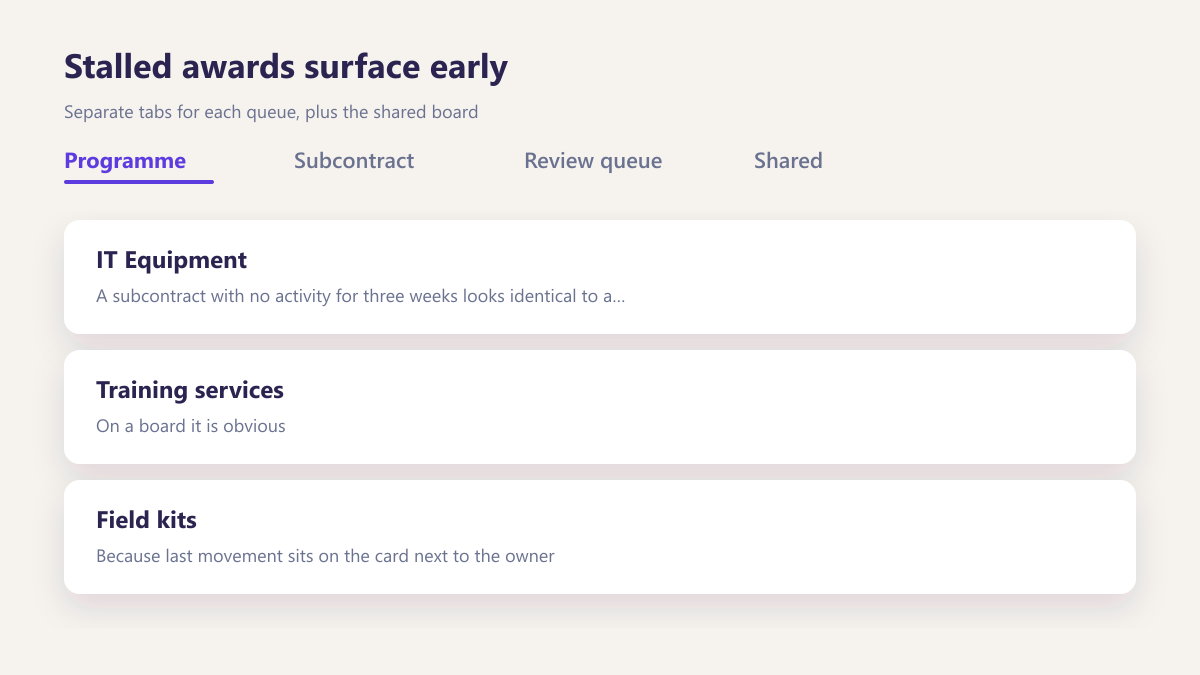
Stalled awards surface early
A subcontract with no activity for three weeks looks identical to a healthy one in a spreadsheet. On a board it is obvious, because last movement sits on the card next to the owner.
Private trackers stop appearing
Shadow spreadsheets exist because a shared view could not answer somebody's question. When each person builds their own board, that reason disappears entirely.
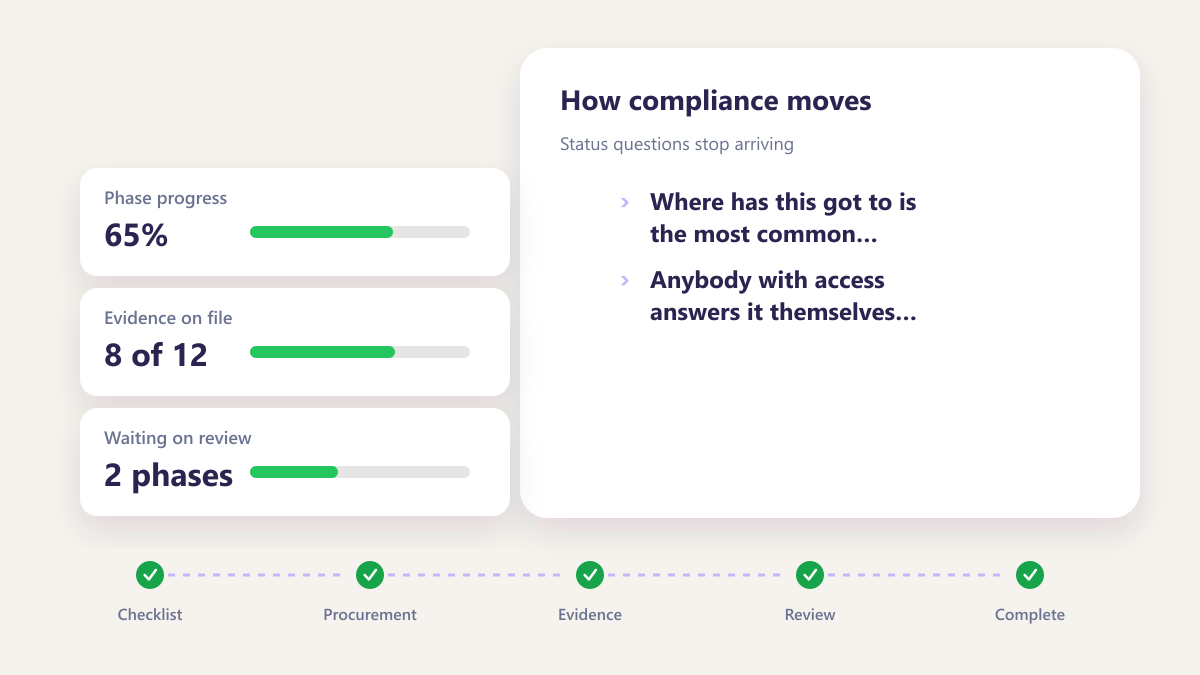
Status questions stop arriving
Where has this got to is the most common internal email in contract purchasing. Anybody with access answers it themselves without interrupting the person who is busiest.
What most contract teams use today, and what replaces it
Almost every organisation we speak to runs boards in a spreadsheet. It works until two things happen at once.
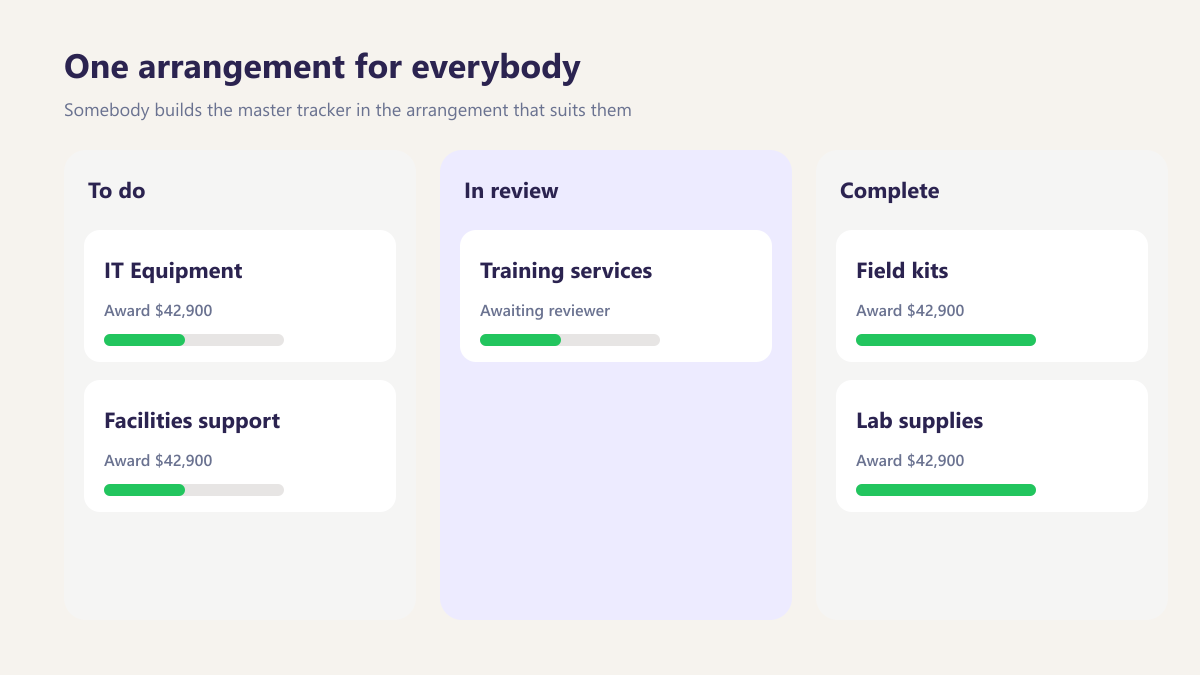
One arrangement for everybody
Somebody builds the master tracker in the arrangement that suits them. It suits nobody else, so within a month there are private copies that disagree with it and with each other.
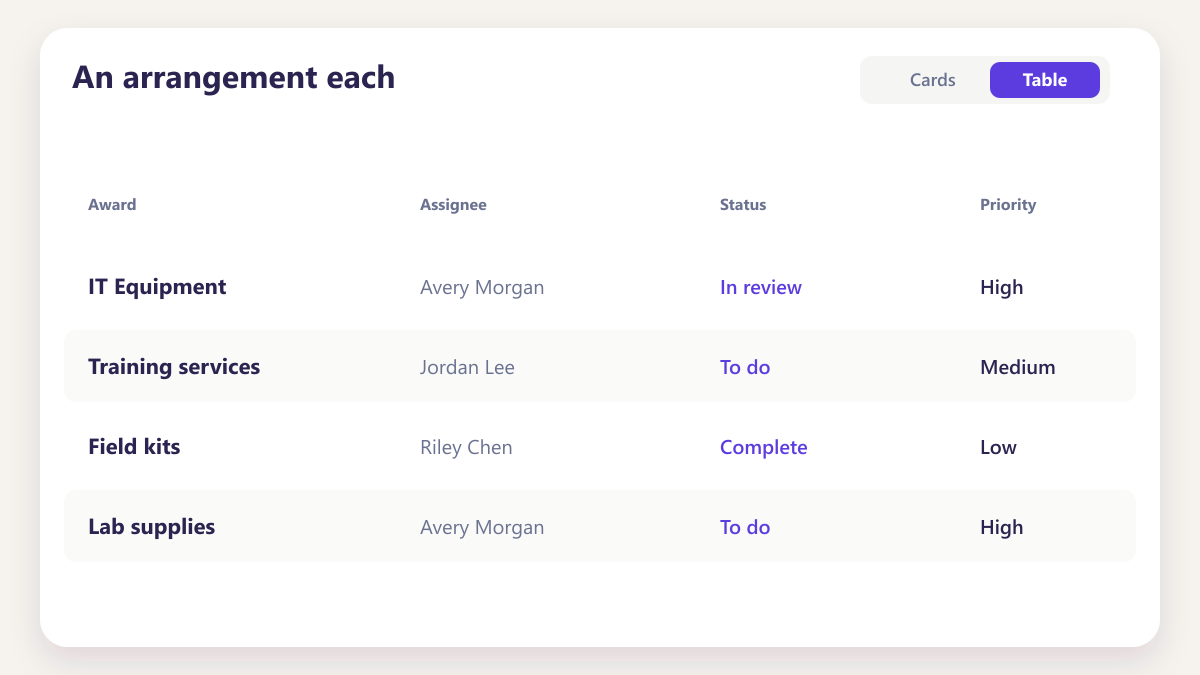
An arrangement each
Buyers, reviewers and managers each build their own board from the same underlying records, so there is no reason to keep a private copy of anything.
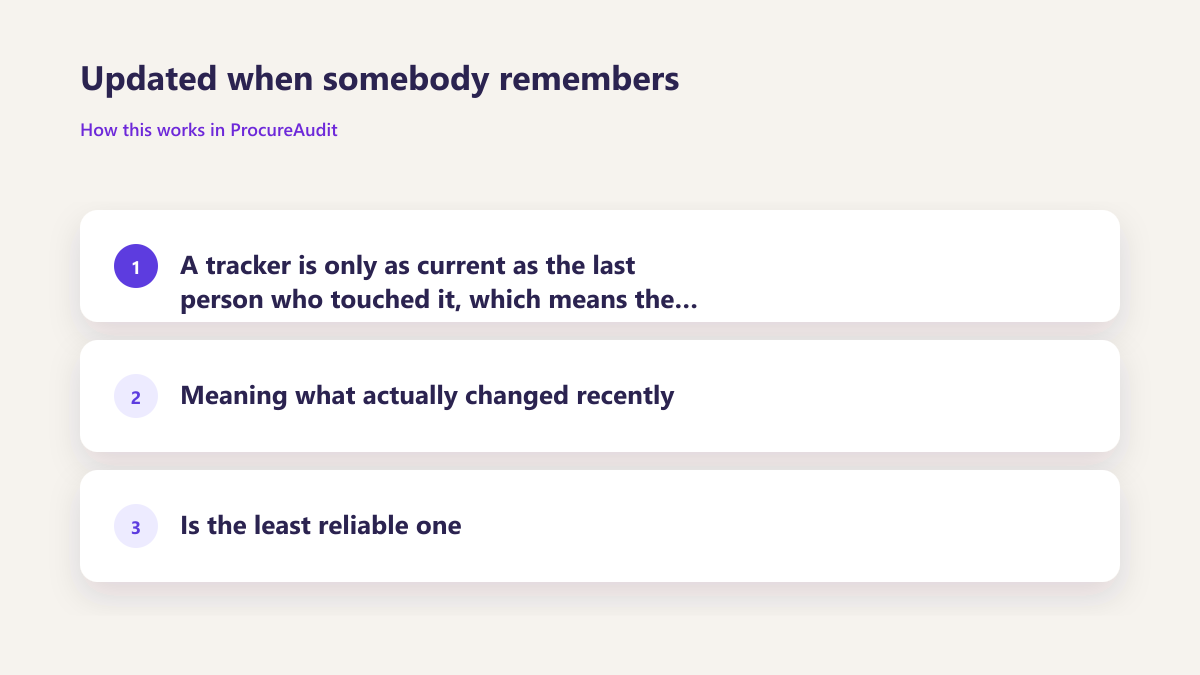
Updated when somebody remembers
A tracker is only as current as the last person who touched it, which means the most useful column, meaning what actually changed recently, is the least reliable one.
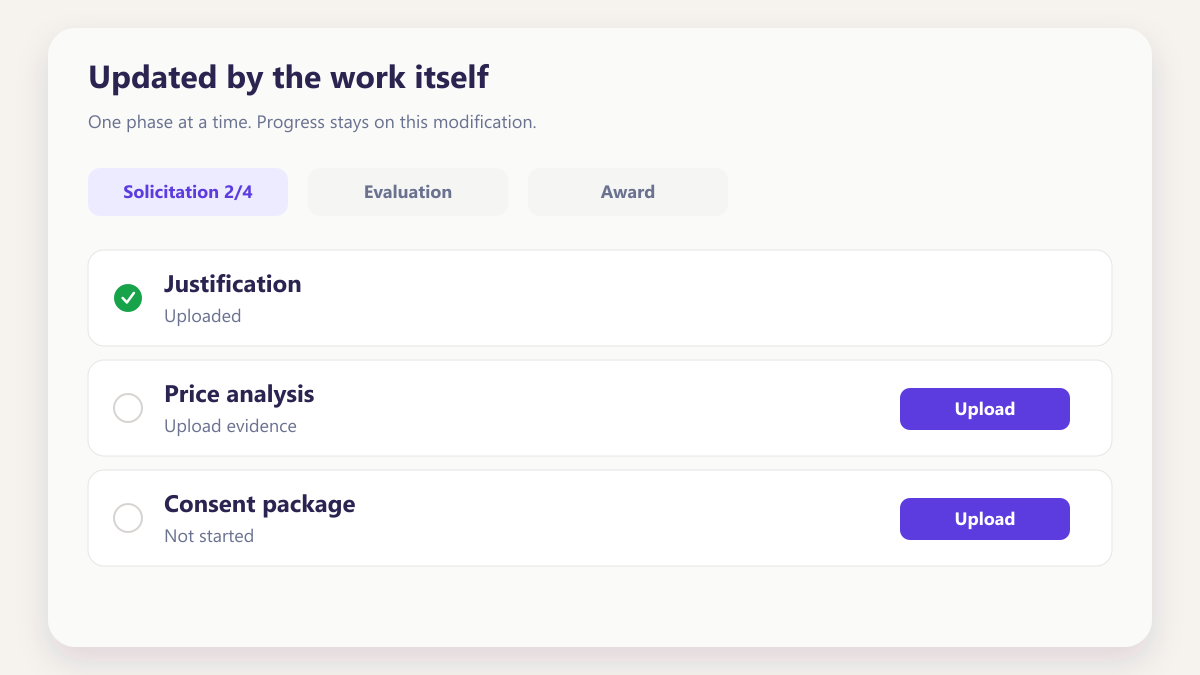
Updated by the work itself
Cards reflect the underlying award, so progress, owner and last movement change as work happens rather than when somebody opens a file to type into it.
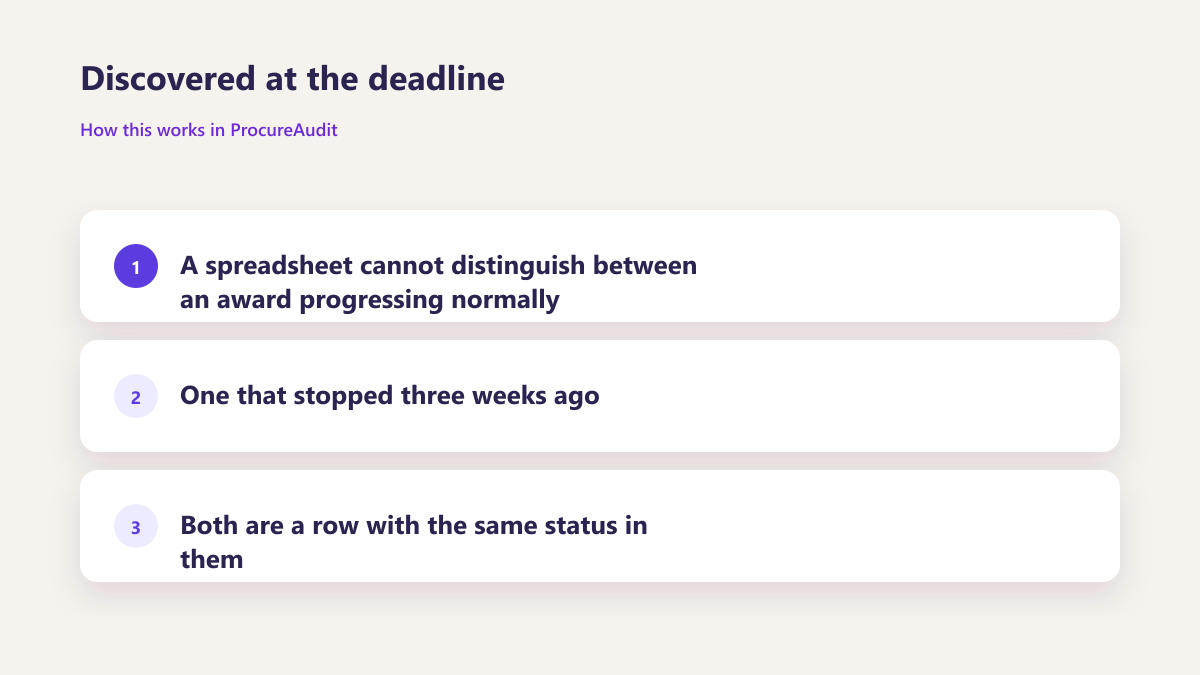
Discovered at the deadline
A spreadsheet cannot distinguish between an award progressing normally and one that stopped three weeks ago. Both are a row with the same status in them.
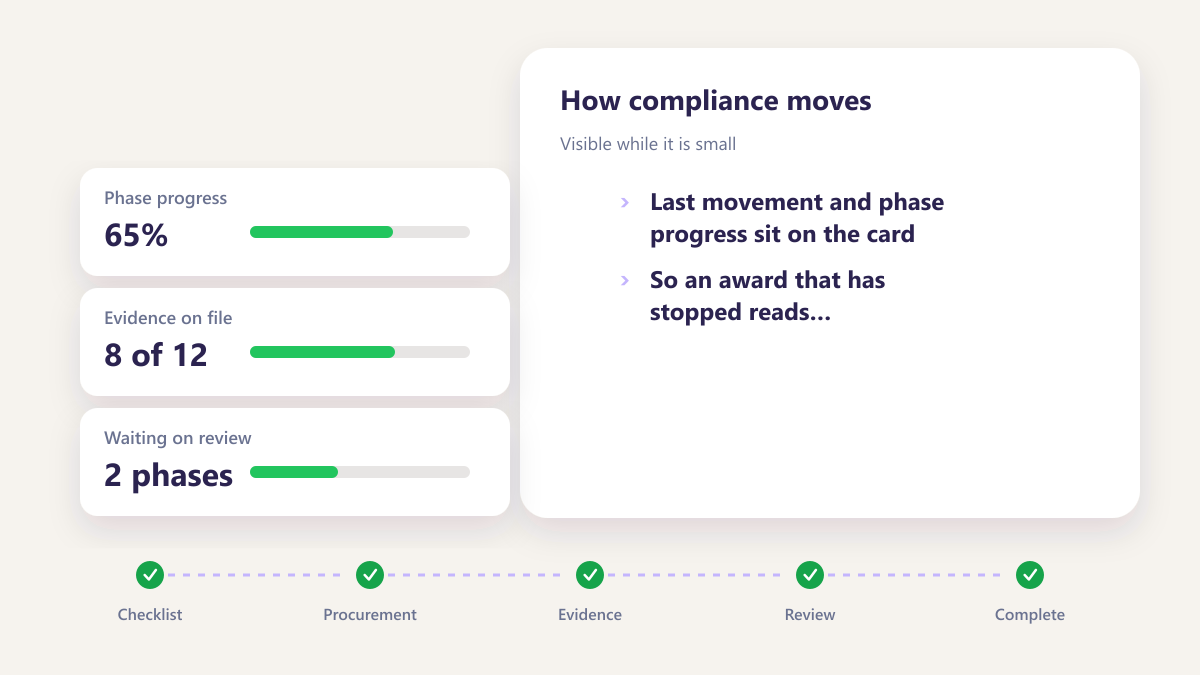
Visible while it is small
Last movement and phase progress sit on the card, so an award that has stopped reads differently from one that moved yesterday.
A queue hidden in an inbox
Reviewers find what needs their attention by searching email, which means the oldest items are the ones most likely to be missed.
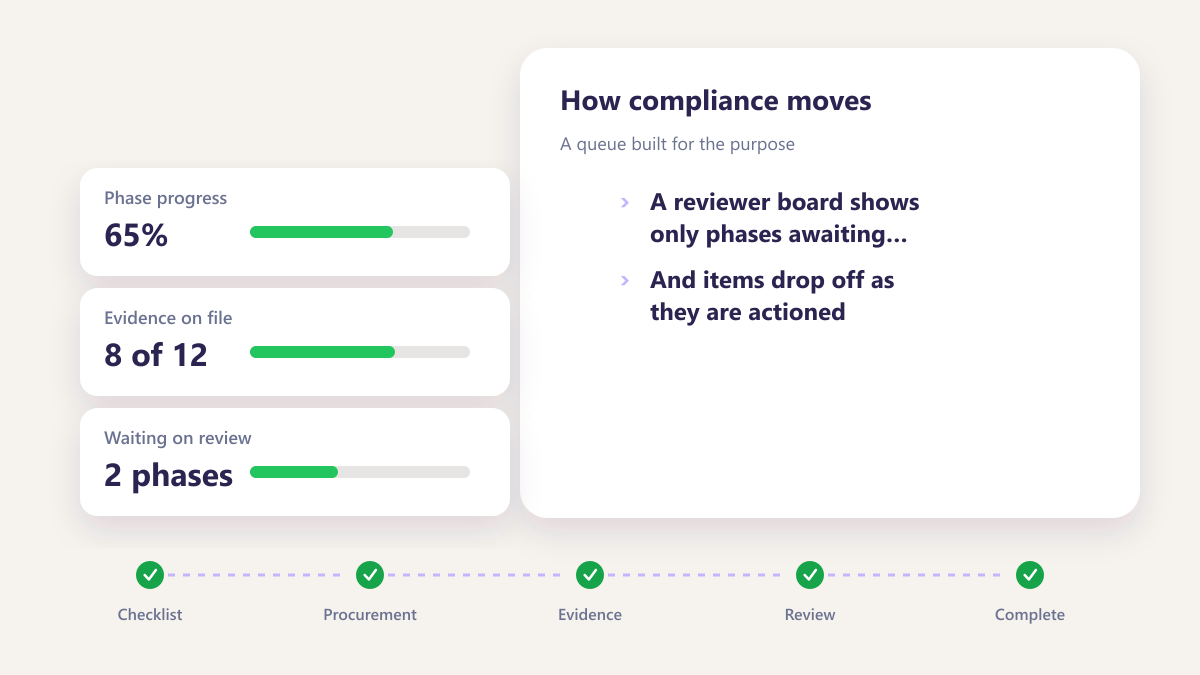
A queue built for the purpose
A reviewer board shows only phases awaiting their decision, and items drop off as they are actioned.
Four boards, four different questions
The same underlying records, arranged four ways by four people who each need something different.
Arranged around what you are placing
A buyer carrying several programmes wants those separated, with values and owners visible without opening anything. Their board answers what is moving and what is not.
- Live awards across the programmes you carry
- Value and owner on the card itself
- Last movement, which is the real health signal
- Built in a few clicks with no approval step
A queue rather than a picture
A reviewer does not care about programme structure. They care about what is waiting on them today and about that list emptying as they work through it.
- Only phases awaiting their sign off
- Cleared items drop off automatically
- Nothing from anybody else's queue
- No searching an inbox to find the work
Health rather than volume
Counting open awards tells you little. Seeing which have not moved in three weeks tells you where to spend the afternoon.
- Records with no recent activity surfaced
- Unassigned work flagged rather than sitting quietly
- Owner visible against every item
- Problems found while they are still small
The board nobody has to maintain
Personal boards solve the individual problem. The shared default board solves coordination, and it exists without anybody curating it.
- Available to everyone from day one
- Shows all live work in one arrangement
- Unaffected by anybody's personal board
- Removes the reason to build a shadow tracker
Four situations that come up every week
Four situations that come up every week.
Stalled awards, review queues and programme views are easier when the board shows movement, owner and status without opening each record.
- Spot awards that have not moved
- Separate programme, subcontract and review queues
- Decide from the card before opening the file
Monday morning triage
Opening one board to see what moved over the weekend and what did not, before anybody asks.
Learn moreA programme review
Pulling up awards for one programme with values and owners visible, without preparing anything beforehand.
Learn moreCovering for a colleague
Seeing what somebody else was carrying while they are away, on a board you build in a few clicks.
Learn moreBefore somebody asks for a file
Spotting awards that have stalled or lost their owner while there is still time to fix them quietly.
Learn moreSix fields that let you decide without opening anything
A board only helps if the cards carry enough to act on. These are the six that matter in contract purchasing.
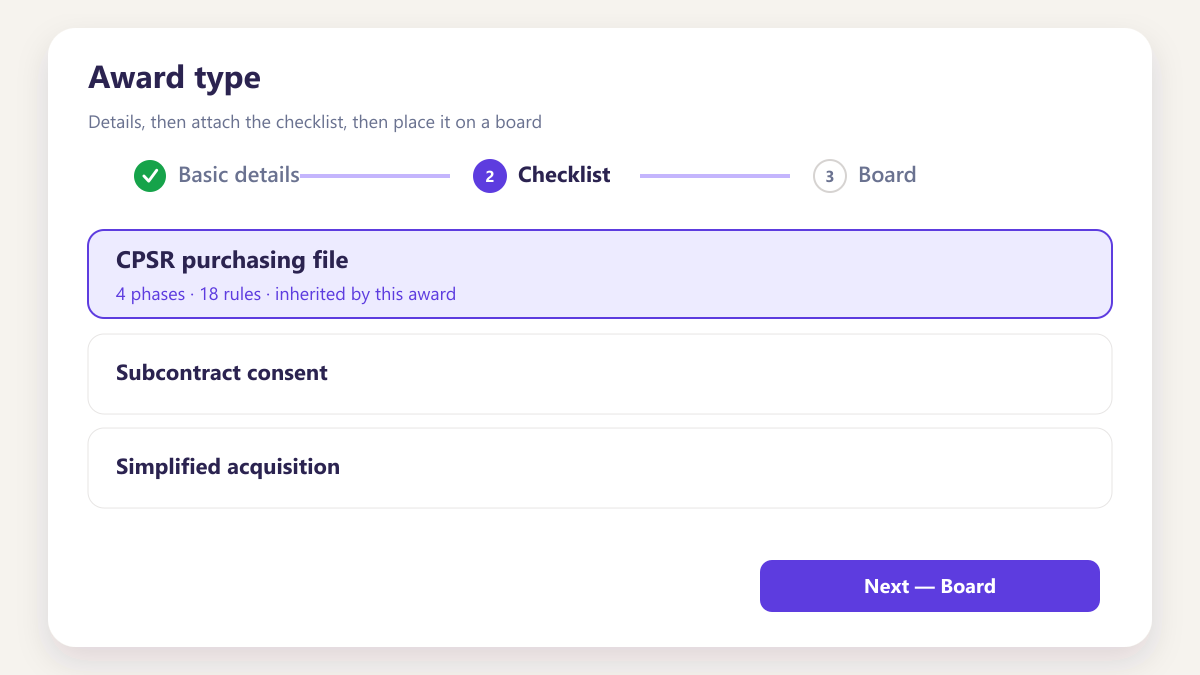
Award type
Purchase request or subcontract, which changes how much documentation follows.
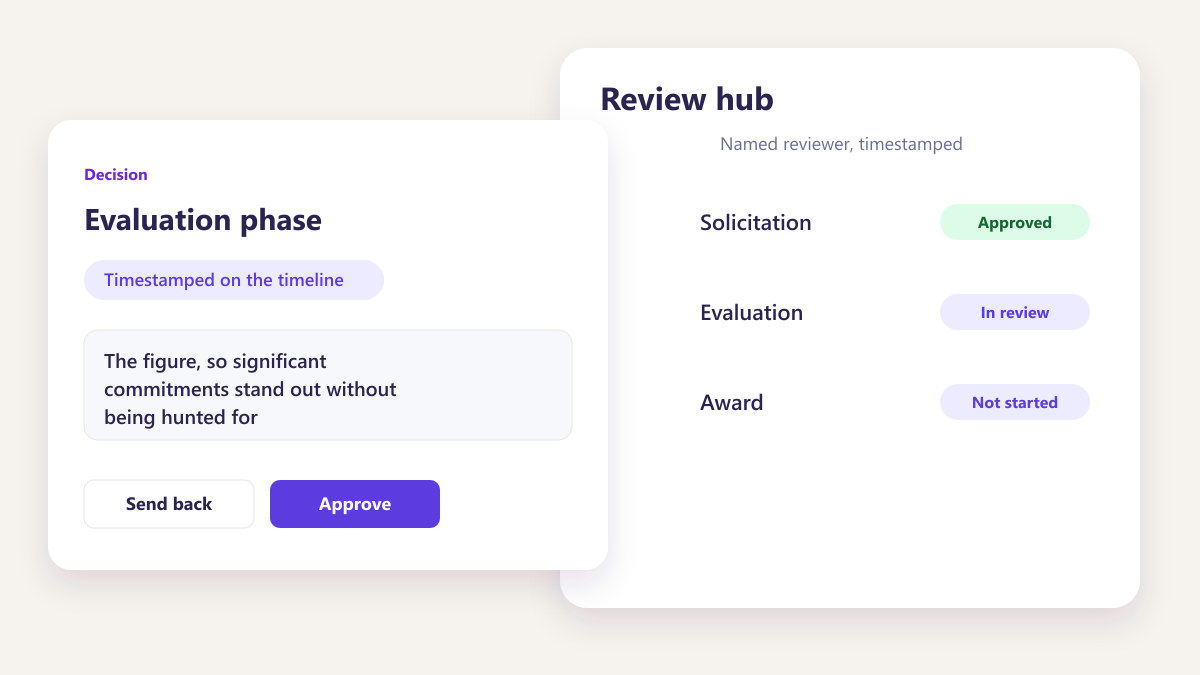
Award value
The figure, so significant commitments stand out without being hunted for.
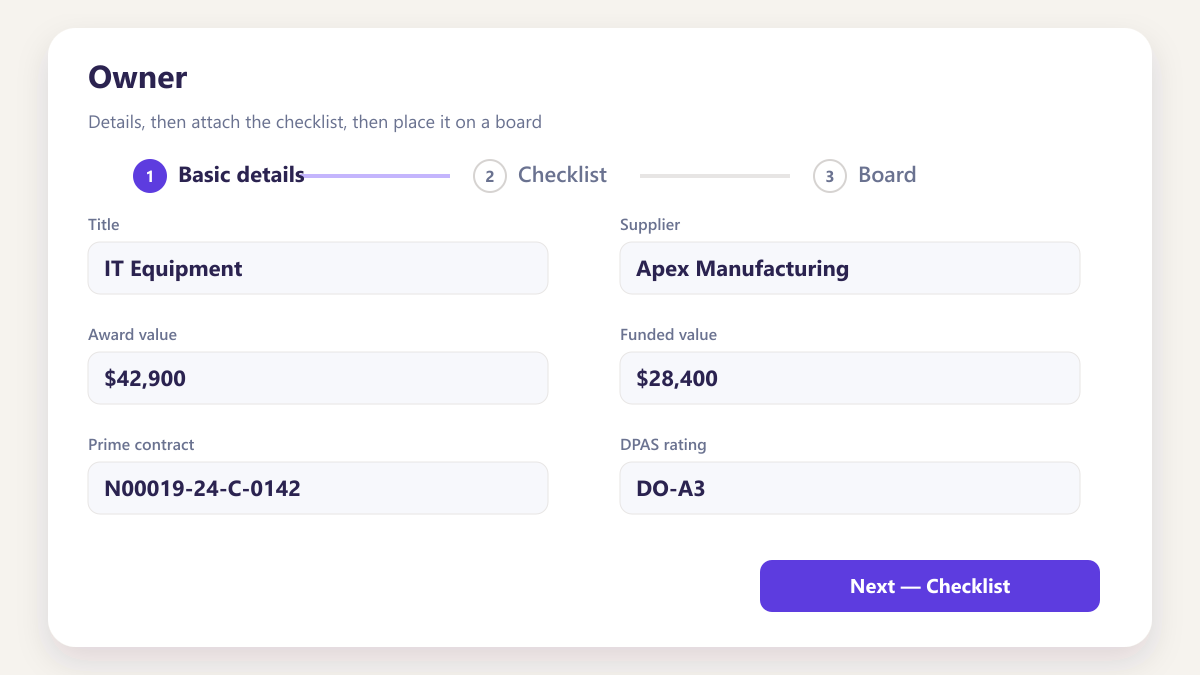
Owner
Who is carrying it, which stops two people chasing the same supplier.
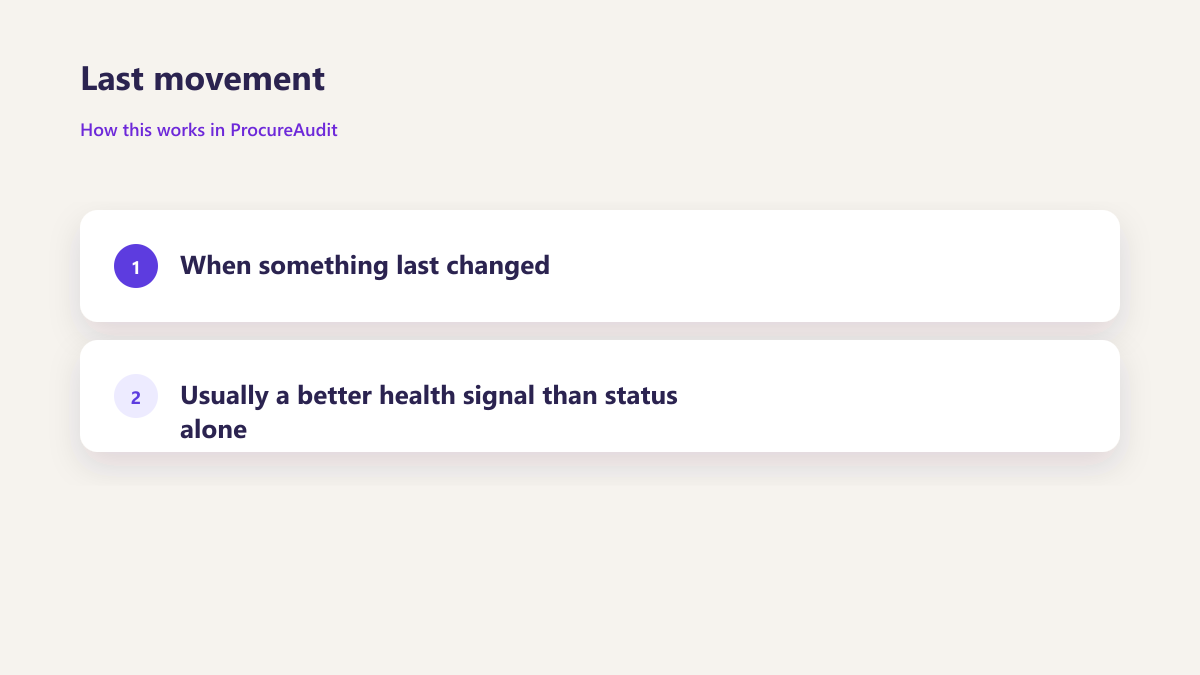
Last movement
When something last changed, usually a better health signal than status alone.
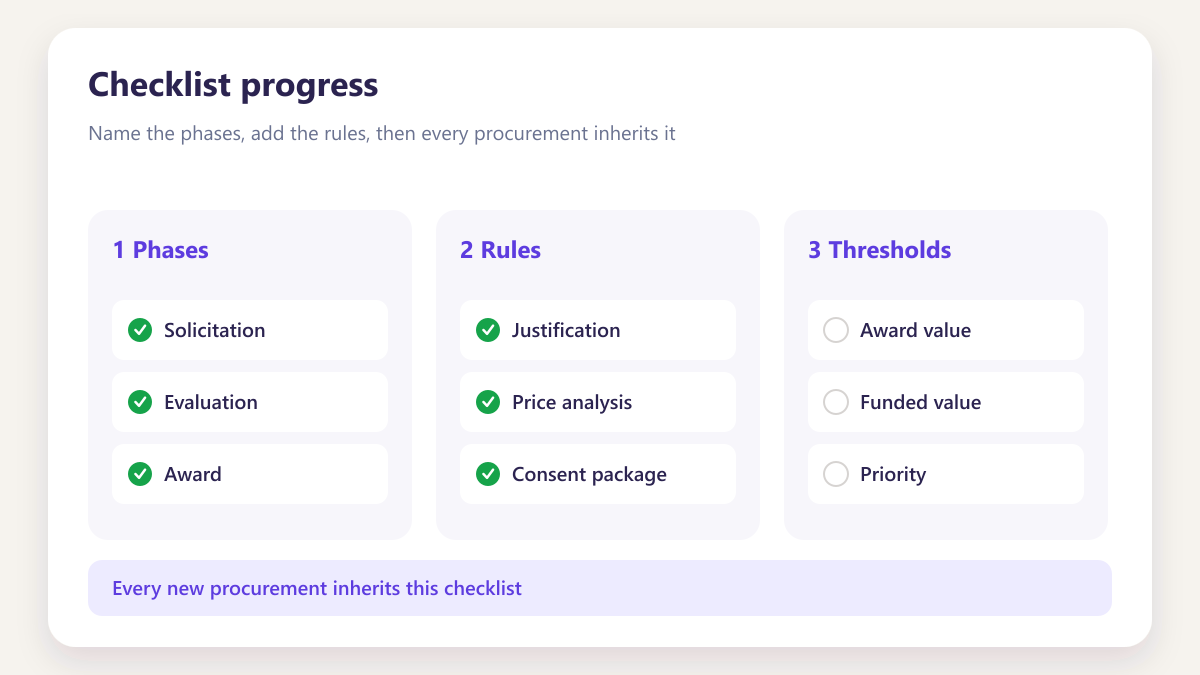
Checklist progress
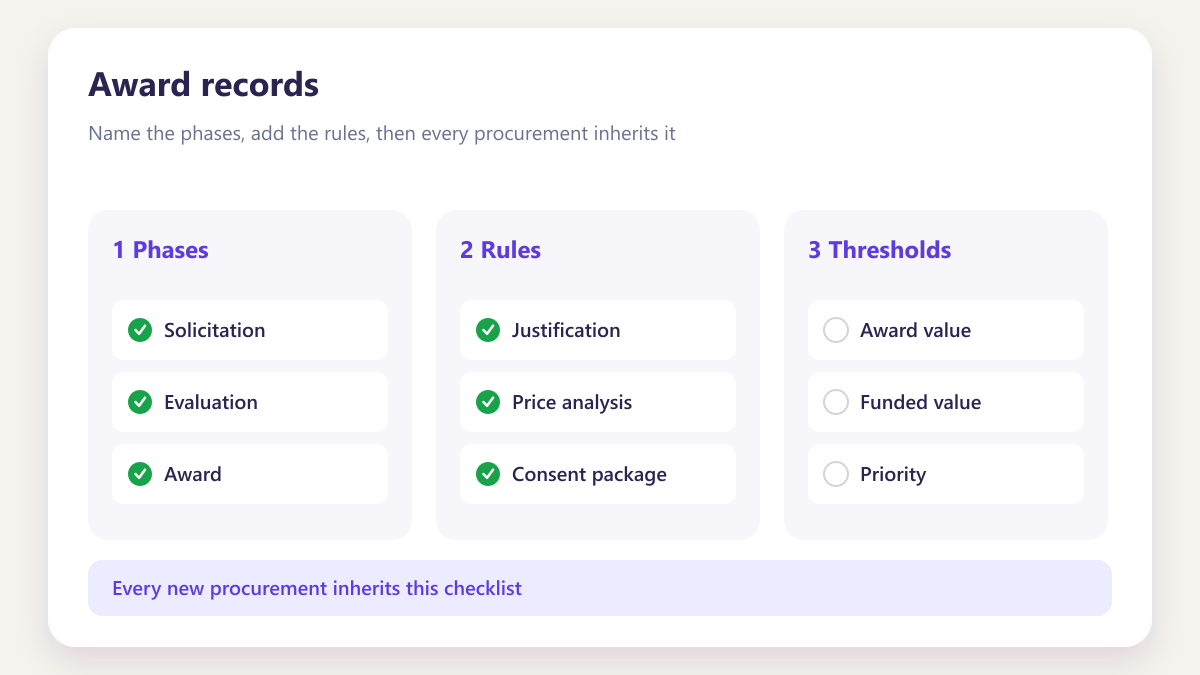
How far through the phases, read per modification rather than blended.
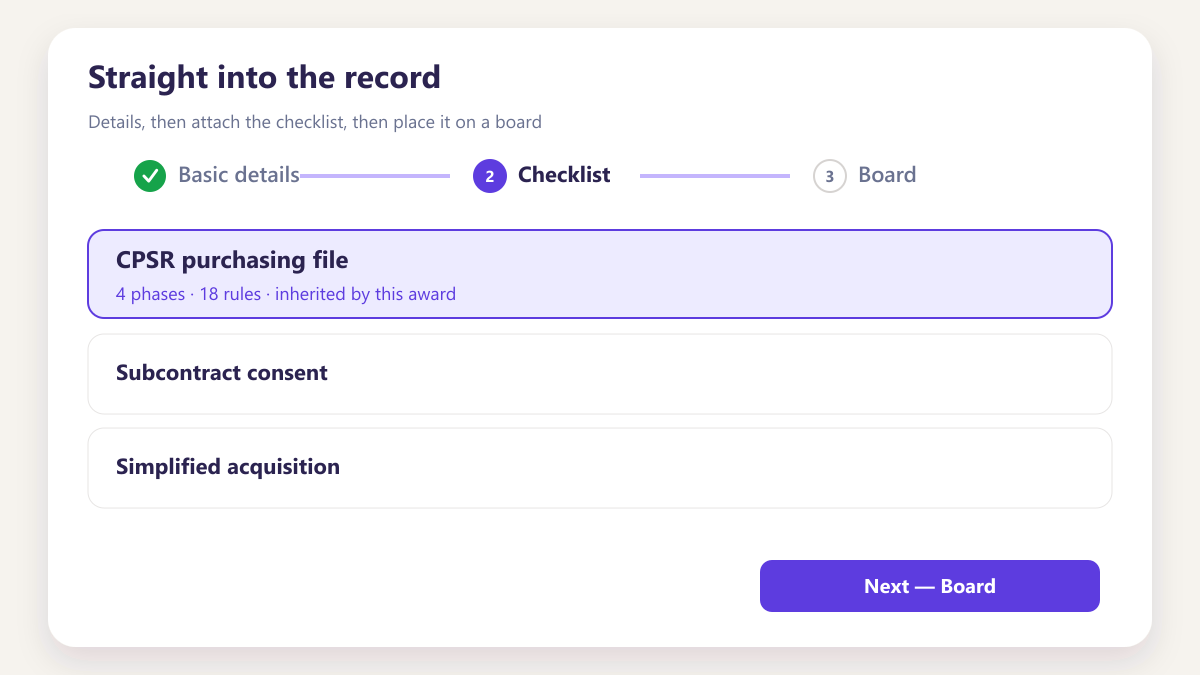
Straight into the record
One click to the award, its phases, documents and activity.
Four roles, four different wins
Less reporting
Stops writing status updates, because anybody who wants the status can see it themselves.
A real queue
Opens one list of what needs deciding instead of searching an inbox for it.
Fewer surprises
Sees stalled awards weeks before anybody external asks for the purchasing file.
Committed work visible
Sees what has been awarded and is in progress, not only what has been invoiced.
Questions about Smart Board
Who can create a board?
Does my board change what colleagues see?
How does a board show work has stalled?
Can a reviewer see awards they are not assigned?
How many boards can somebody keep?
Does this replace project tracking?
What happens to a board when somebody leaves?
Other parts of the same workspace
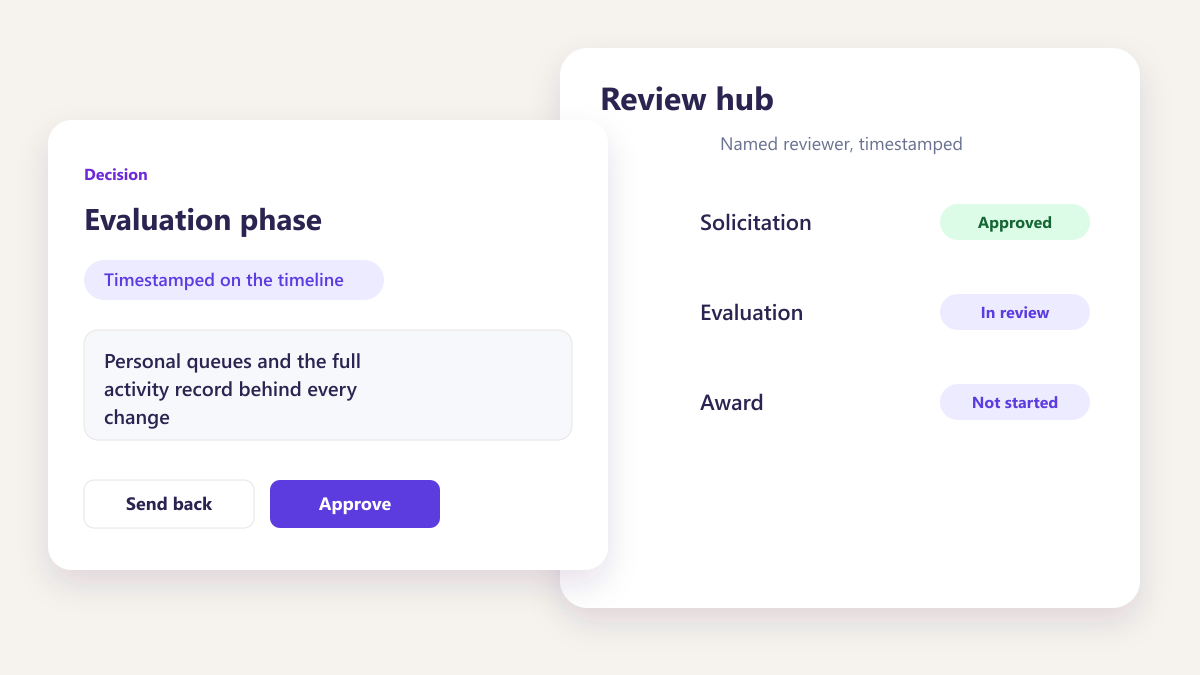
Tasks and activity
Personal queues and the full activity record behind every change.
Learn more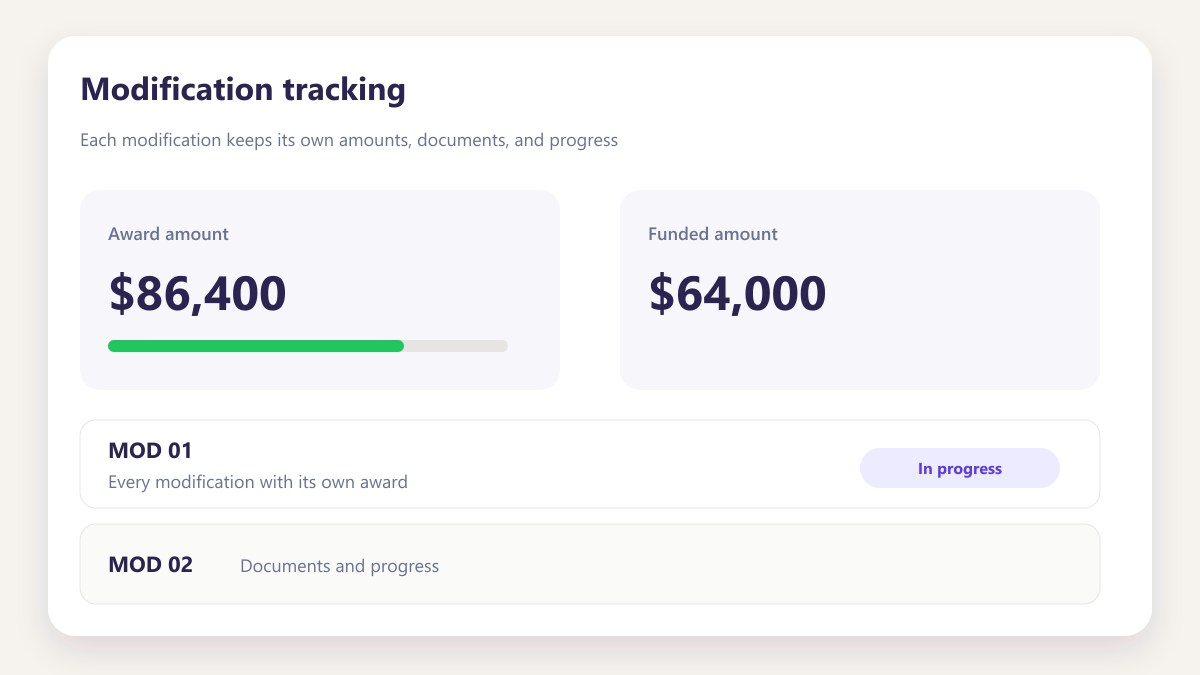
Modification tracking
Every modification with its own award, documents and progress.
Learn moreSee a board built around your own awards
Bring two or three live subcontracts and we will build a buyer board and a reviewer board on the call, using your records rather than a sample.
Book a demo