Home / Features / Document approval
Document approvalApprovals recorded against
the version reviewed
An approval that lives in an email is an approval nobody can find. Routing review through the record keeps the decision, the reviewer and the exact revision together, permanently.
Five stages, none of them by email
Submission, notification, decision, and either the next phase opening or the work coming back. Every stage recorded, so the state of a review is never something to ask about.
Five stages, none of them by email
Submission, notification, decision, and either the next phase opening or the work coming back. Every stage recorded, so the state of a review is never something to ask about.
- Submitted from the award record
- Routed to the reviewer named in the template
- Notified without anybody forwarding anything
Sent from the record, not attached to a message
When a buyer finishes a phase they submit it from the award itself. The documents go with it because they are already filed against that phase.
- Submitted from the award record
- Documents already attached to the phase
- Routed to the reviewer named in the template
- No covering email required
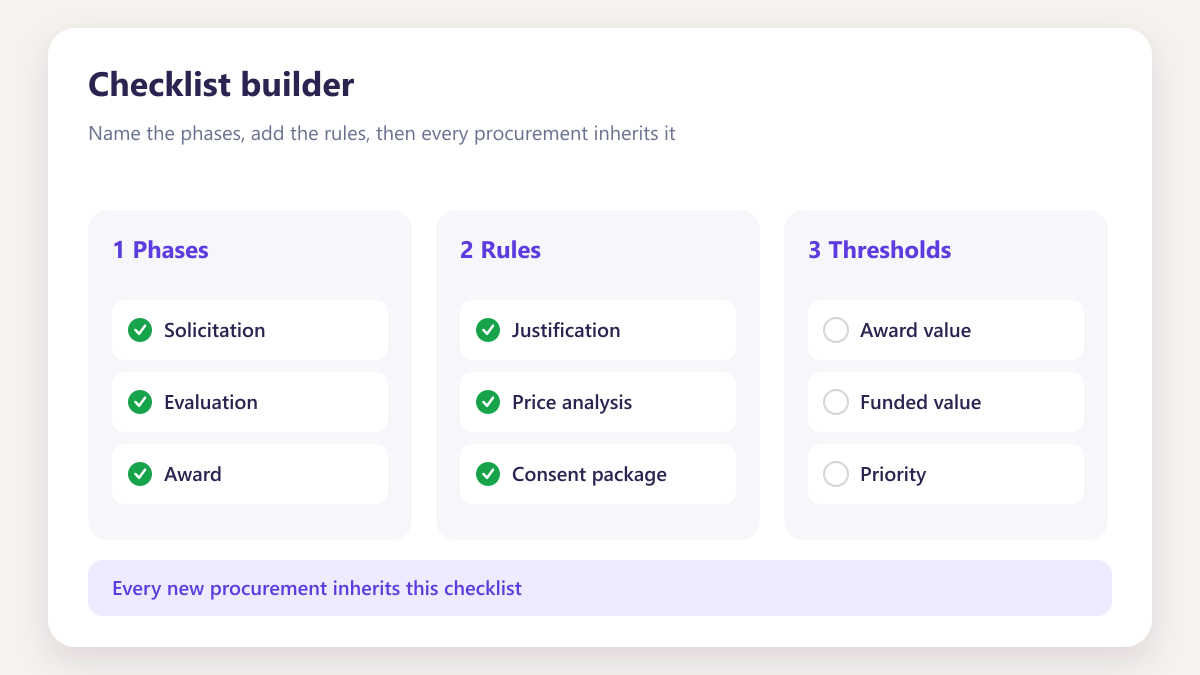
Assigned in the template rather than chosen now
The reviewer for that phase was named when the checklist template was built, so nobody decides at this moment who should look at it.
- Reviewer set per phase in the template
- Notified without anybody forwarding anything
- Sees the phase they own rather than the whole award
- Consistent across every award
Approved or sent back, both real outcomes
Review that only offers approve produces rubber stamping. Changes requested returns the work with a comment held on the document itself.
- Approved or changes requested, stated explicitly
- Comment held on the document rather than emailed
- Resubmission creates a new version
- Both rounds visible in the history
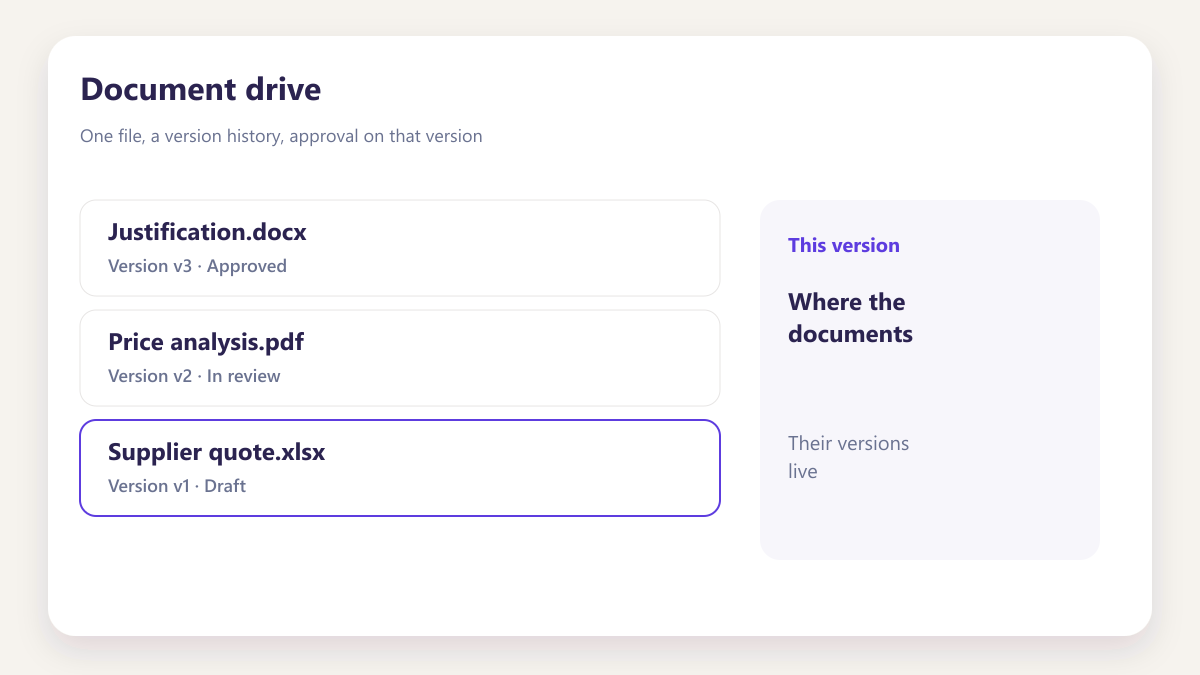
Against the version, not the file
The approval points at the exact revision that was reviewed, which is what answers the question of what was actually agreed once a document has been revised.
- Version number recorded with the decision
- Approver named, with a timestamp
- Earlier versions retained alongside
- Nothing to reconstruct afterwards
The next phase opens without anybody being told
Once a phase clears, the next becomes active, progress recalculates and the board card moves. One decision updates several views.
- Next phase activated automatically
- Progress recalculated on the award
- Board cards updated for everyone
- Activity timeline entry written
Email approval against routed review
Almost every contractor approves documents by email at least some of the time. Here is what changes.
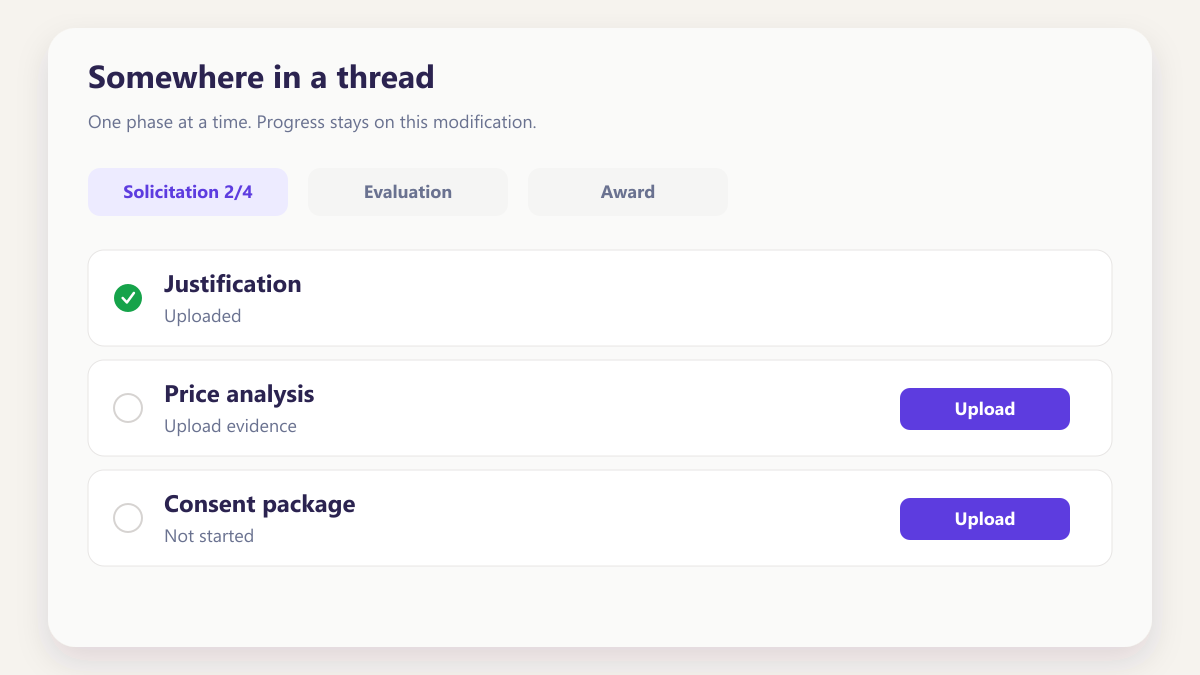
Somewhere in a thread
The approval exists in somebody's inbox, separated from the document, and answering what was approved means finding both and matching them.
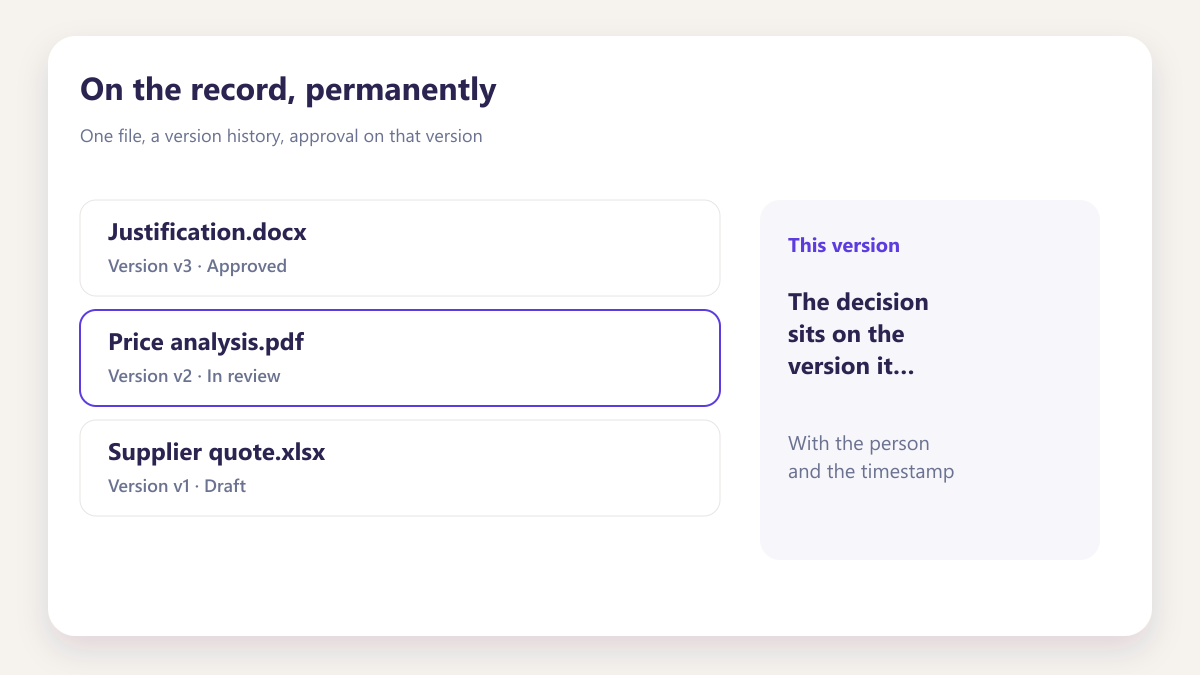
On the record, permanently
The decision sits on the version it approved, with the person and the timestamp, and does not depend on anybody's mailbox surviving.
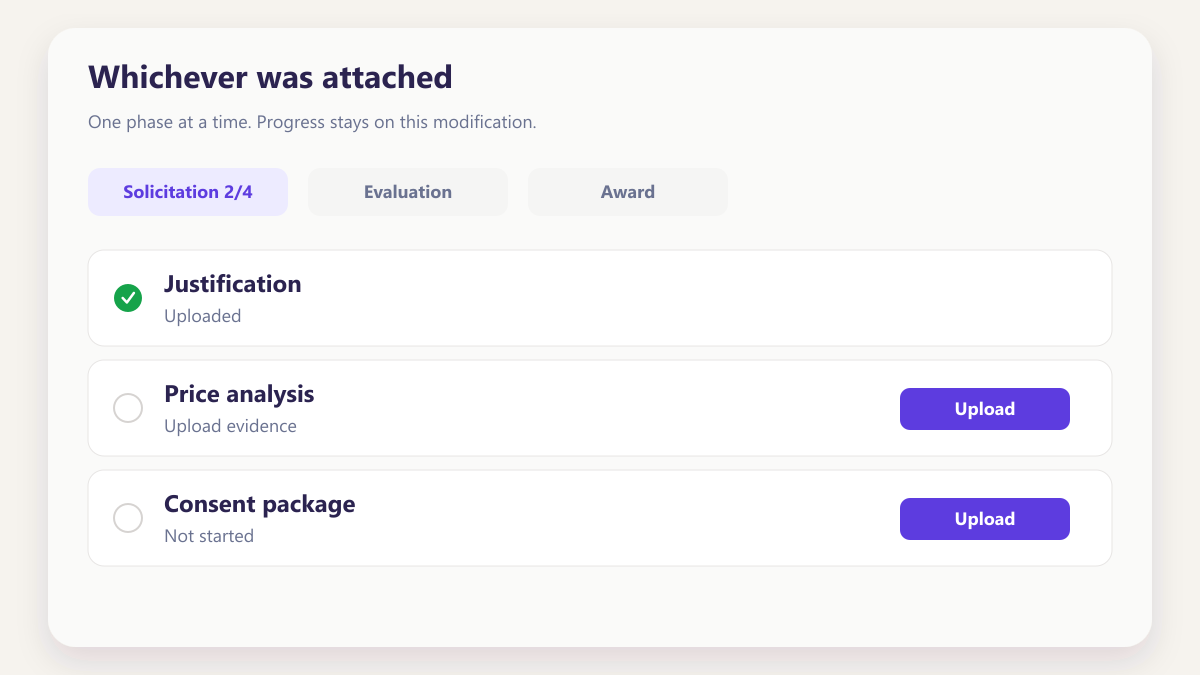
Whichever was attached
A document revised after approval leaves genuine ambiguity about what was agreed, because the approval referred to an attachment rather than a revision.
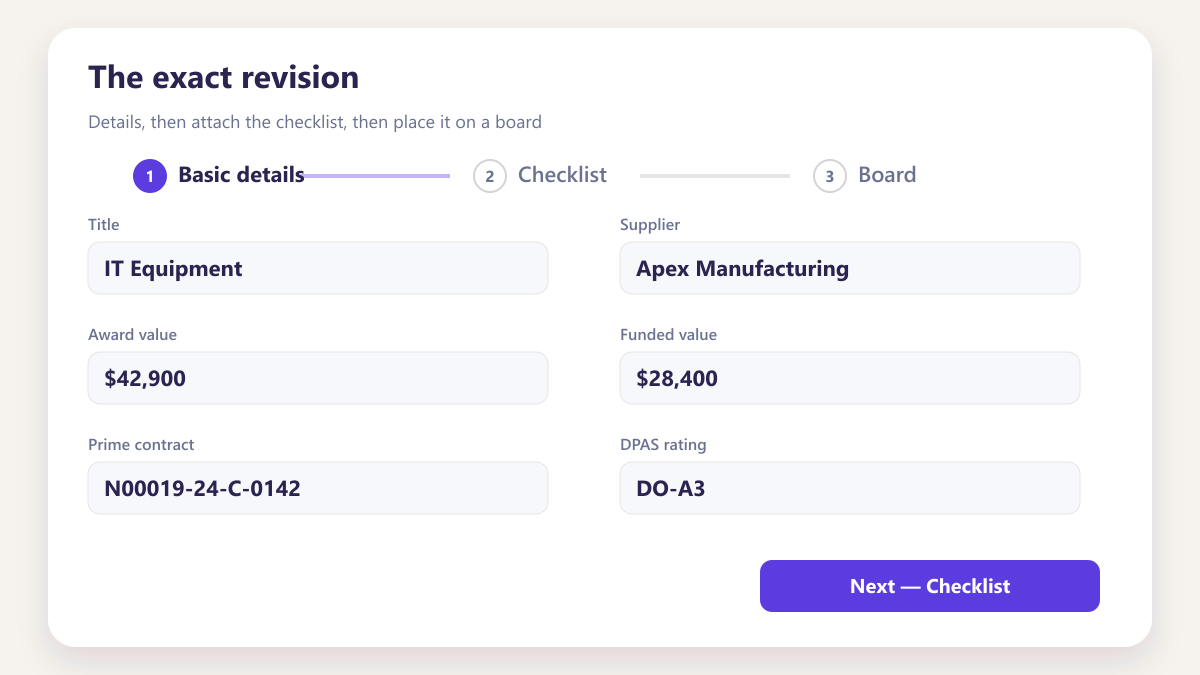
The exact revision
Approval records the version number, so a later revision does not cast doubt on what was signed off.
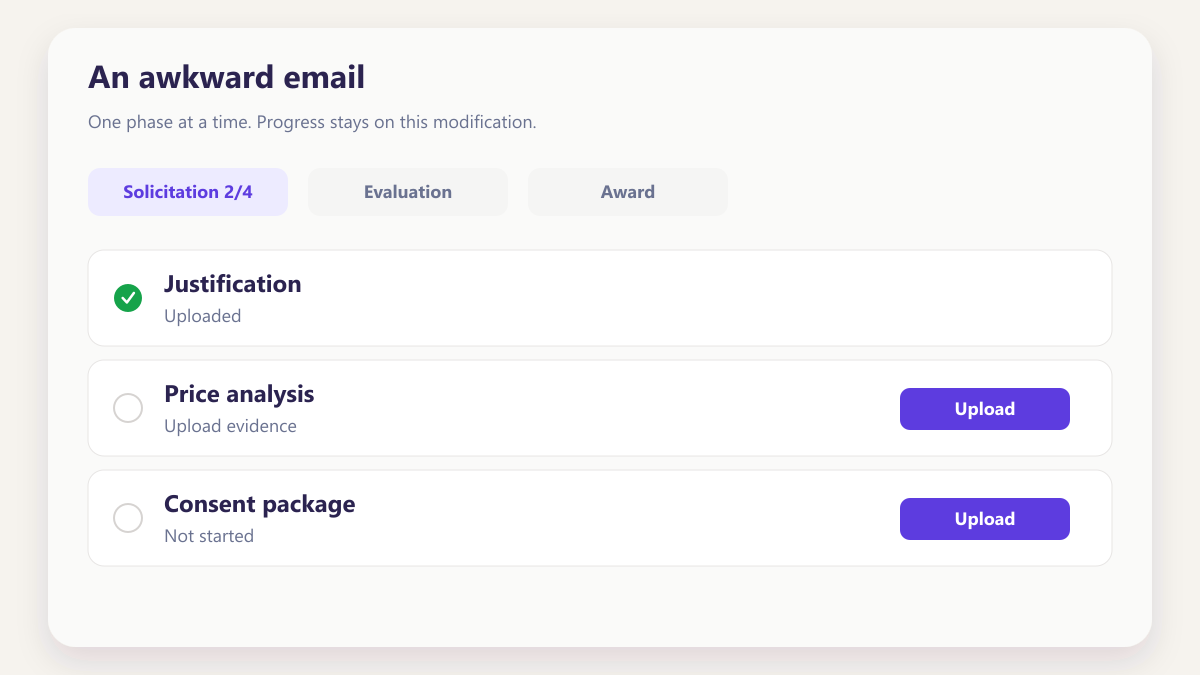
An awkward email
Requesting changes by email means the comment, the file and the eventual resubmission all live separately, and the round trip leaves little trace.
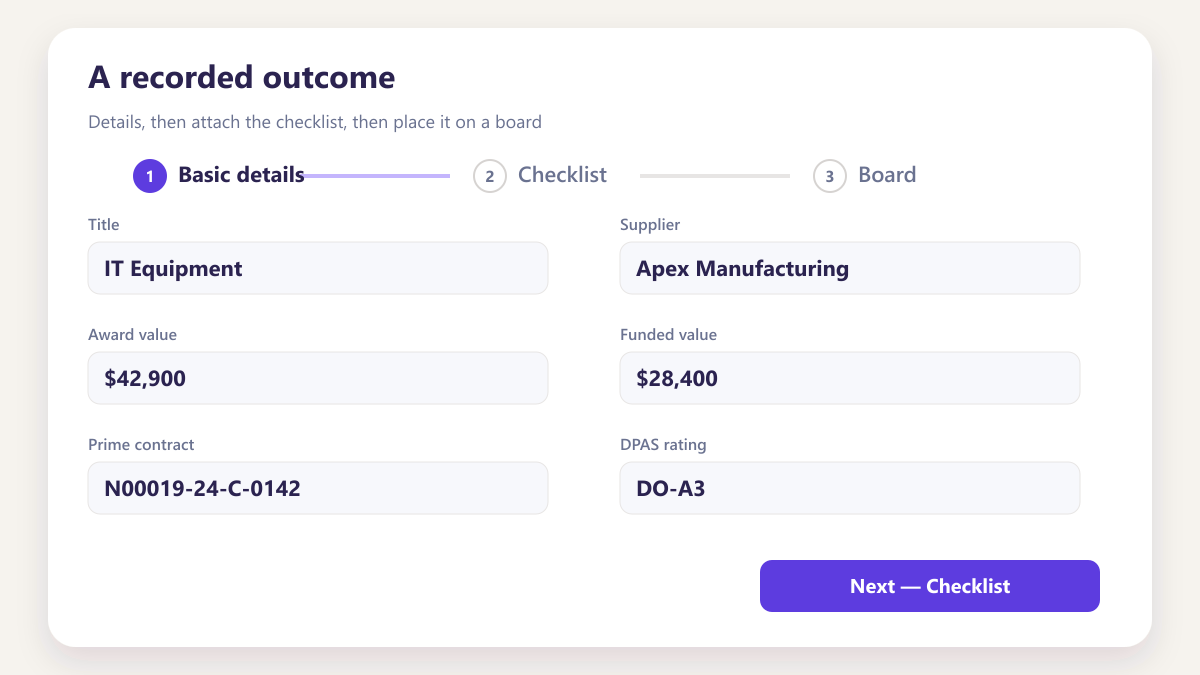
A recorded outcome
Changes requested returns the work with the comment on the document, and resubmission creates a version so both rounds appear in the history.
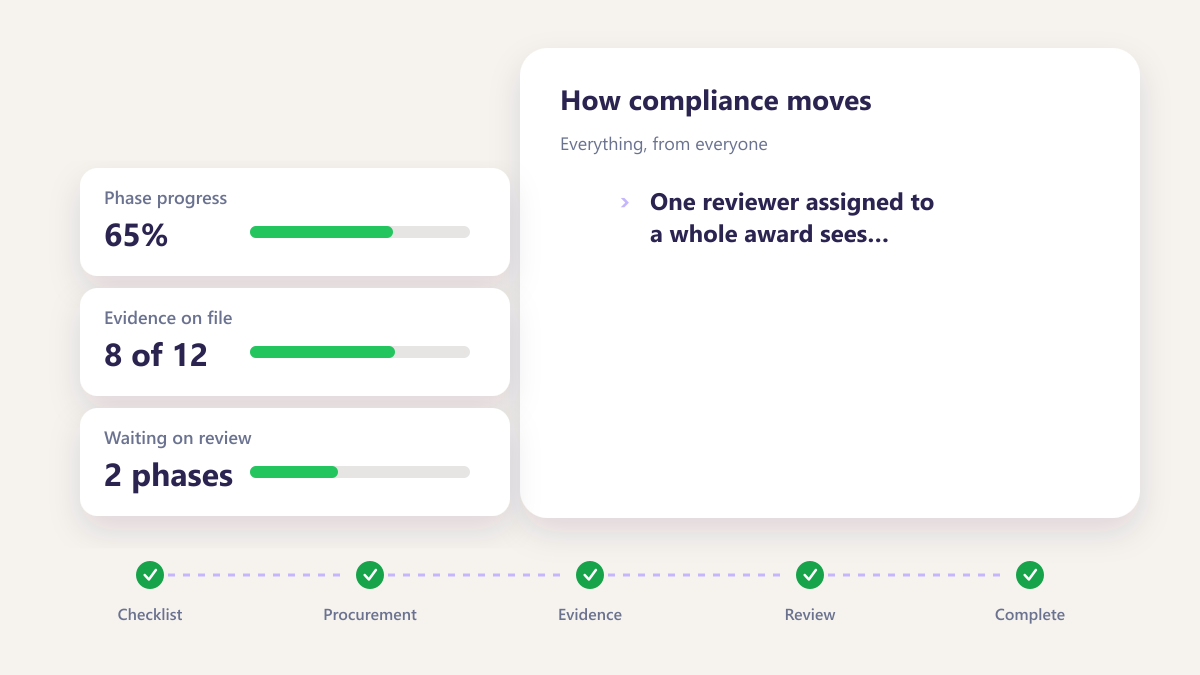
Everything, from everyone
One reviewer assigned to a whole award sees items well outside their competence, which makes review slower and less useful.
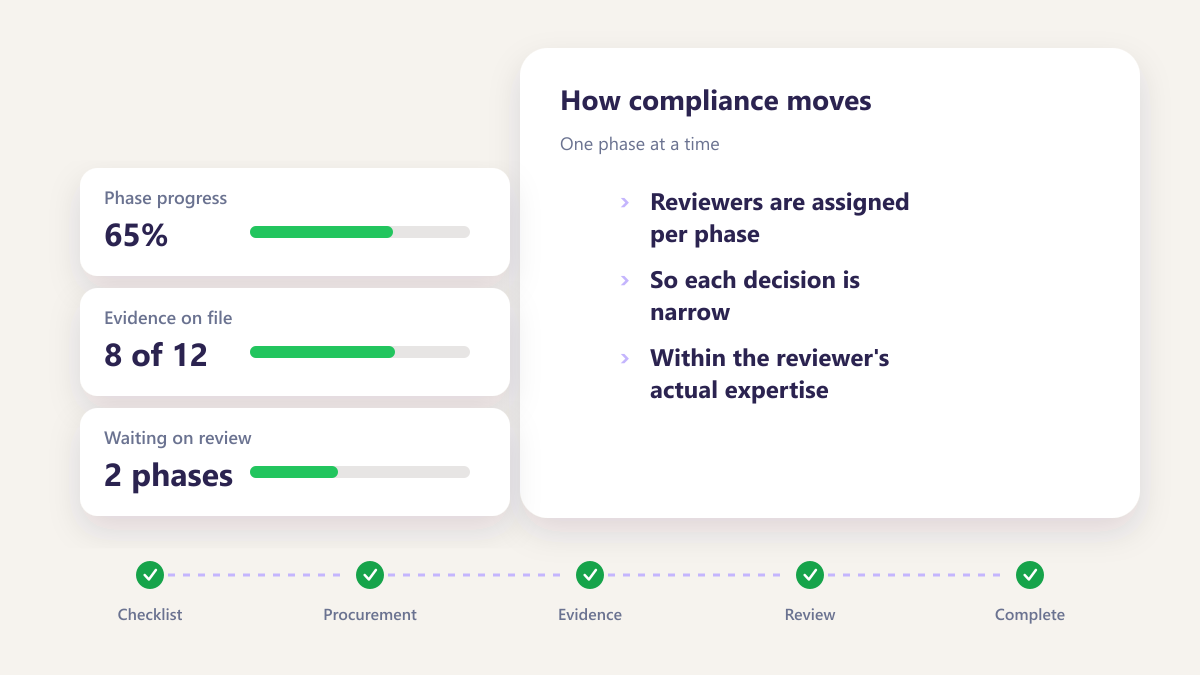
One phase at a time
Reviewers are assigned per phase, so each decision is narrow and within the reviewer's actual expertise.
Three things worth having
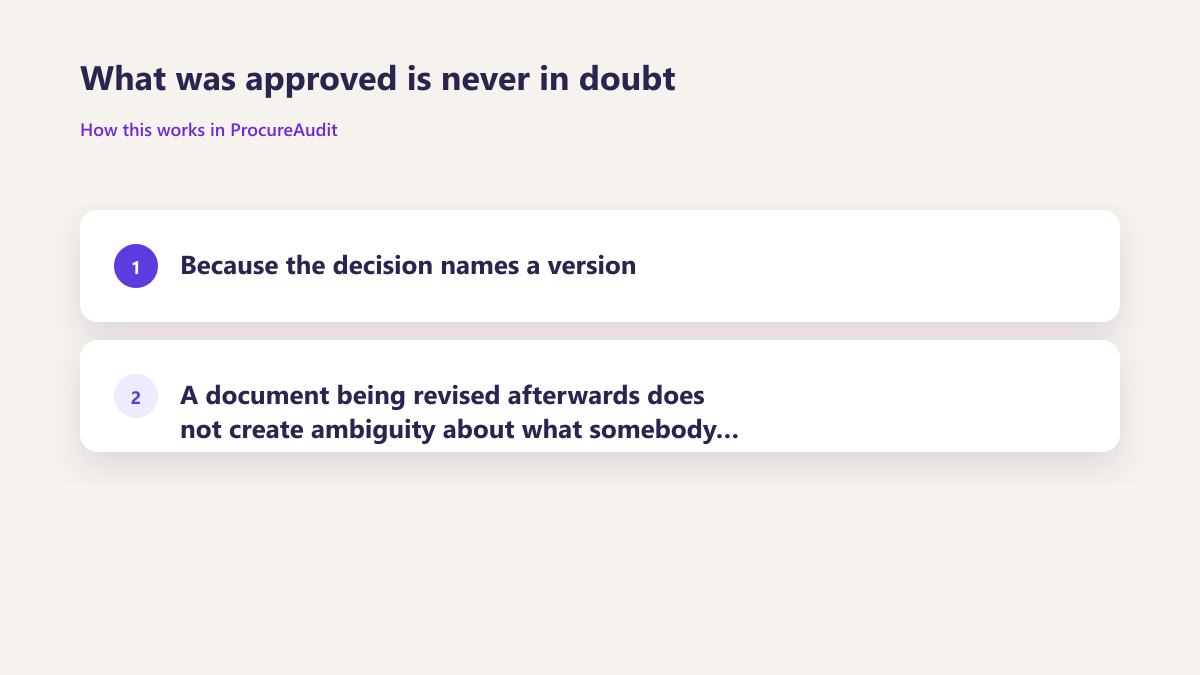
What was approved is never in doubt
Because the decision names a version, a document being revised afterwards does not create ambiguity about what somebody actually signed off.
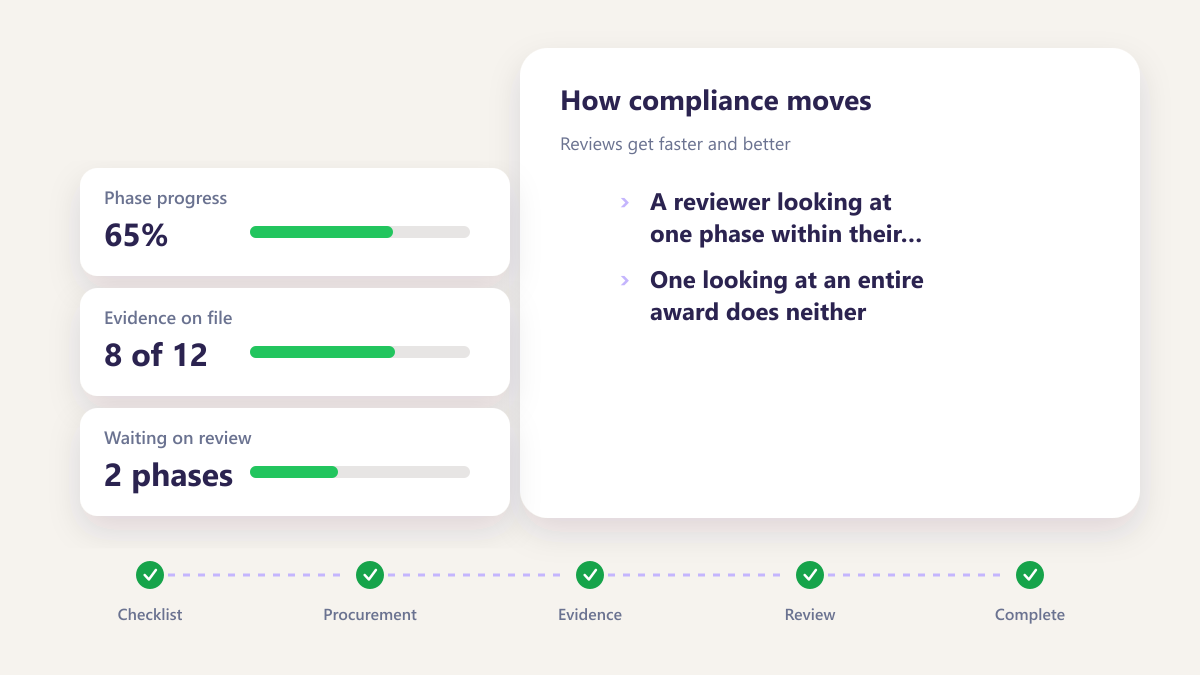
Reviews get faster and better
A reviewer looking at one phase within their competence decides quickly and decides well. One looking at an entire award does neither.
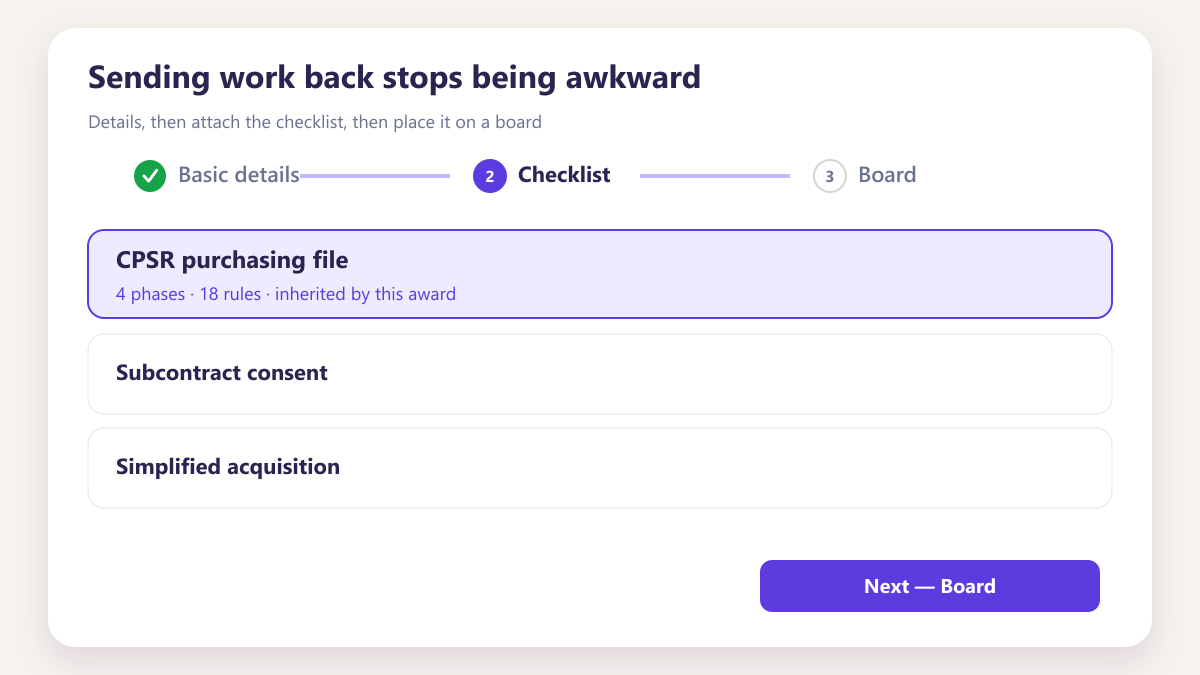
Sending work back stops being awkward
When changes requested is a recorded outcome rather than an email, reviewers use it, and the second round is visible rather than hidden.
Six things on every decision
Six things recorded on every decision.
Who reviewed, what version, when they decided, and what they said — enough to answer later questions without reconstructing an email chain.
- Reviewer, version and timestamp on the decision
- Comments kept with the approval, not elsewhere
- Readable later without reconstructing inboxes
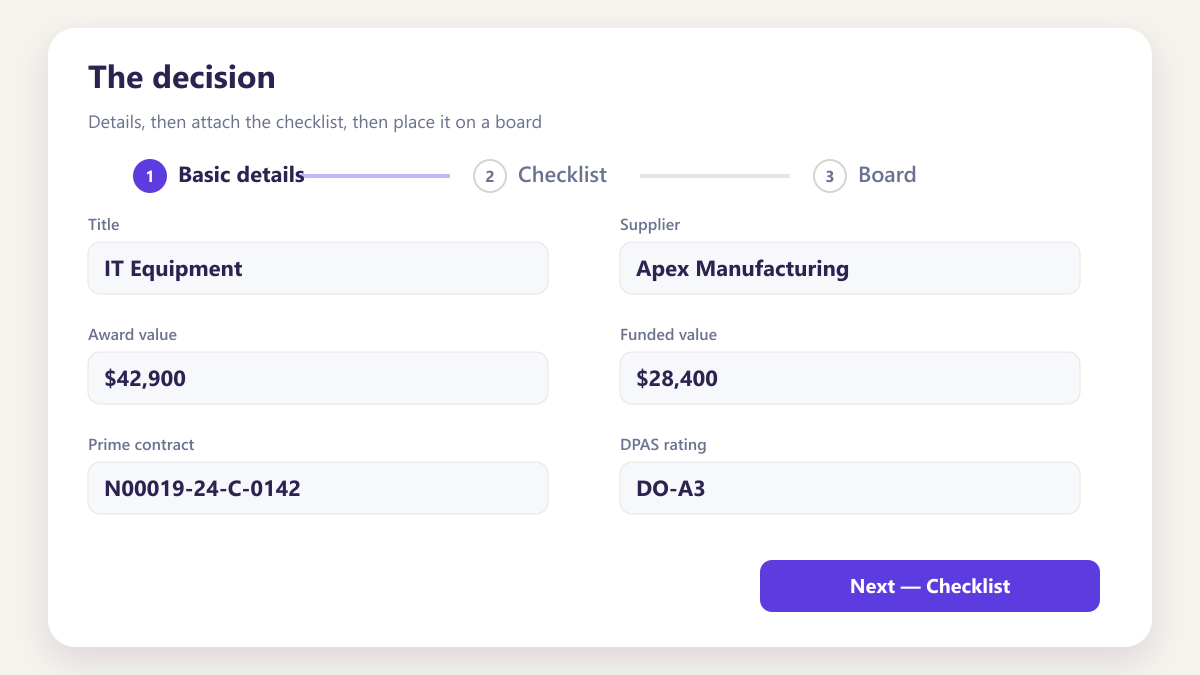
The decision
Approved or changes requested, stated explicitly rather than inferred from silence.
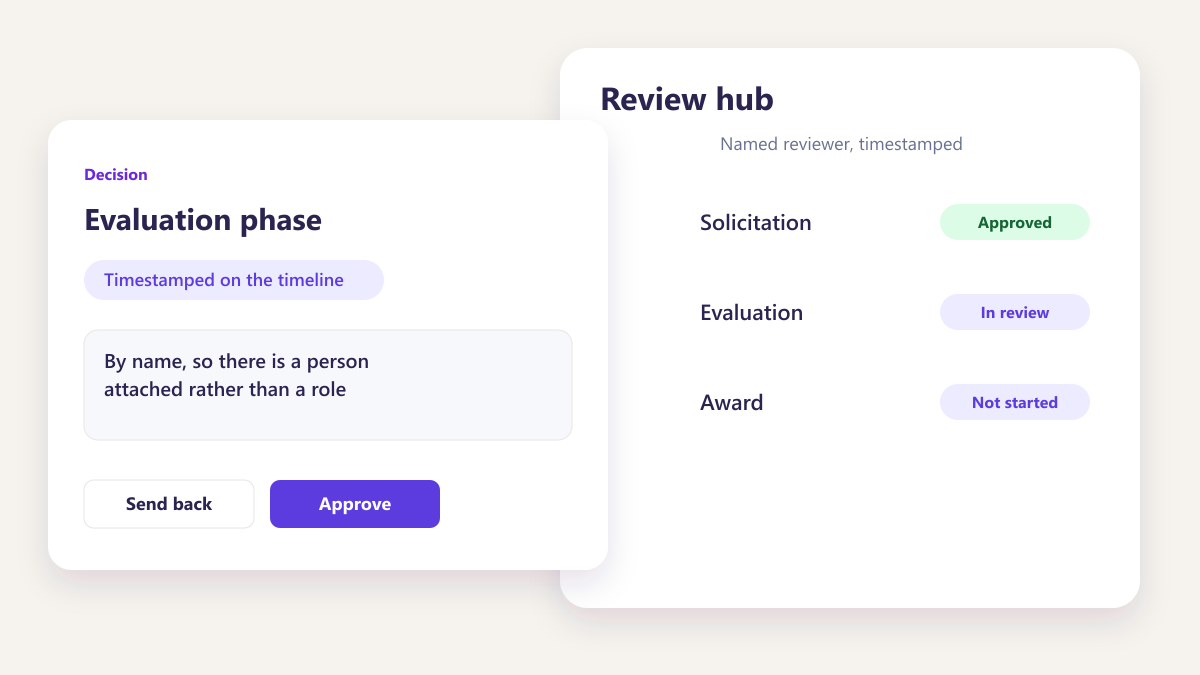
The reviewer
By name, so there is a person attached rather than a role.
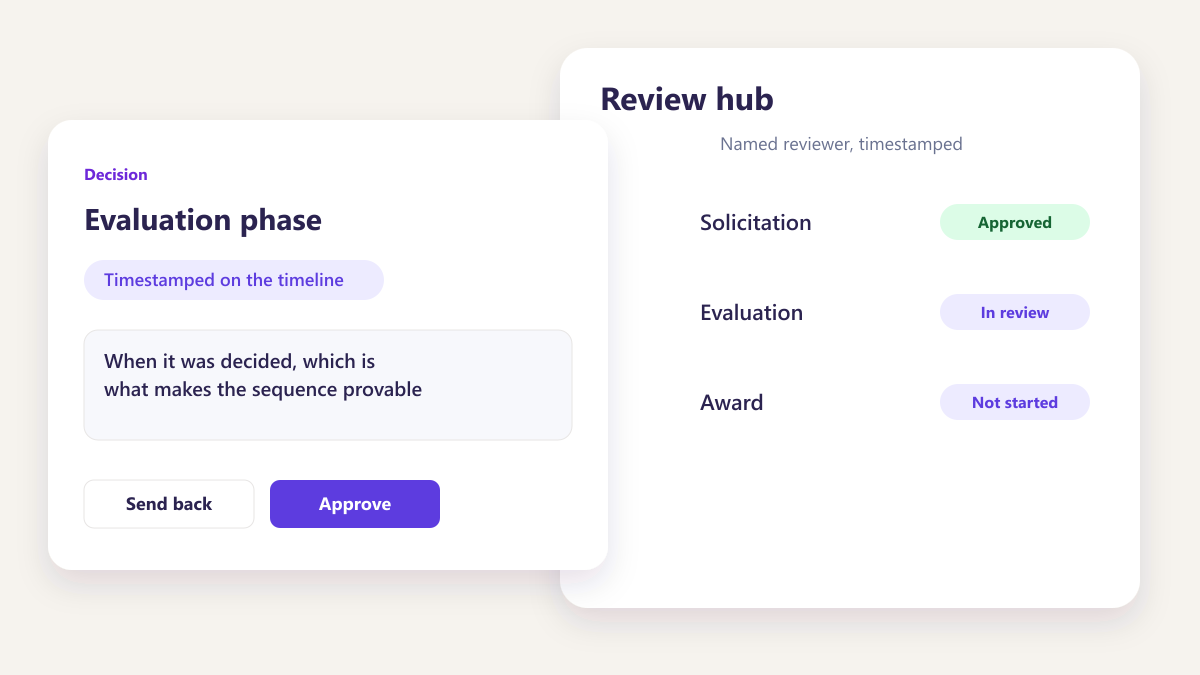
The timestamp
When it was decided, which is what makes the sequence provable.
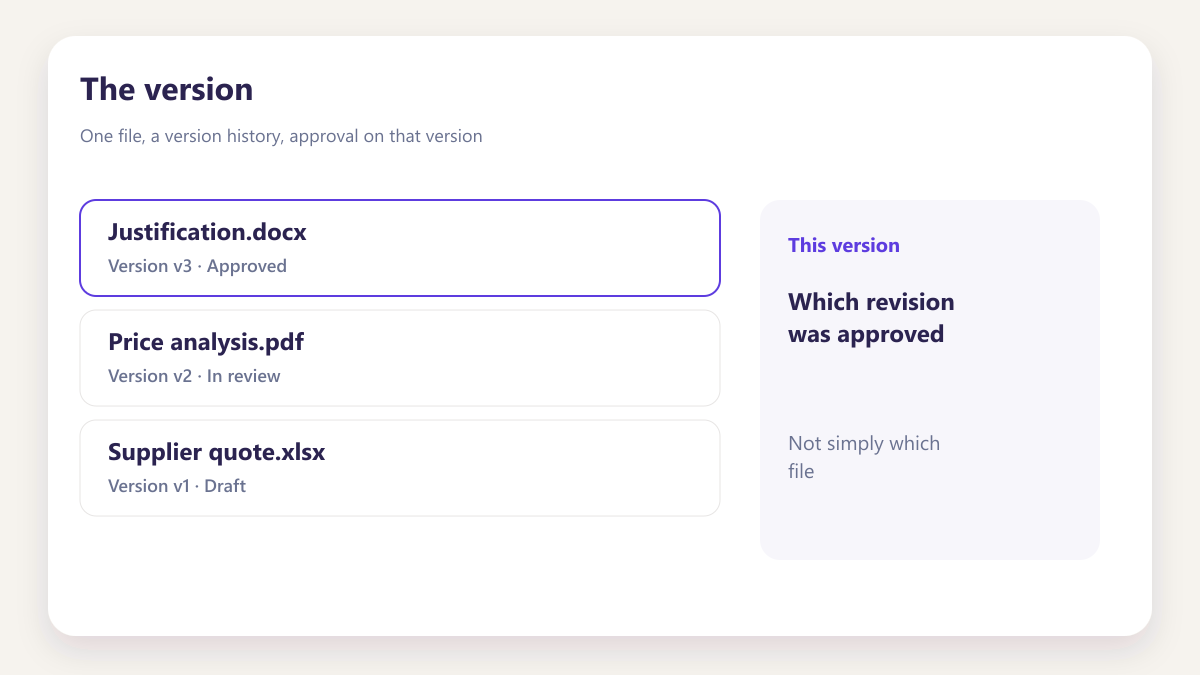
The version
Which revision was approved, not simply which file.
The comment
Any reason given, held on the document rather than in a message.
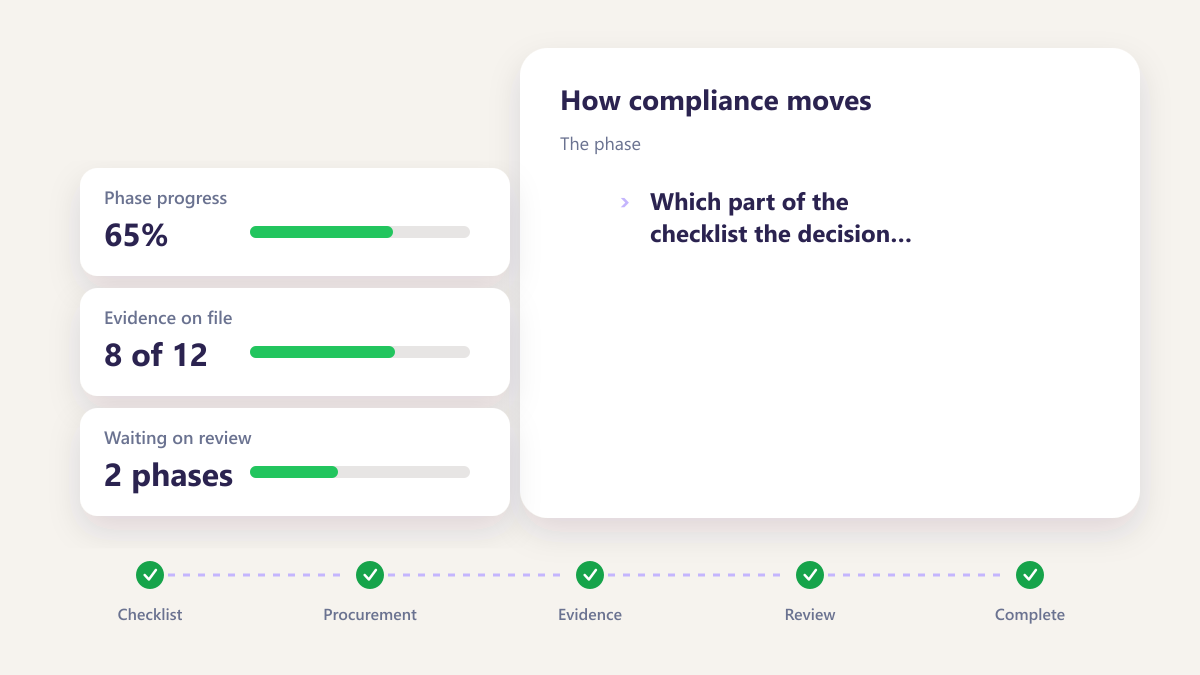
The phase
Which part of the checklist the decision closed.
Four roles, four changes
A narrower ask
Opens one phase within their competence rather than an entire award history.
Clear outcomes
Knows whether work was approved or returned, and why, without chasing anybody.
Provable sequence
Can show what was approved, by whom and against which version, without an email search.
Fewer stalls
Sees phases waiting on a decision before they become the reason a program slipped.
Questions about document approval
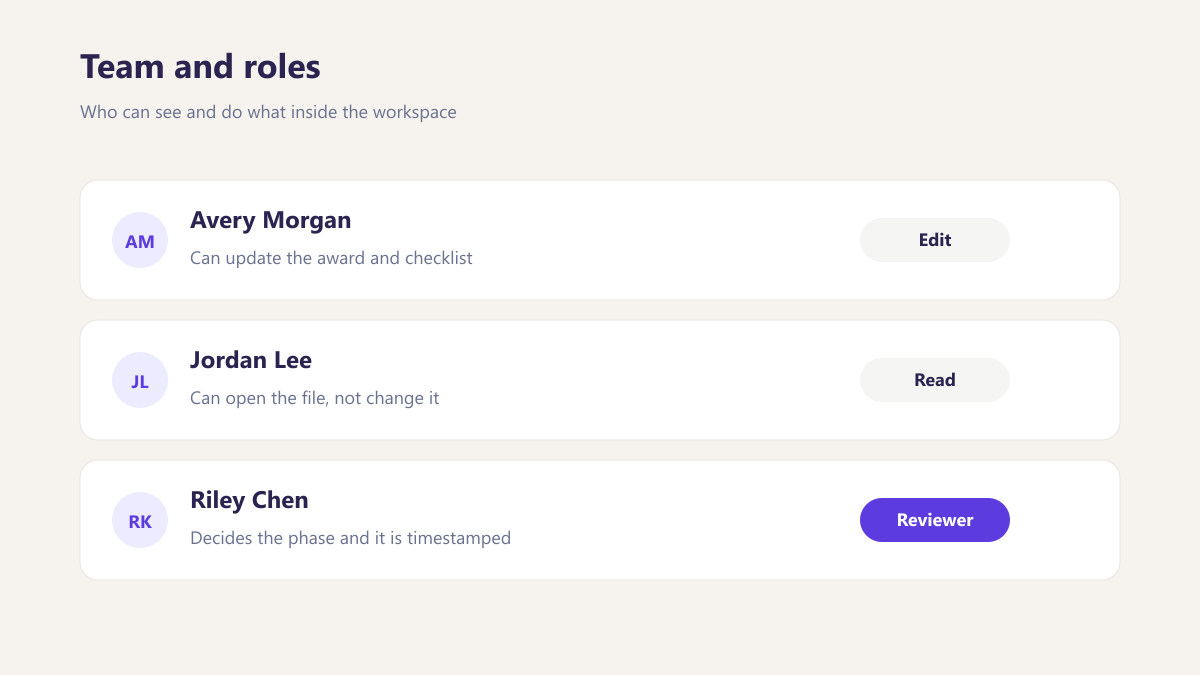
Who can be a reviewer?
Can a reviewer send something back?
Does the reviewer see the whole award?
What happens after approval?
Is approval tied to a specific version?
Can we require more than one approver on a phase?
What if the reviewer is away?
Other parts of the same workspace
Run a review on the call
Bring a phase you would normally approve by email and we will route it properly instead, including sending it back once.
Book a demo