Home / Features / Checklist builder
Checklist builderBuild the checklist once,
then stop building it
A three step wizard turns the way your team already works into a reusable template. Name it, drag rules into phases, then set the award value that triggers approval and who reviews each phase.
What building a template actually involves
Most checklist tools ask you to understand their data model first. This one asks three questions in order and is usually finished inside an afternoon.
Name it and describe it
A name your team will recognise and a short description of when it applies. This is the part that stops you ending up with four templates nobody can tell apart.
- A name people recognise rather than a code
- A description of which awards it applies to
- An owner, so there is somebody to ask about a rule
- Duplicated later if you need a variant
Drag rules into phases
Rules come from your library. Drag them into the phase where the evidence is actually produced, in the order your team works, and reorder freely until it matches reality.
- Rules dragged from a reusable library
- Phases named and ordered by you
- The same rule used across several templates
- Edited in one place and updated everywhere
Thresholds and reviewers
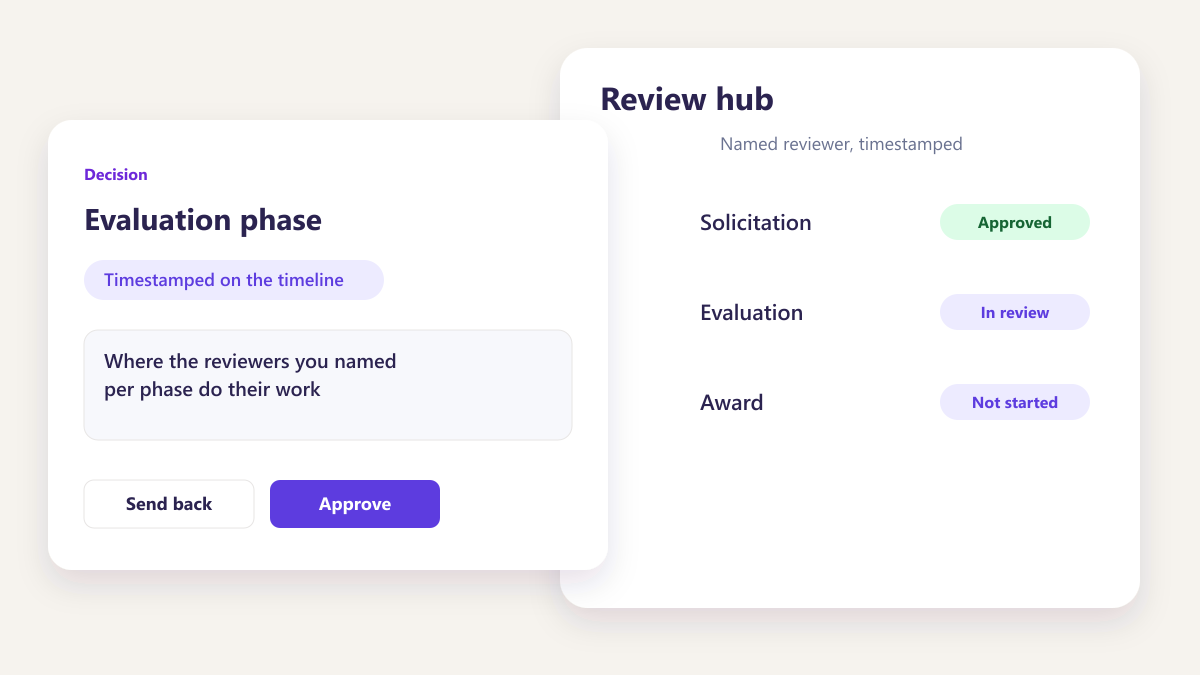
Set the award value that triggers an approval flow and name who reviews each phase. From then on the rule fires on the number rather than on somebody recognising a purchase as significant.
- Conditions set on award value
- Approval flow triggered without anybody remembering
- Reviewers named per phase rather than per award
- Applied identically to every future award
How checklists usually work, and what changes
Almost every contractor has a checklist somewhere. The question is whether it is a document or a mechanism.
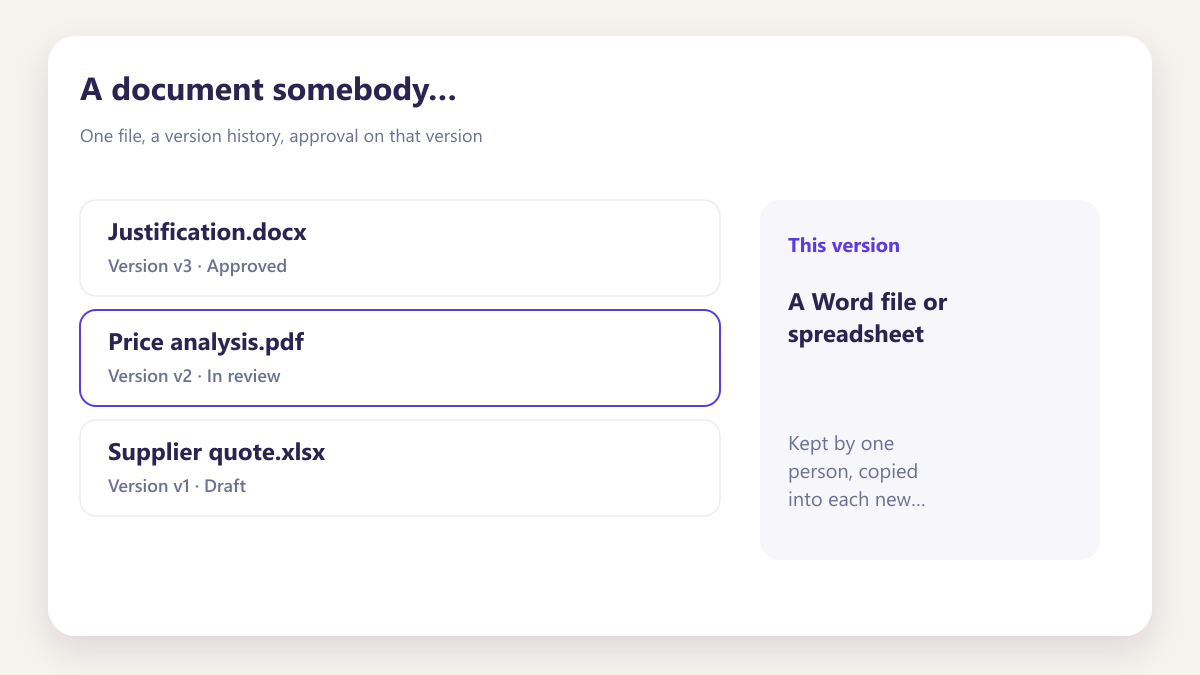
A document somebody maintains
A Word file or spreadsheet, kept by one person, copied into each new award folder. It is accurate on the day it was written and progressively less so afterwards.
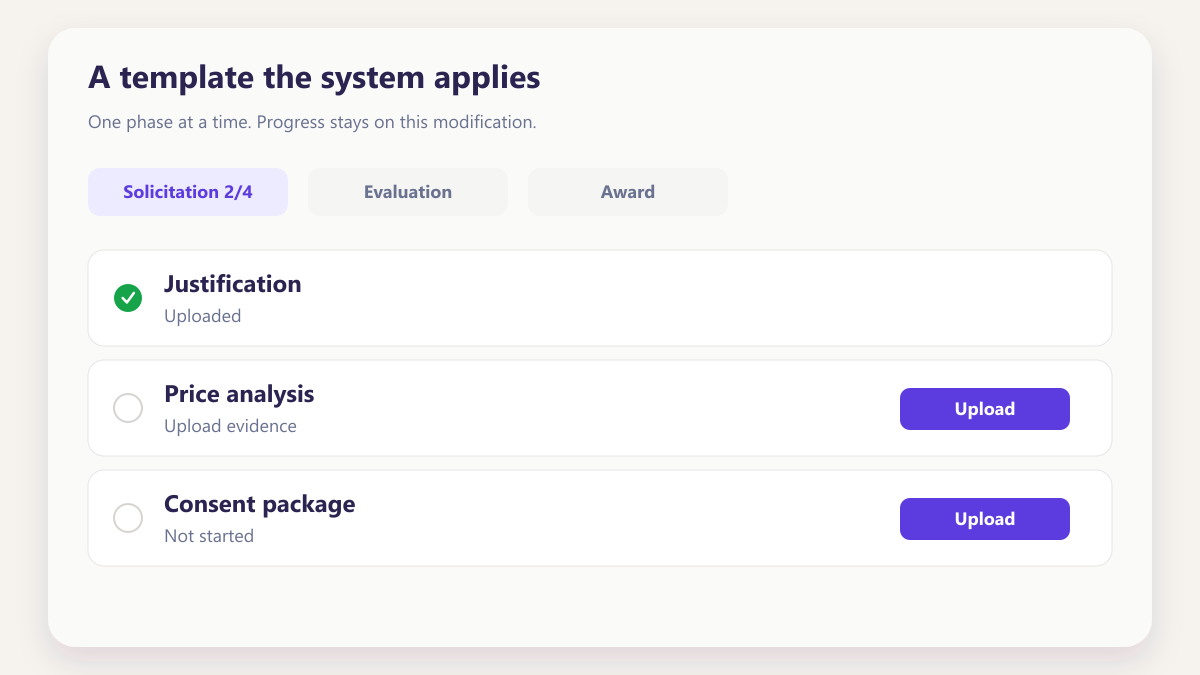
A template the system applies
Built once and inherited automatically by every award created afterwards, so the version in use is always the current one.
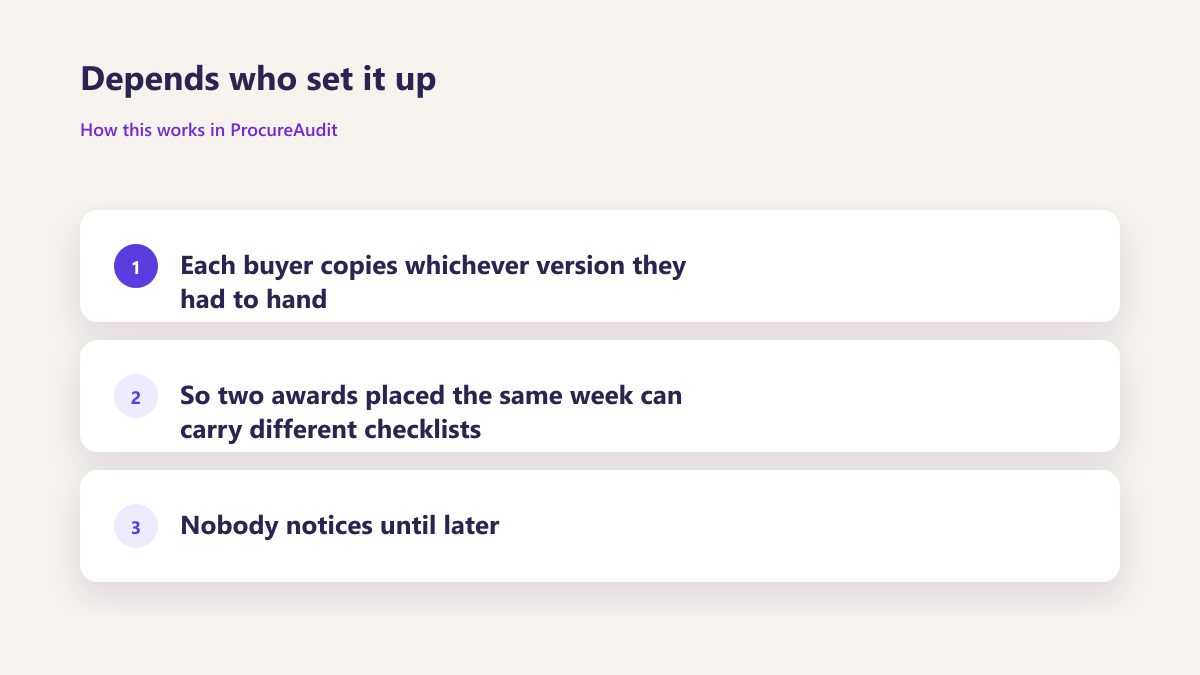
Depends who set it up
Each buyer copies whichever version they had to hand, so two awards placed the same week can carry different checklists and nobody notices until later.
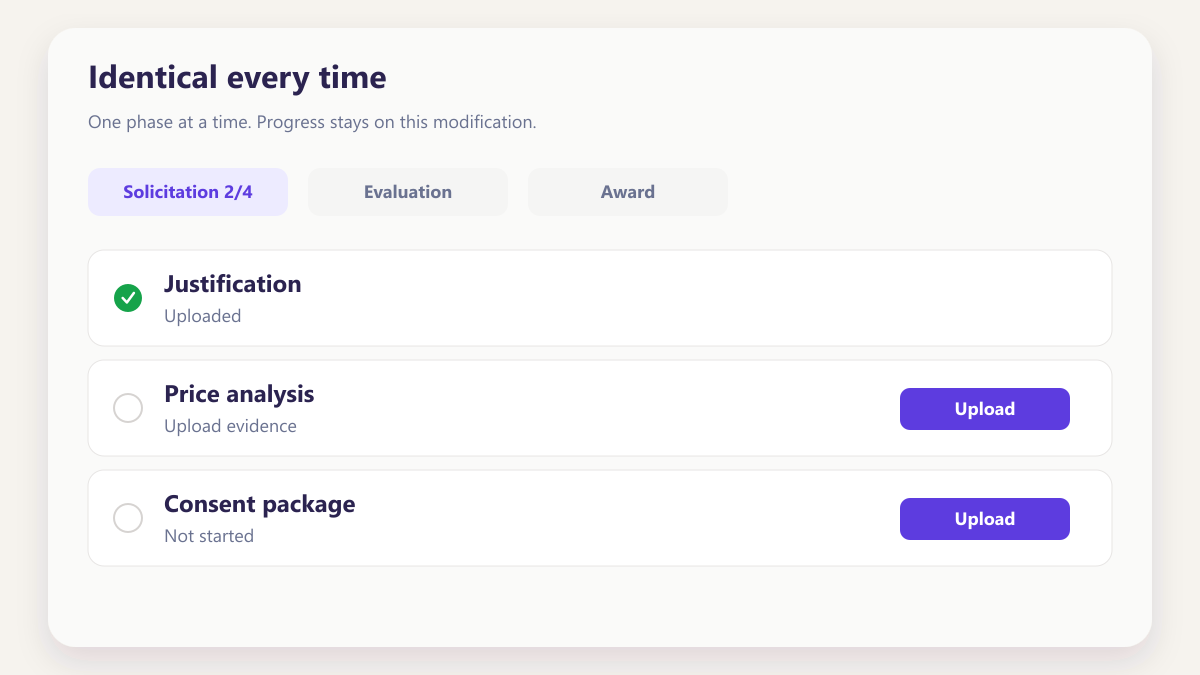
Identical every time
One template applies to every award, so the phases, rules and reviewers are the same regardless of who placed it or how busy that week was.
Applied when somebody remembers
Whether an award needed the extra approval depends on somebody recognising the value as significant, which is exactly what fails in a busy quarter.
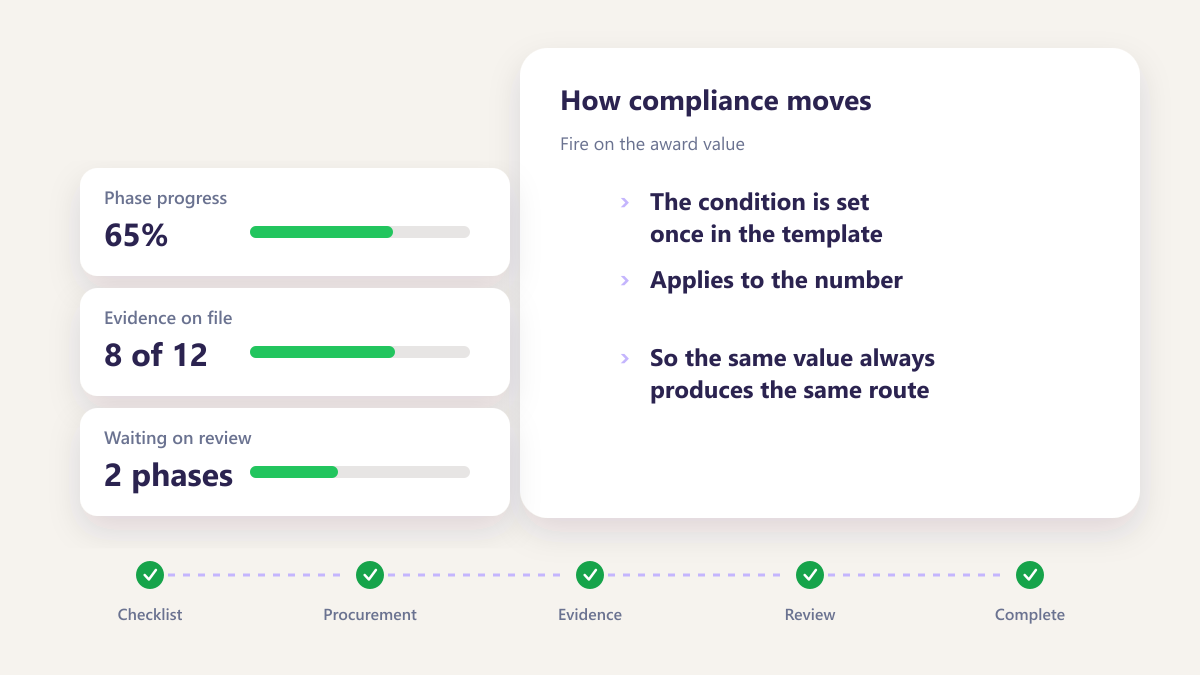
Fire on the award value
The condition is set once in the template and applies to the number, so the same value always produces the same route.
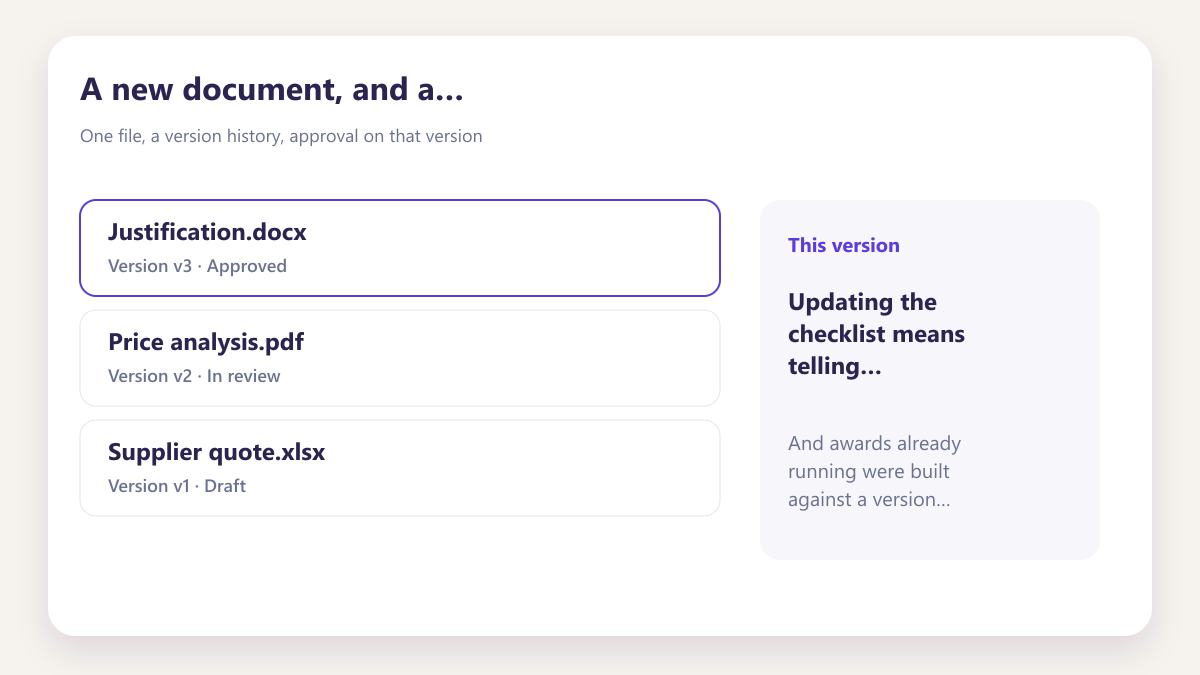
A new document, and a migration
Updating the checklist means telling everybody, and awards already running were built against a version you can no longer identify.
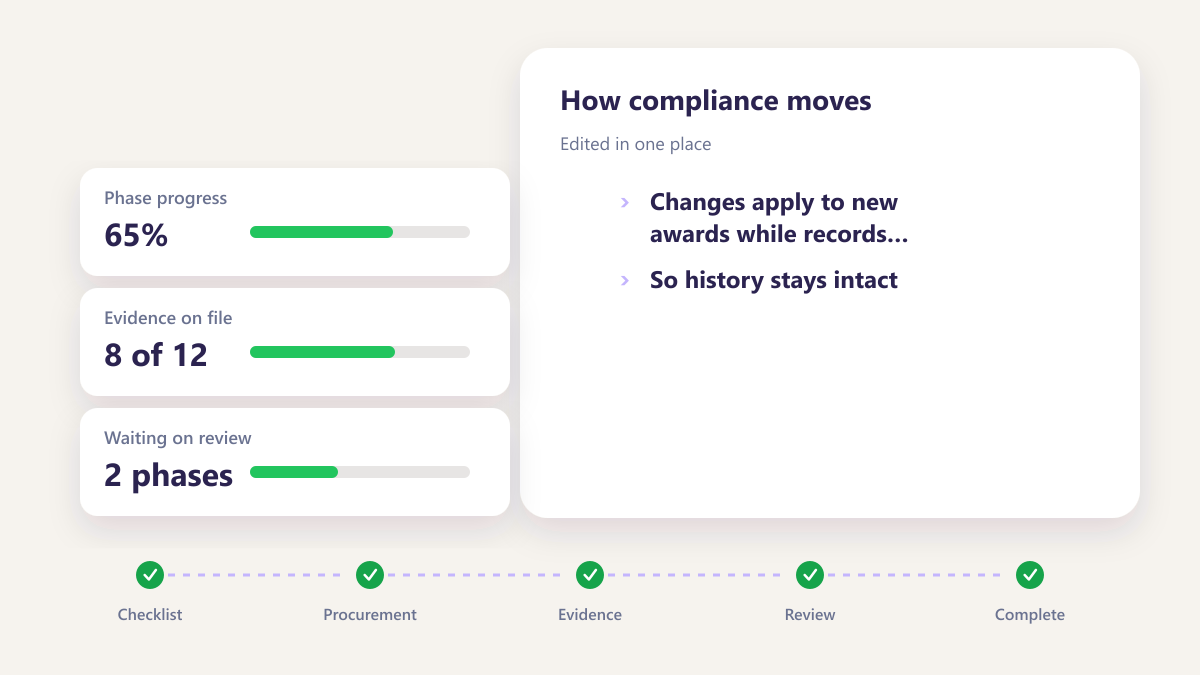
Edited in one place
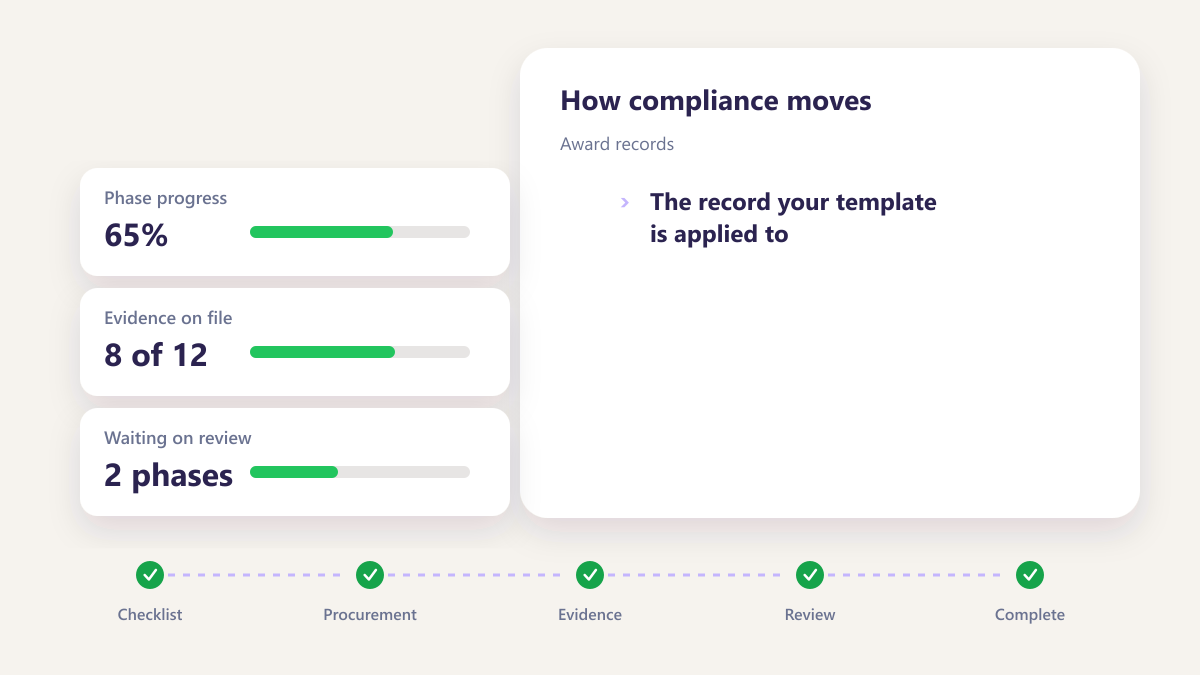
Changes apply to new awards while records already running keep the template as it applied to them, so history stays intact.
Three things a working template removes
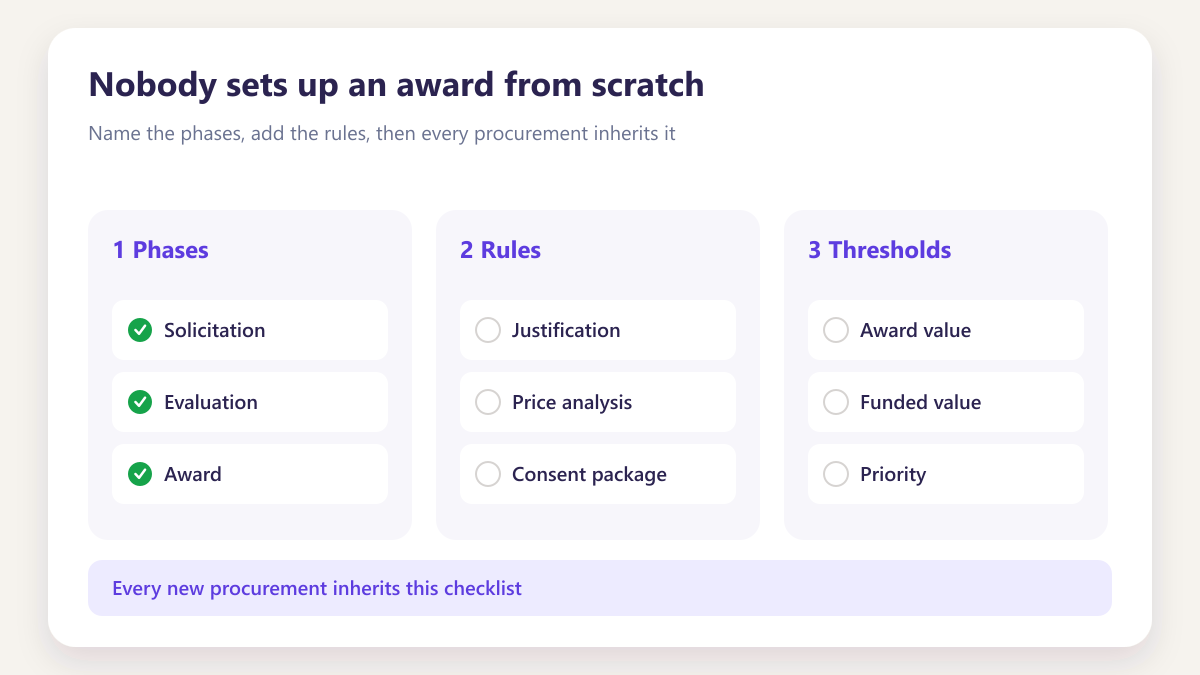
Nobody sets up an award from scratch
The phases, rules, thresholds and reviewers are already there when the award is created, so a buyer starts from a structure rather than a blank record.
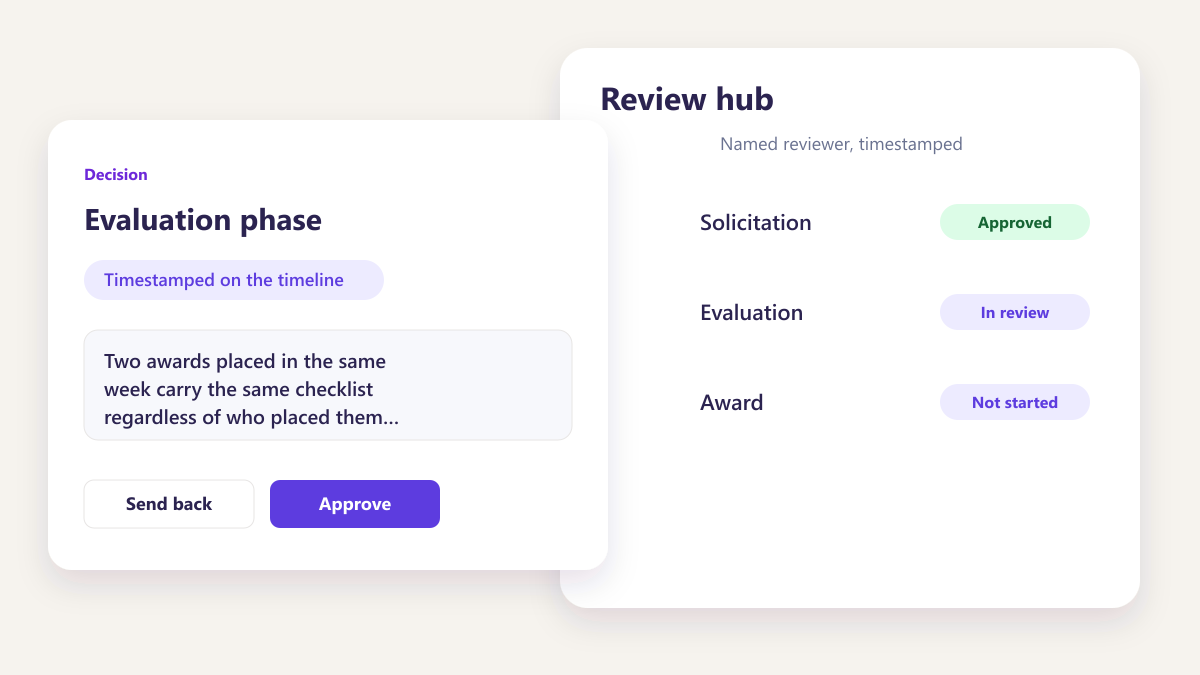
Consistency stops depending on people
Two awards placed in the same week carry the same checklist regardless of who placed them or how busy that week was.
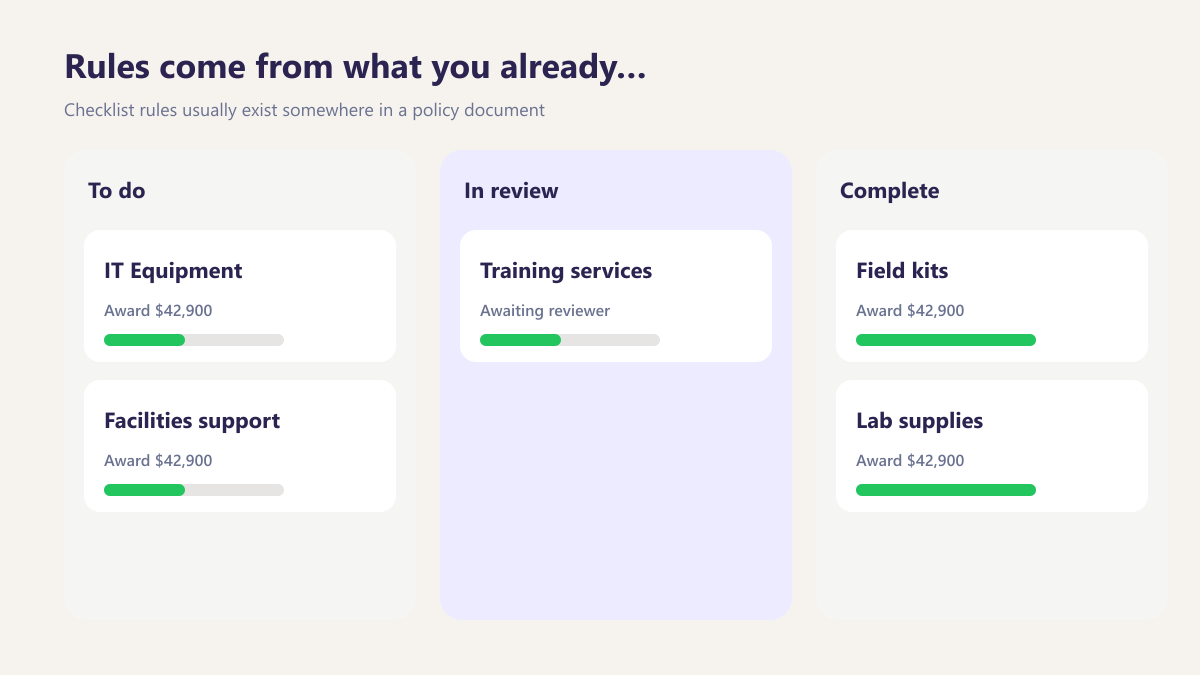
Rules come from what you already wrote
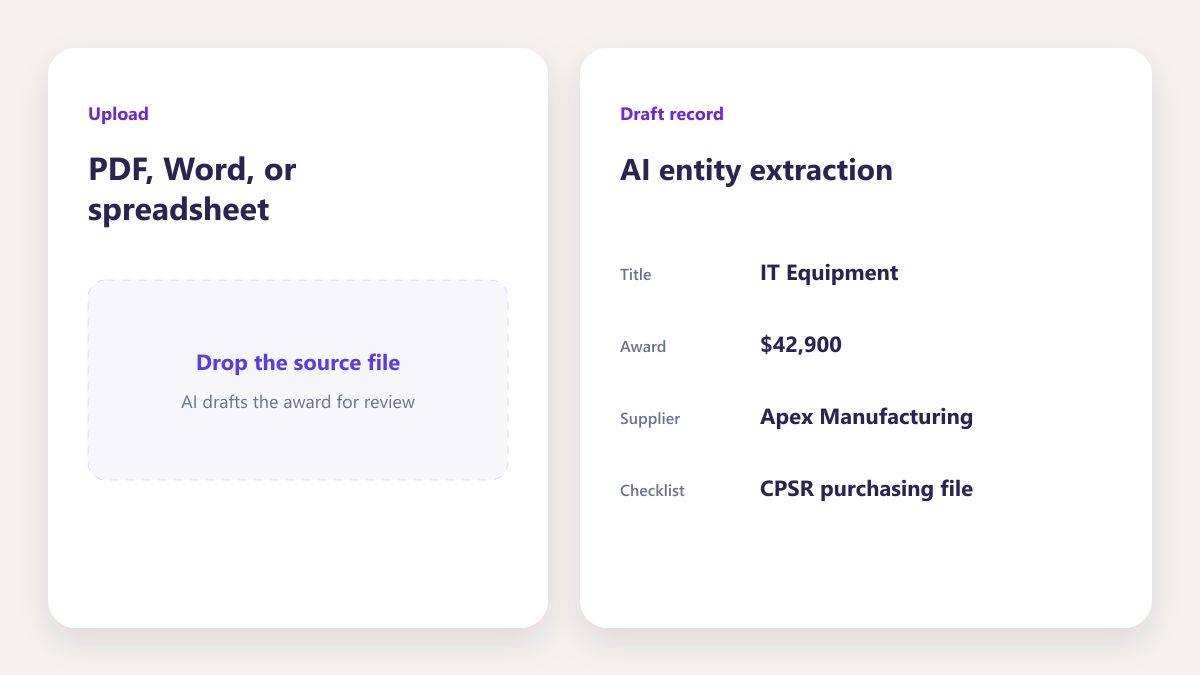
Checklist rules usually exist somewhere in a policy document. Uploading it produces the rule rather than asking somebody to author it from nothing.
Four templates that cover most contractors
Four templates that cover most contractors.
Most teams start with a small set of templates that match how they already buy — then refine phases and rules as the first awards run through.
- Start from the buying patterns you already have
- Reuse the same template across similar awards
- Adjust phases without rebuilding every checklist
Standard subcontract award
The everyday template covering solicitation, award documentation, modification tracking and closeout.
Learn moreHigher value awards
The same shape with an additional approval phase, triggered by the award value rather than chosen by anybody.
Learn moreServices and professional engagements
Where the evidence differs because the deliverable is time rather than goods.
Learn moreRecurring or option year awards
Built around the fact that the same award will come back with a modification attached.
Learn moreSix things, set once
Six things, set once
The sequence your team actually works in, with rules, thresholds and named reviewers attached to the template rather than rebuilt per award.
- Named phases
- Rules per phase
- Named reviewers
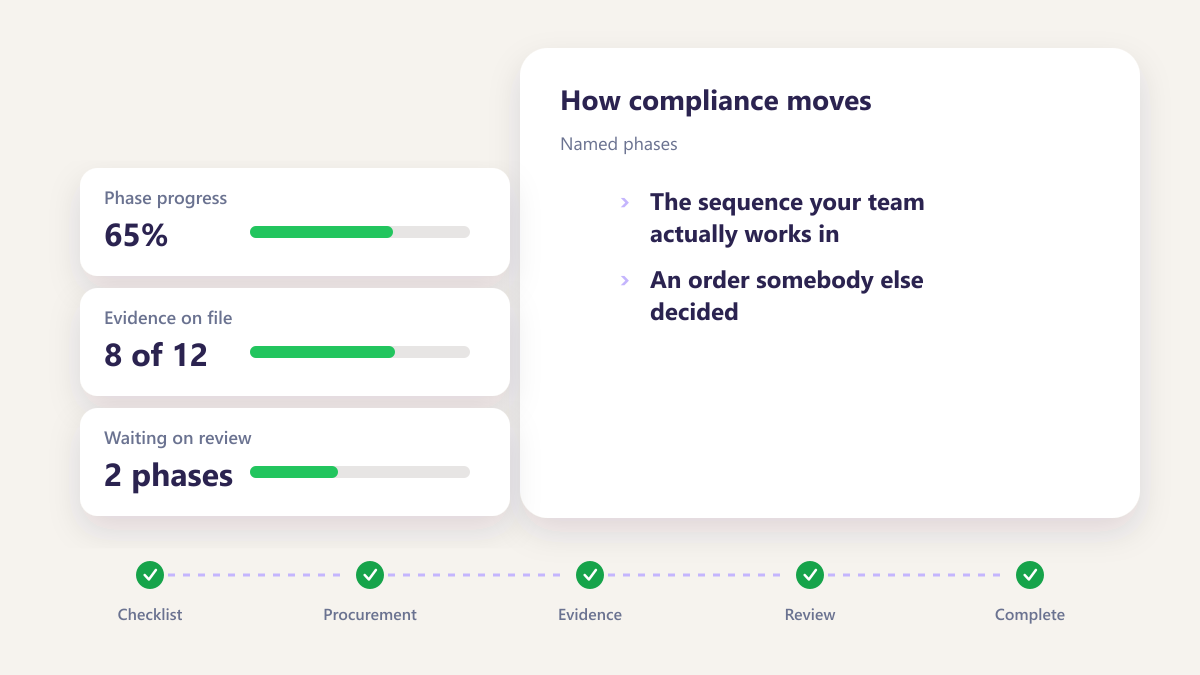
Named phases
The sequence your team actually works in rather than an order somebody else decided.
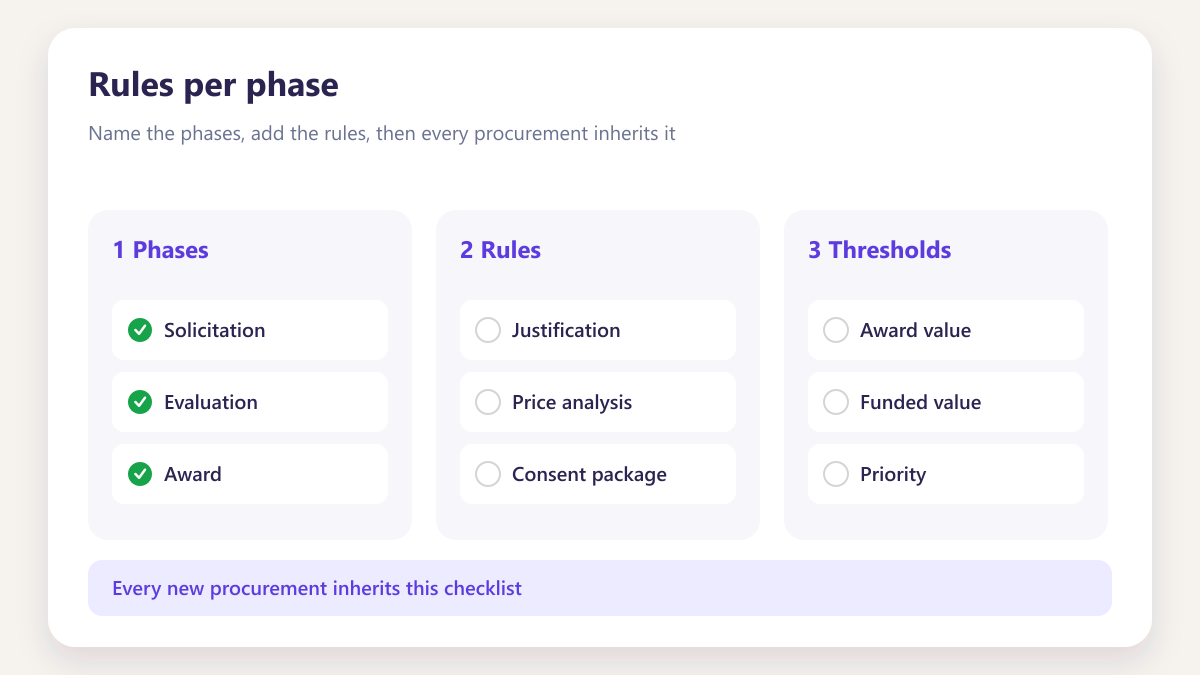
Rules per phase
Each item of evidence sitting in the phase where it is produced.
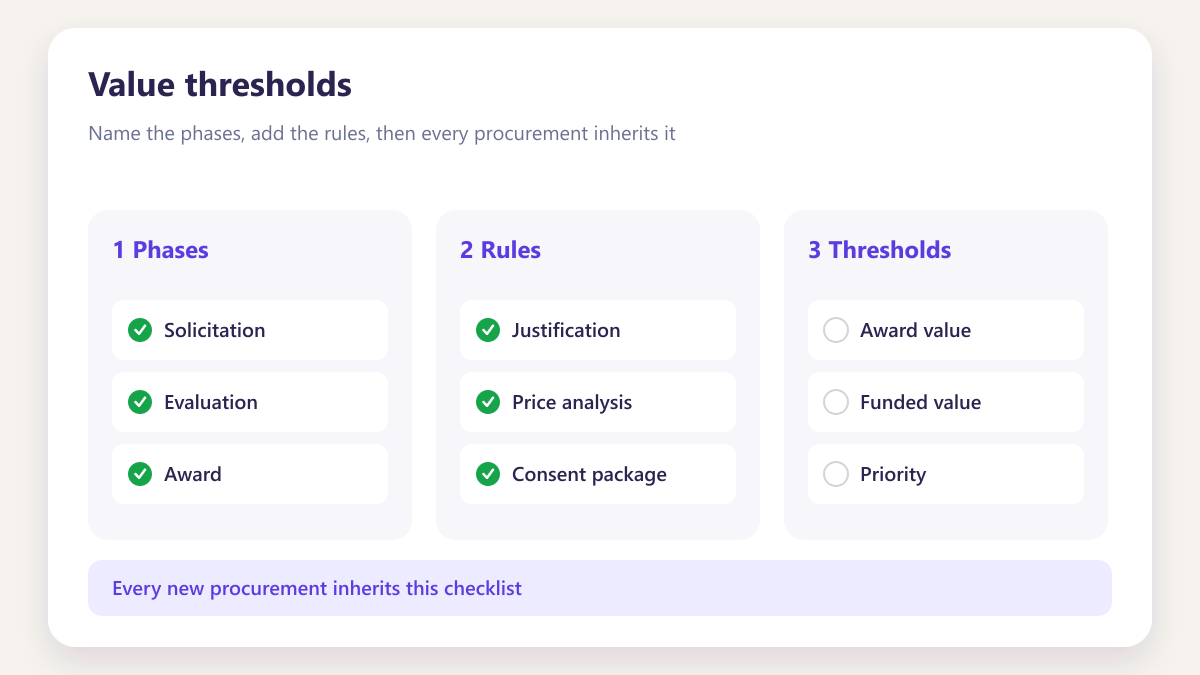
Value thresholds
The award amount at which an approval flow starts, applied without anybody remembering it.
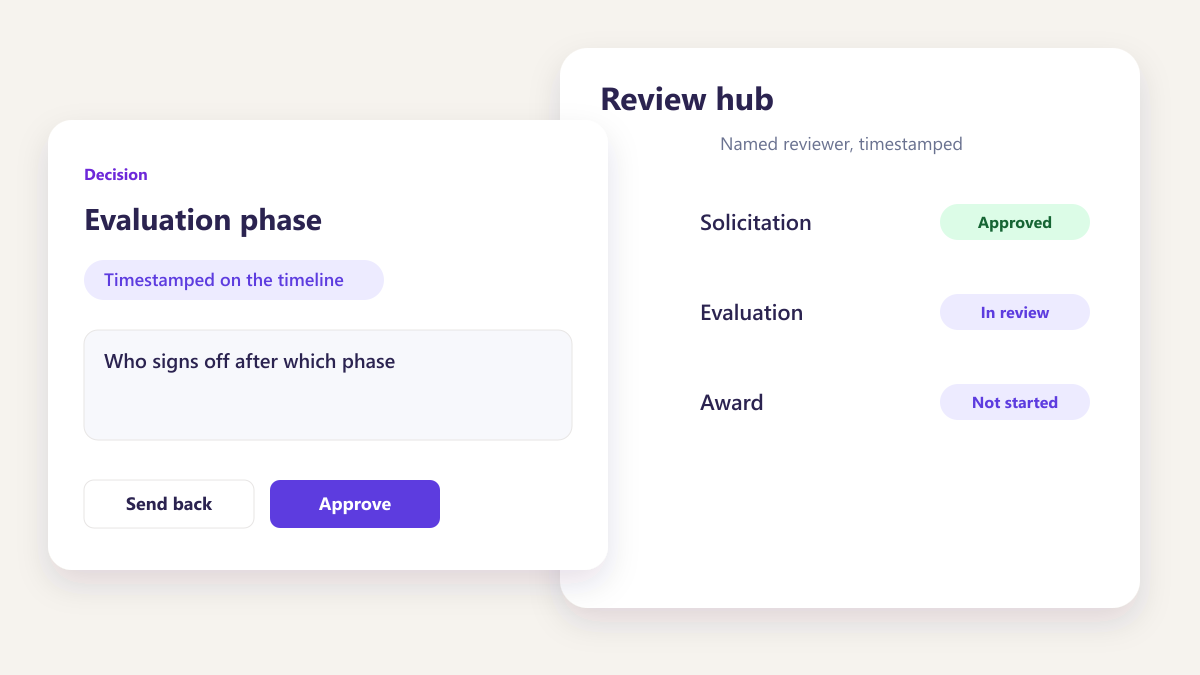
Named reviewers
Who signs off after which phase, by name rather than by role alone.
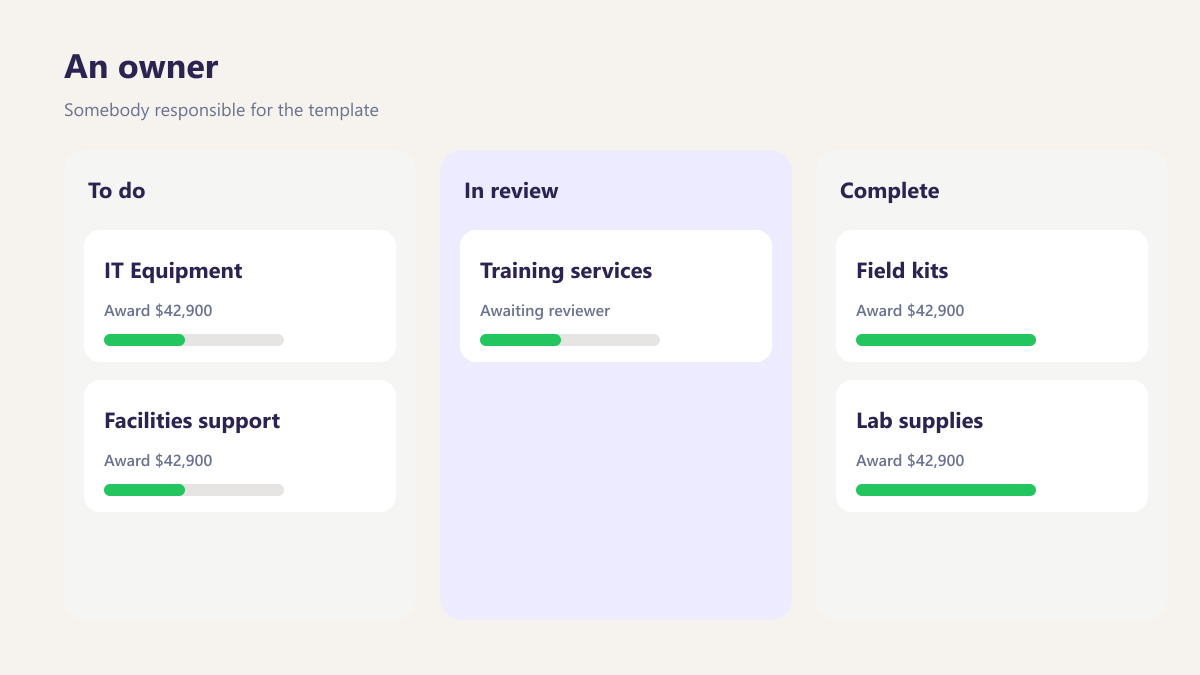
An owner
Somebody responsible for the template, so there is a person to ask when a rule needs changing.
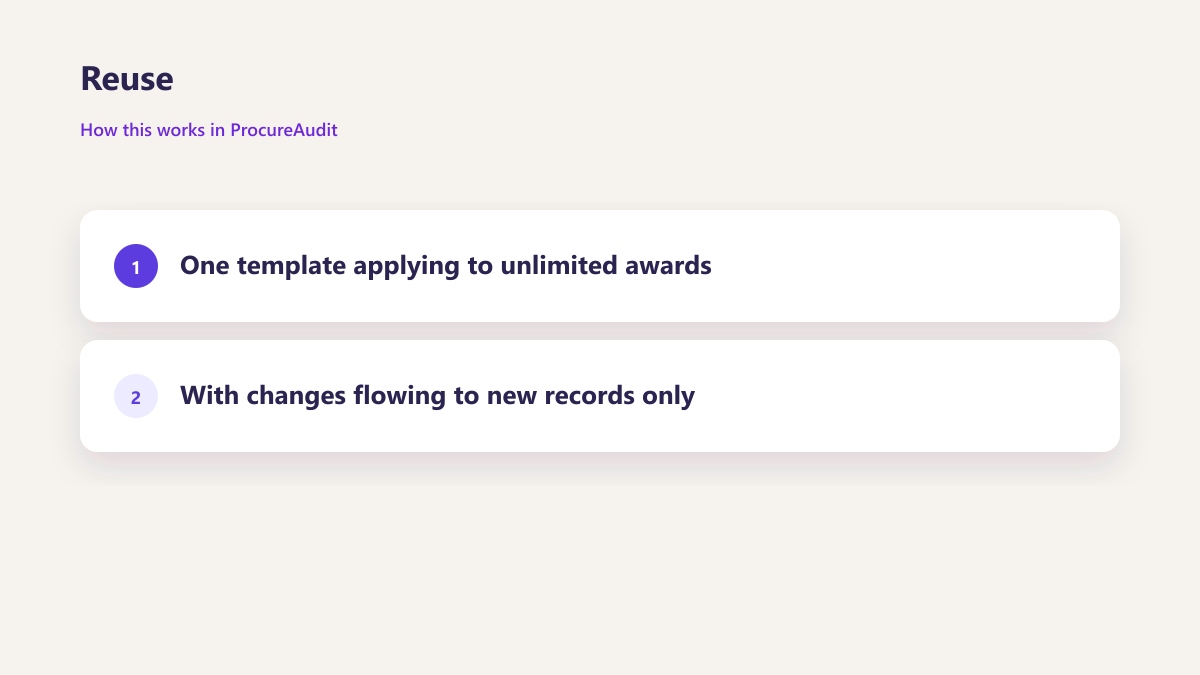
Reuse
One template applying to unlimited awards, with changes flowing to new records only.
Questions about the checklist builder
How long does a first template take to build?
Can a rule be generated from our own policy?
What does a value threshold actually do?
Can reviewers differ per phase?
If we change a template, what happens to awards already running?
How many templates do teams usually end up with?
Do we need a compliance specialist to build one?
Other parts of the same workspace
Build your template on the call
Bring a checklist you already use, on paper or in a spreadsheet, and we will turn it into a working template while you watch.
Book a demo