Home / Features / Document drive
Document driveDocument Drive for Government Contract Purchasing Files
Evidence filed where somebody will look for it
Folder structures reflect whoever built them. A drive organised around the award, the modification and the phase puts each file exactly where the next person would expect to find it.
The problem is not storage, it is structure
Every organisation has a shared drive where the arrangement made sense to whoever created it and to nobody since. That is not a discipline failure, it is what happens when structure is a convention rather than a consequence.
Each award has its own drive, subdivided by modification and by compliance phase. Nobody agrees a naming scheme, because the structure is generated rather than chosen.
- Award, then modification, then phase
- Identical across every record
- No conventions to document or enforce
- New joiners navigate it immediately
Documents get revised and the question afterwards is which version was approved. Keeping every revision with its approval answers that without anybody guessing.
- Earlier versions retained rather than overwritten
- Current version clearly marked
- Who uploaded each one, and when
- The approved version identified specifically
Download, rename, re-upload is how duplicate versions appear. In app editing keeps the change on the same file with the revision recorded.
- Edited in place rather than downloaded
- No files named final version two
- Change recorded on the activity timeline
- One file, a history behind it
Sending a file as an attachment for comment is how organisations end up with five versions and no record of which was agreed.
- Routed to a named reviewer from the drive
- Comments held against the document
- Approval recorded on the version reviewed
- No email thread to reconstruct afterwards
Shared drive against document drive
The comparison worth making is not about storage capacity. It is about what happens when somebody needs a specific file two years later.
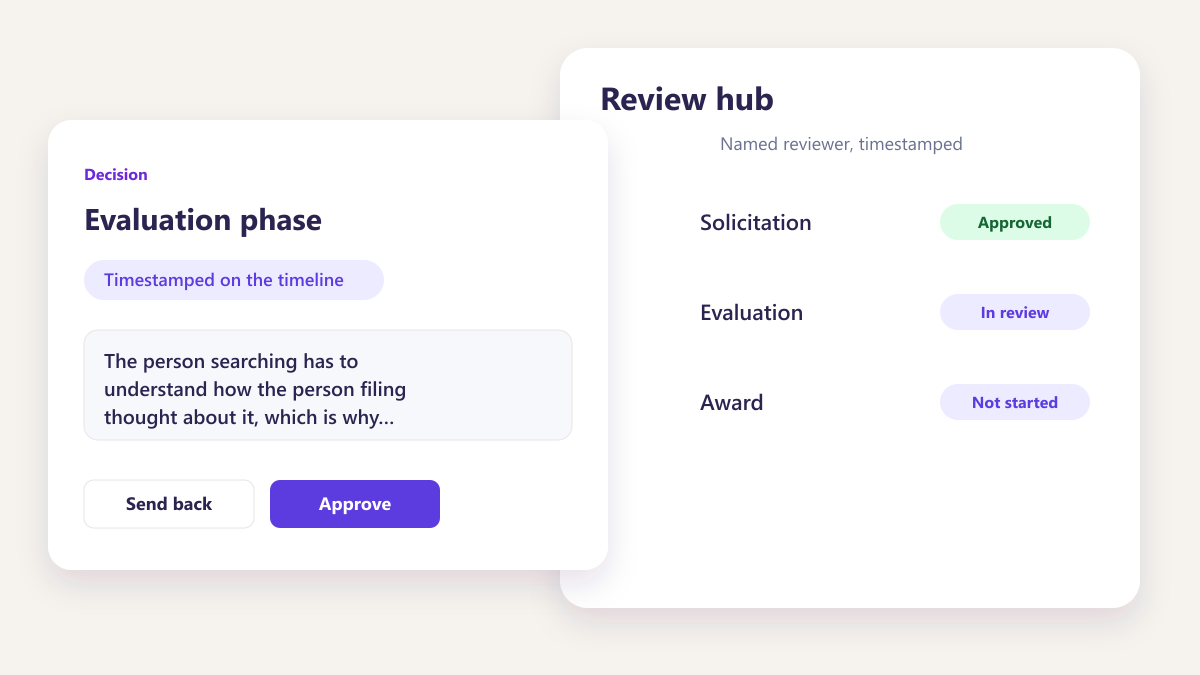
Depends on knowing the convention
The person searching has to understand how the person filing thought about it, which is why the answer is usually to ask a colleague rather than to search.
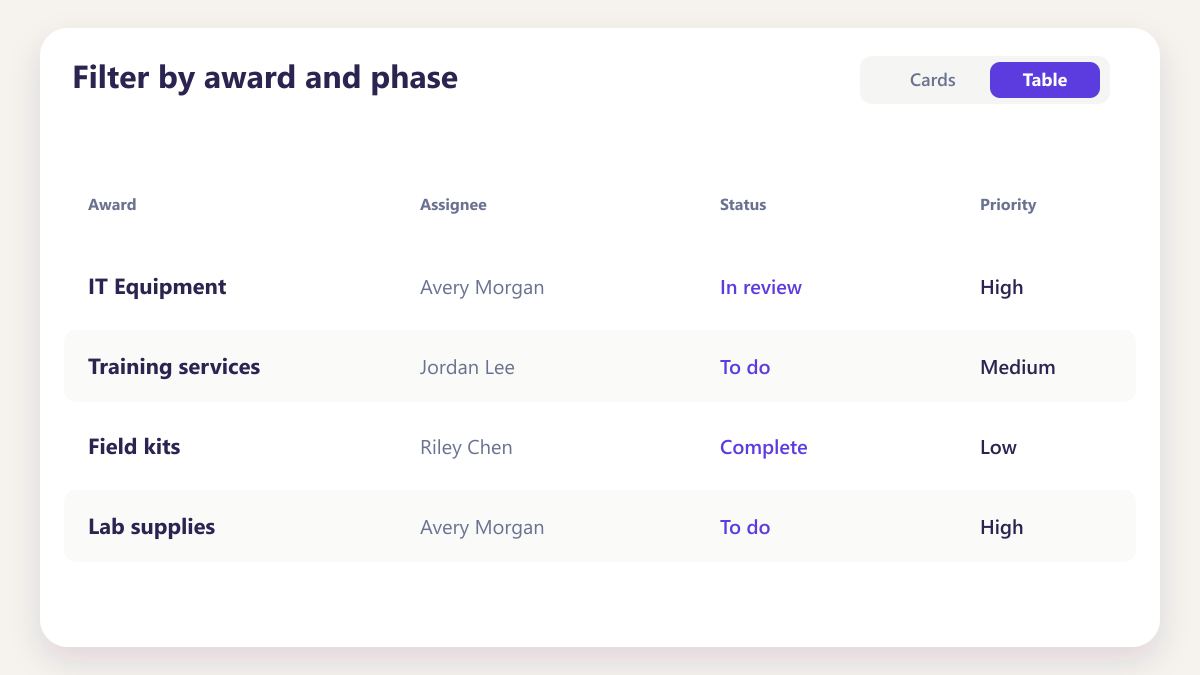
Filter by award and phase
The structure is the same everywhere, so finding evidence for Phase 2 of a modification is a filter rather than an act of interpretation.
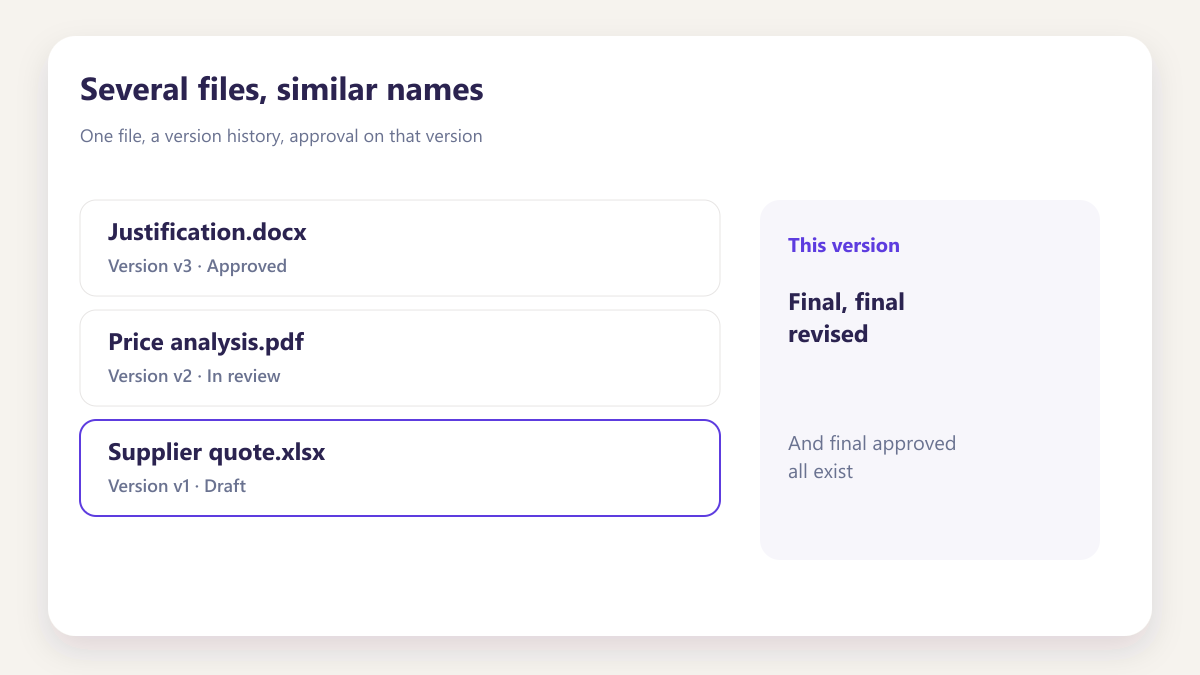
Several files, similar names
Final, final revised, and final approved all exist, and the one that was actually agreed is whichever somebody remembers.
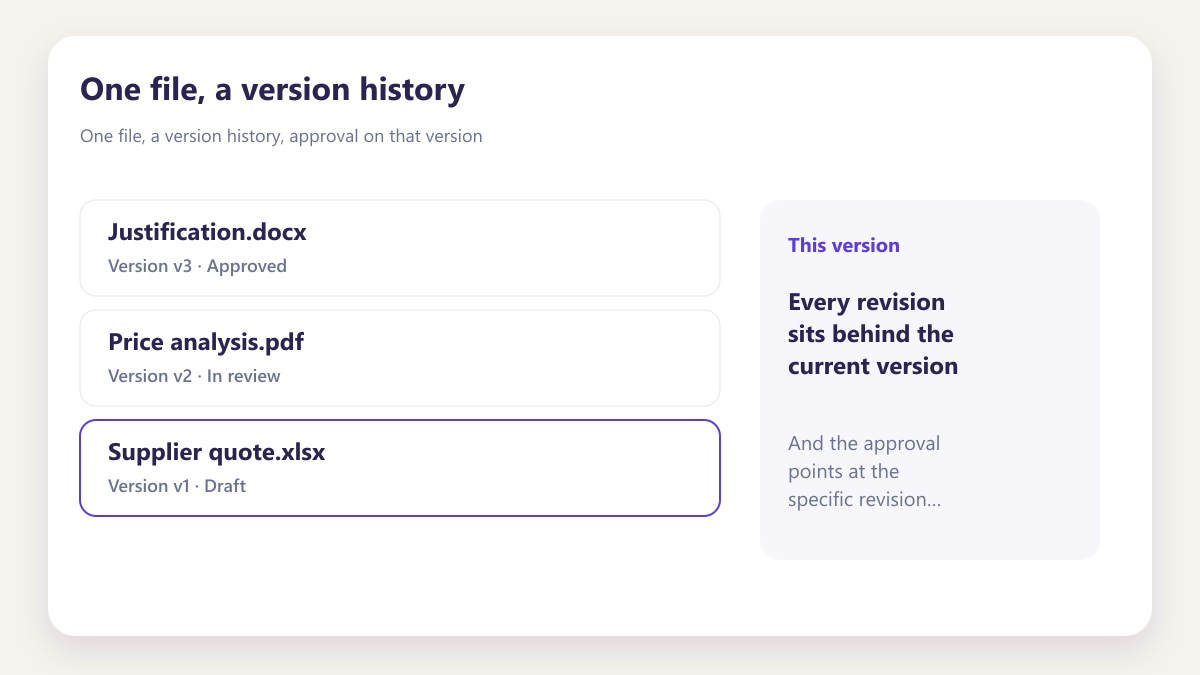
One file, a version history
Every revision sits behind the current version, and the approval points at the specific revision that was reviewed.
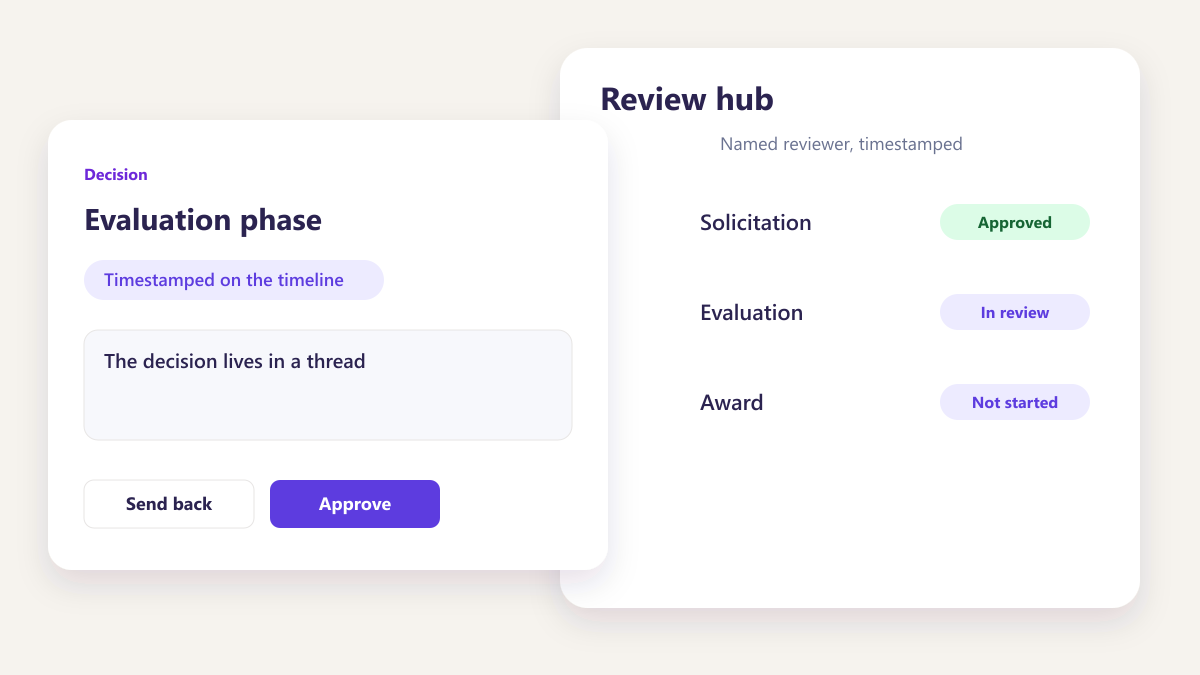
In an email somewhere
The decision lives in a thread, separated from the document, and answering what was approved means finding both and matching them up.
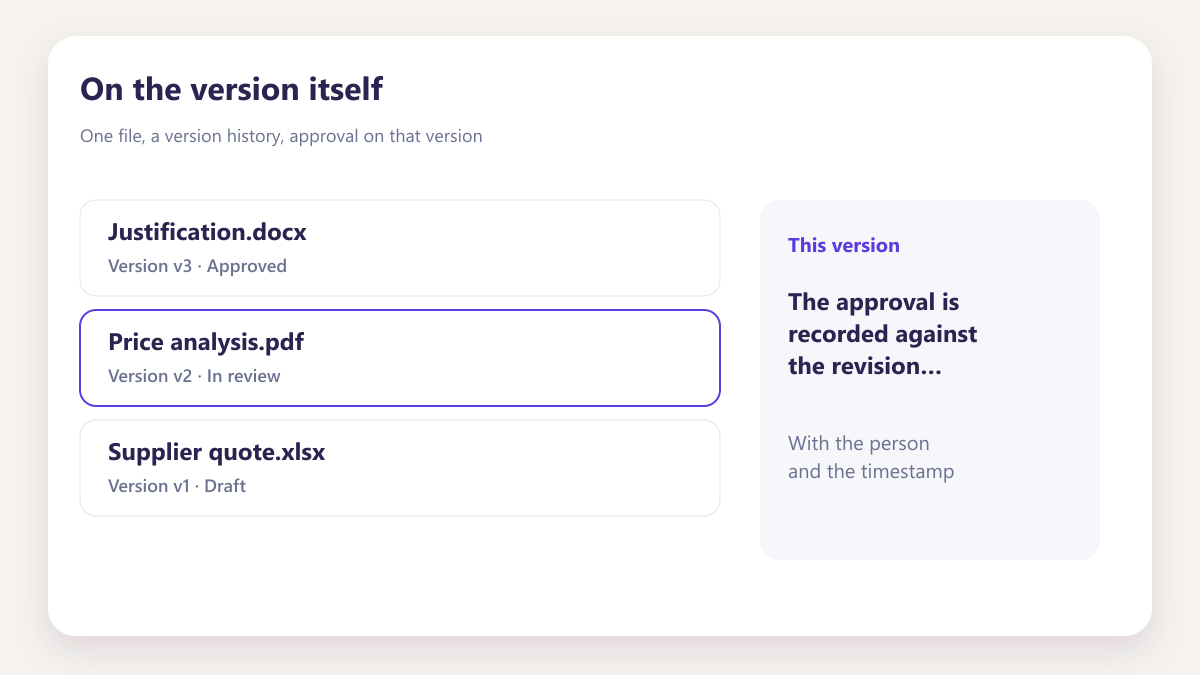
On the version itself
The approval is recorded against the revision reviewed, with the person and the timestamp, on the document rather than beside it.
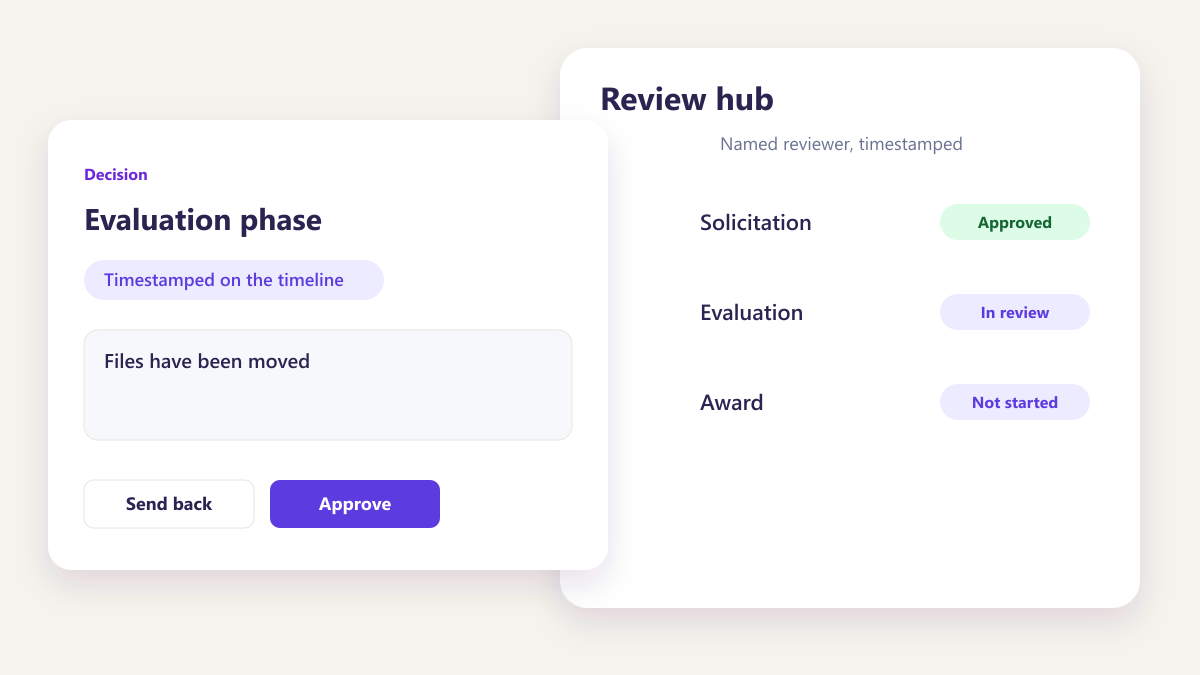
A reconstruction exercise
Files have been moved, folders reorganised, and the people involved have changed roles, so producing the evidence becomes a project.
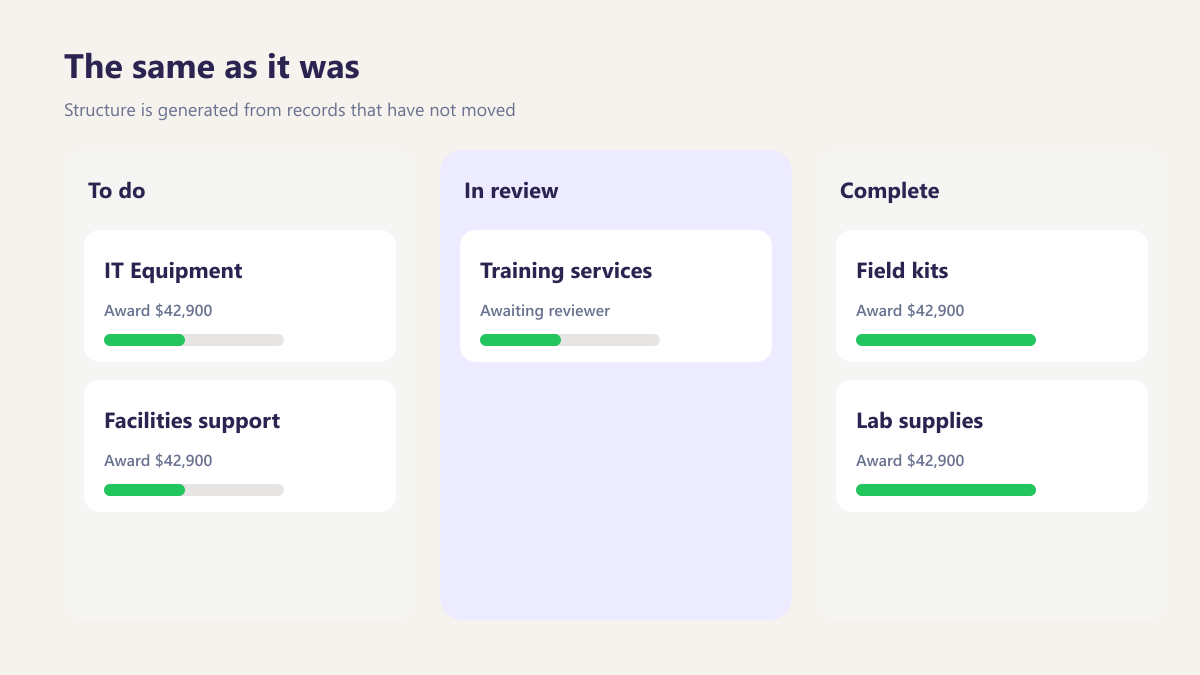
The same as it was
Structure is generated from records that have not moved, so retrieval works identically regardless of how much time has passed.
Three outcomes for the people using it
Three outcomes for the people using it
The structure is a consequence of the record rather than an agreement people have to remember, so it does not drift as the team changes.
- Nobody maintains a filing convention
- What was approved is unambiguous
- Retrieval works years later
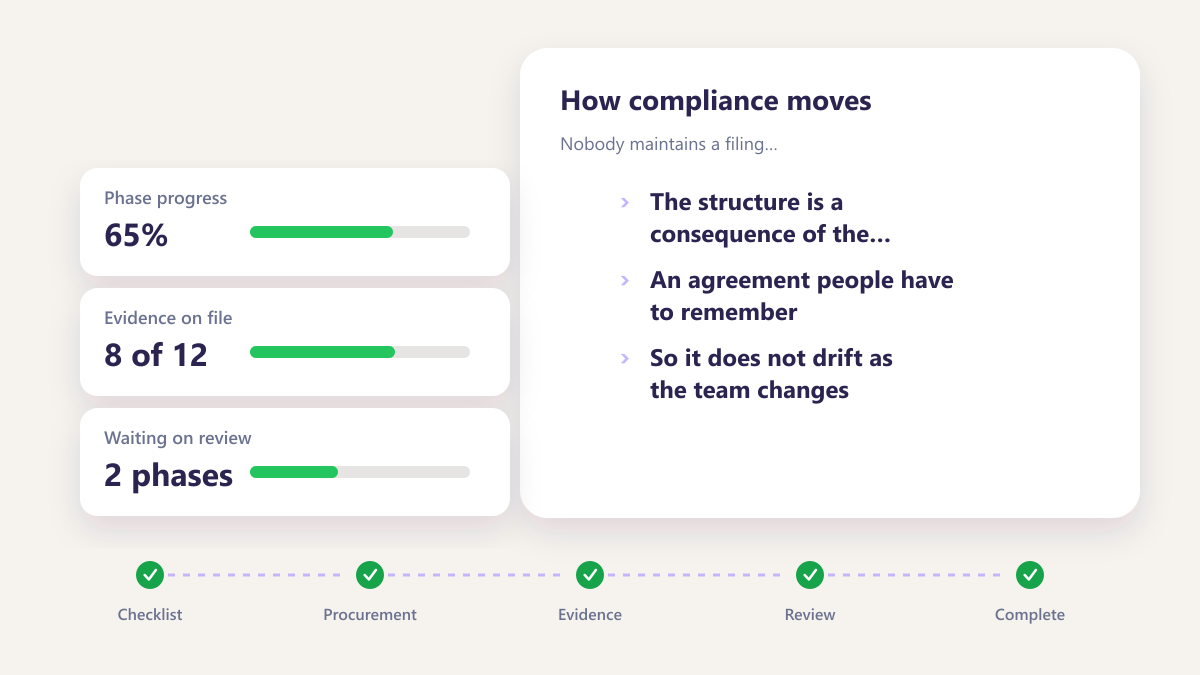
Nobody maintains a filing convention
The structure is a consequence of the record rather than an agreement people have to remember, so it does not drift as the team changes.
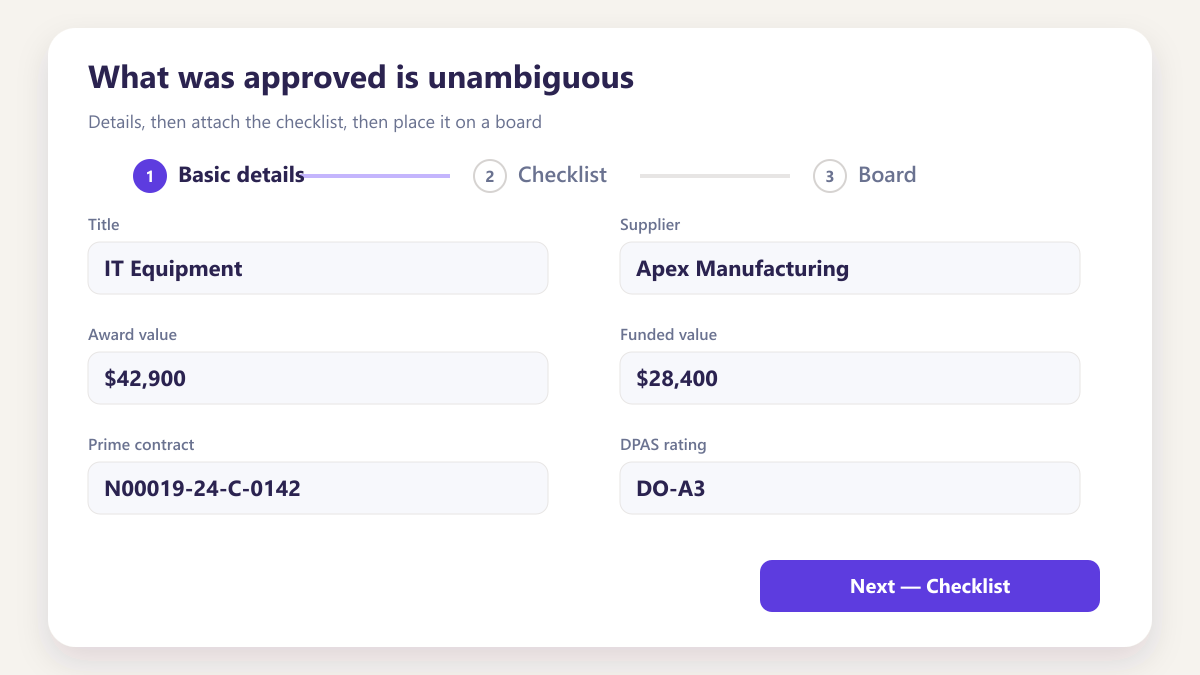
What was approved is unambiguous
Approval attached to a specific revision answers the question that actually gets asked, which is what the document looked like when somebody signed it off.
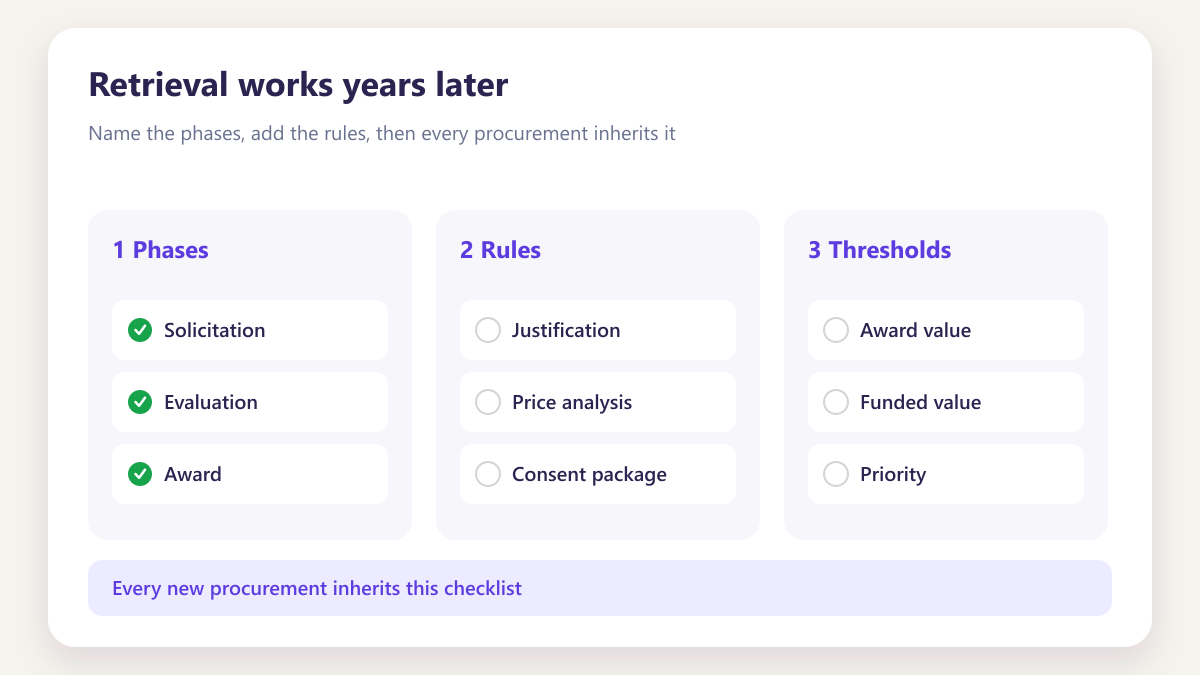
Retrieval works years later
Because nothing was ever moved or reorganised, finding evidence for an old award works exactly as it did when the award was live.
Six things a shared folder cannot
Six things a shared folder cannot do for you.
The drive is not about capacity. It is about opening the right file for the right phase without hunting across drives, emails and personal folders.
- Files tied to award, modification and phase
- In-app editing without losing the thread
- Every change visible on the same record
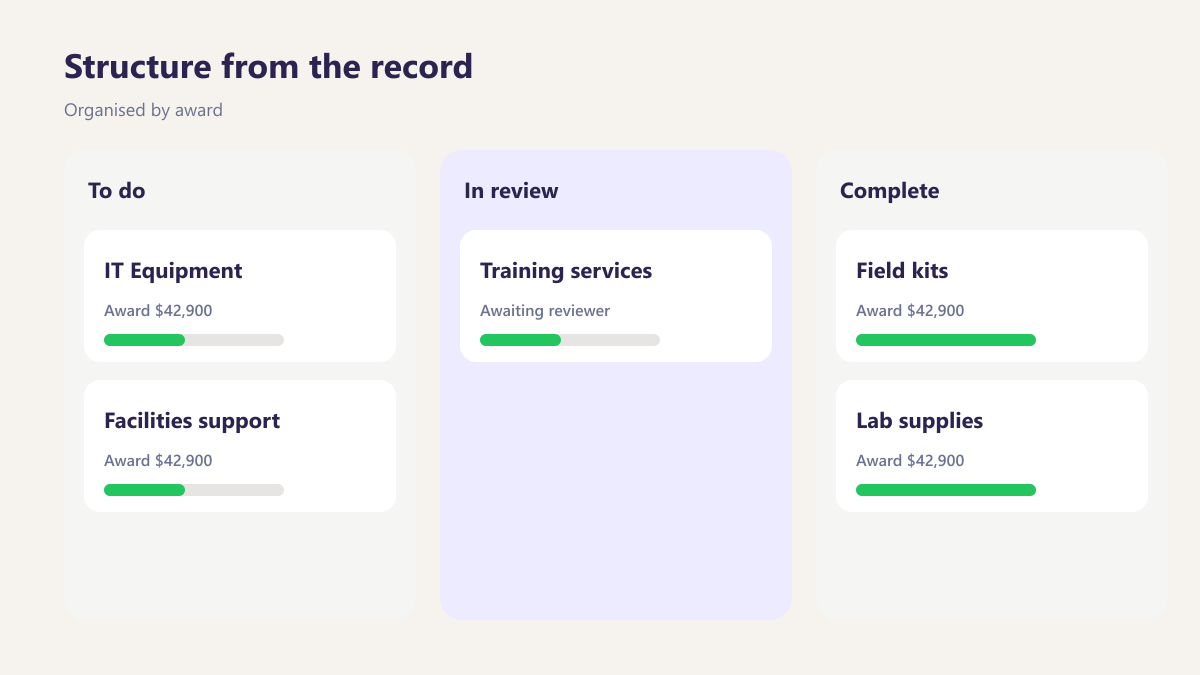
Structure from the record
Organised by award, modification and phase automatically.
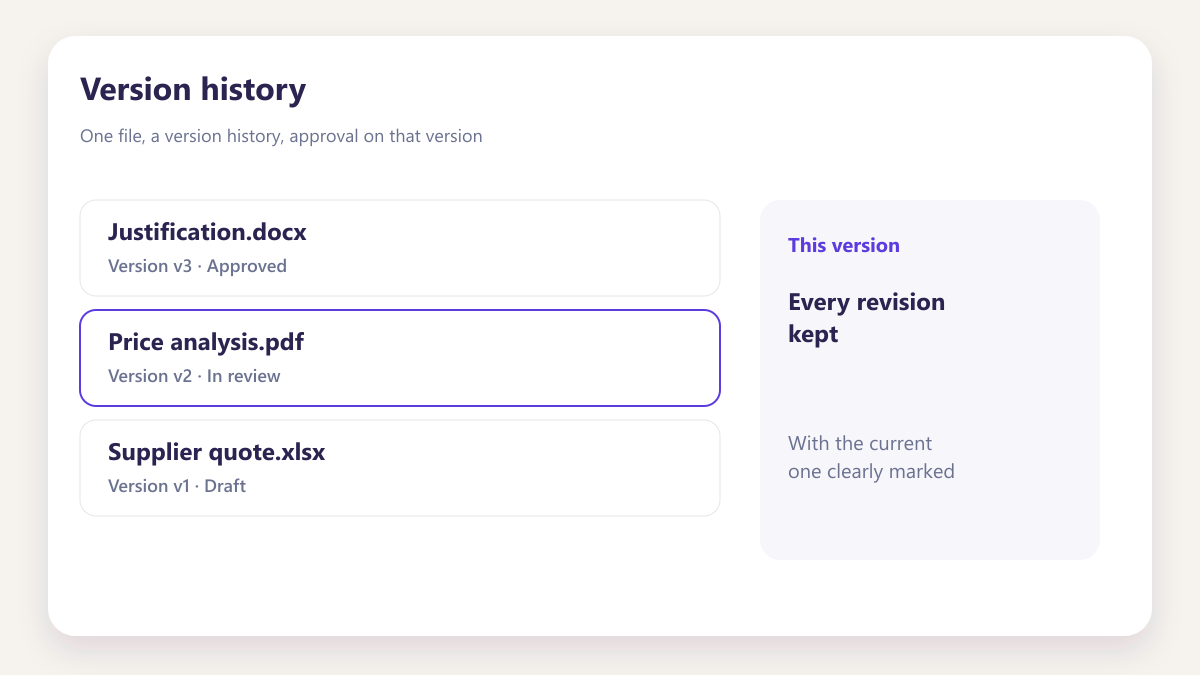
Version history
Every revision kept, with the current one clearly marked.
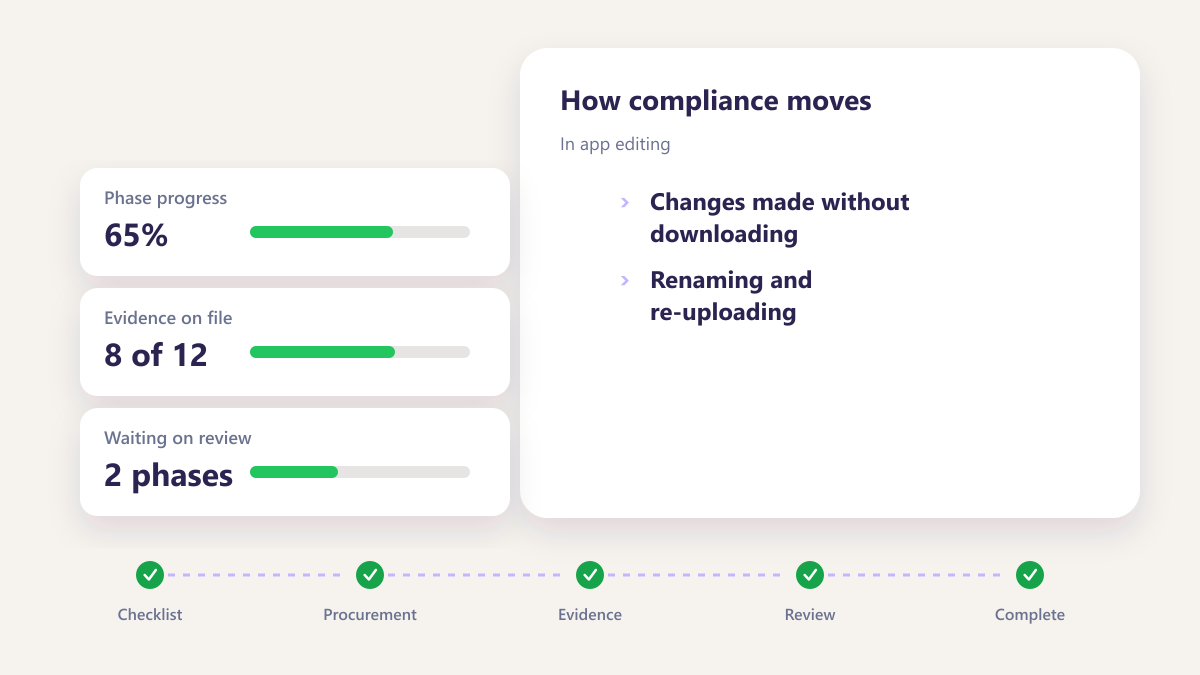
In app editing
Changes made without downloading, renaming and re-uploading.
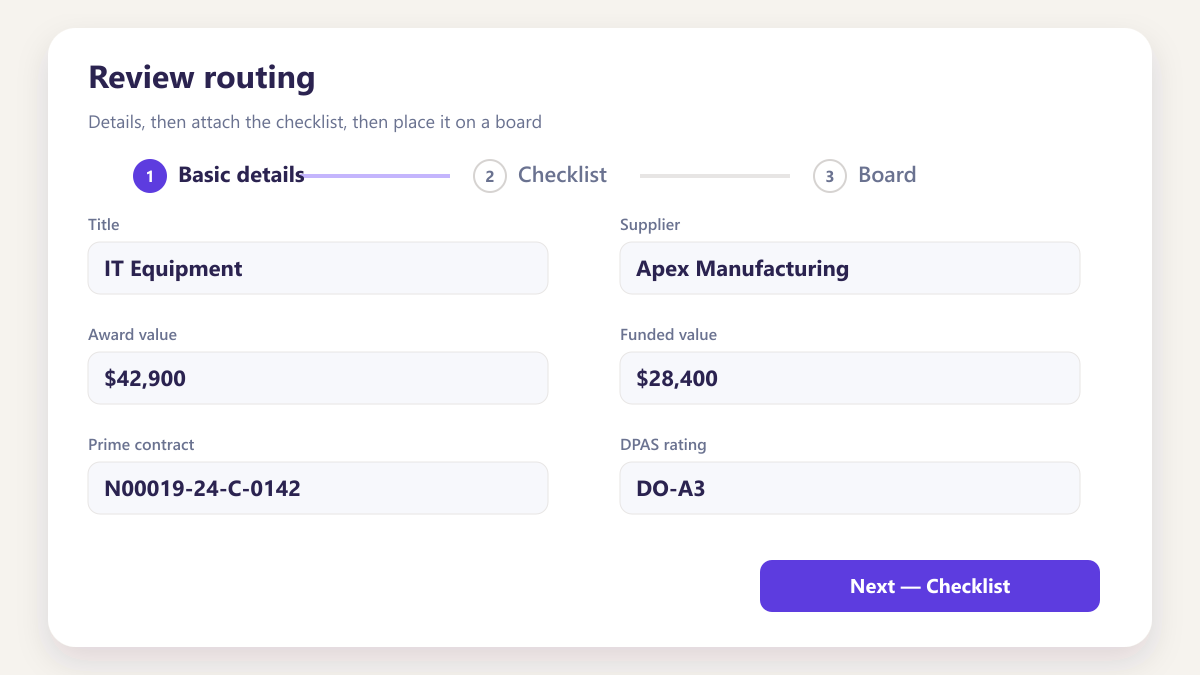
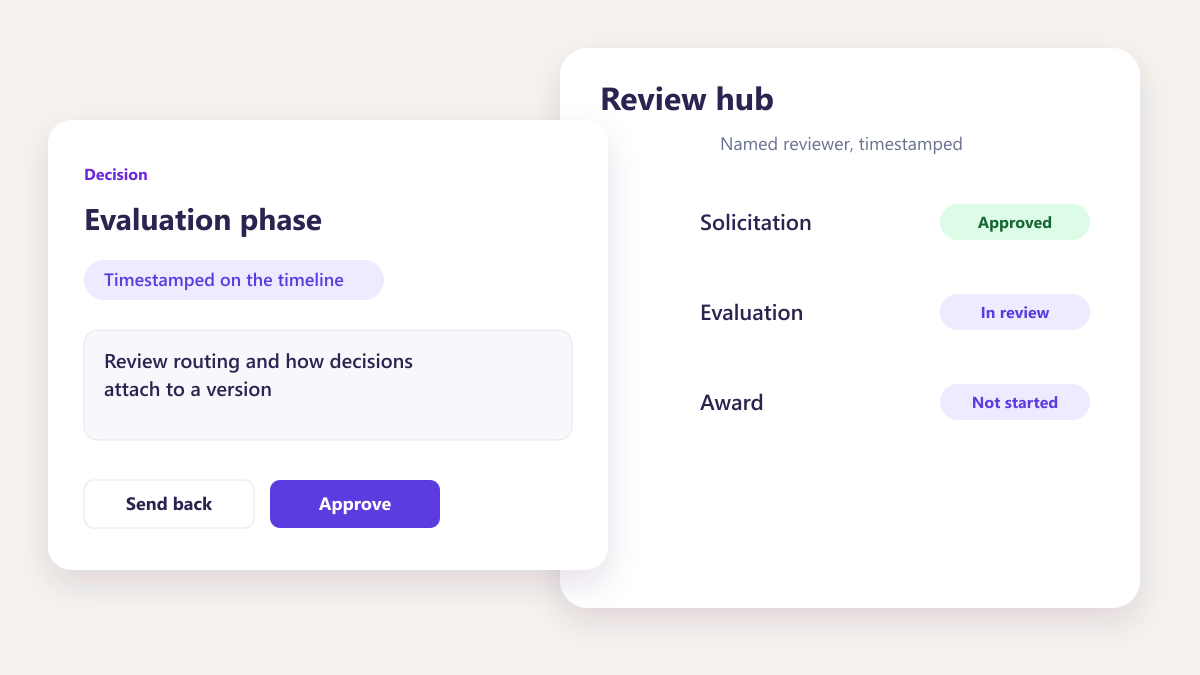
Review routing
Sent to a named person rather than emailed as an attachment.
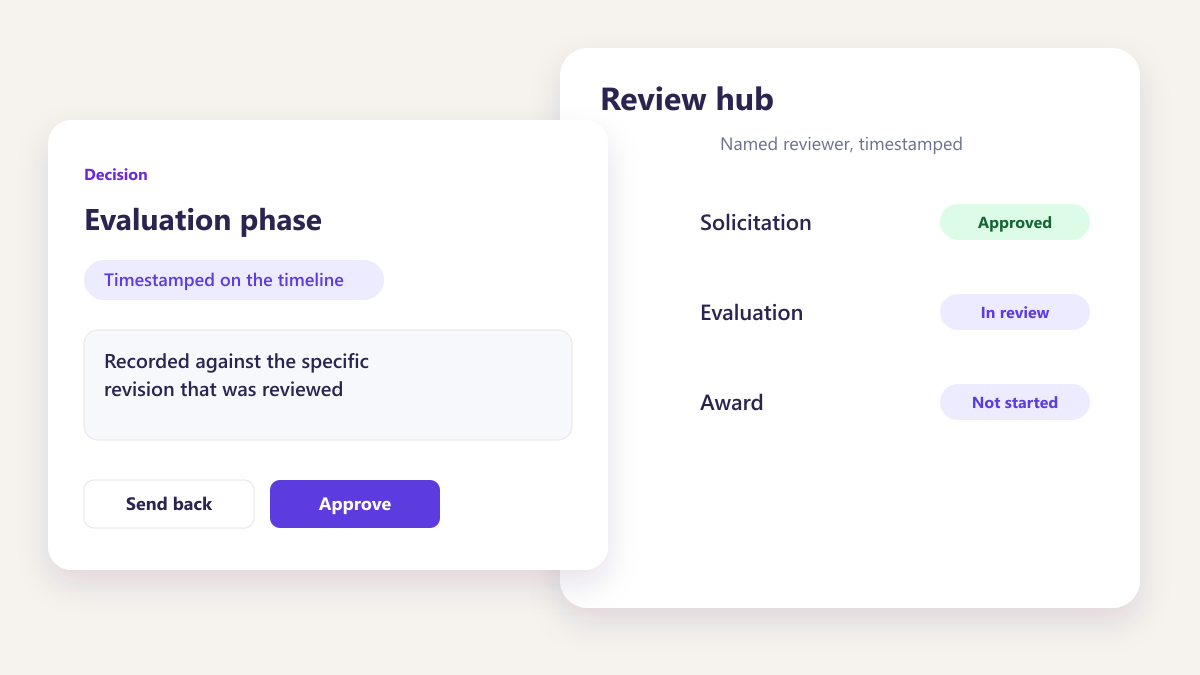
Approval on the version
Recorded against the specific revision that was reviewed.
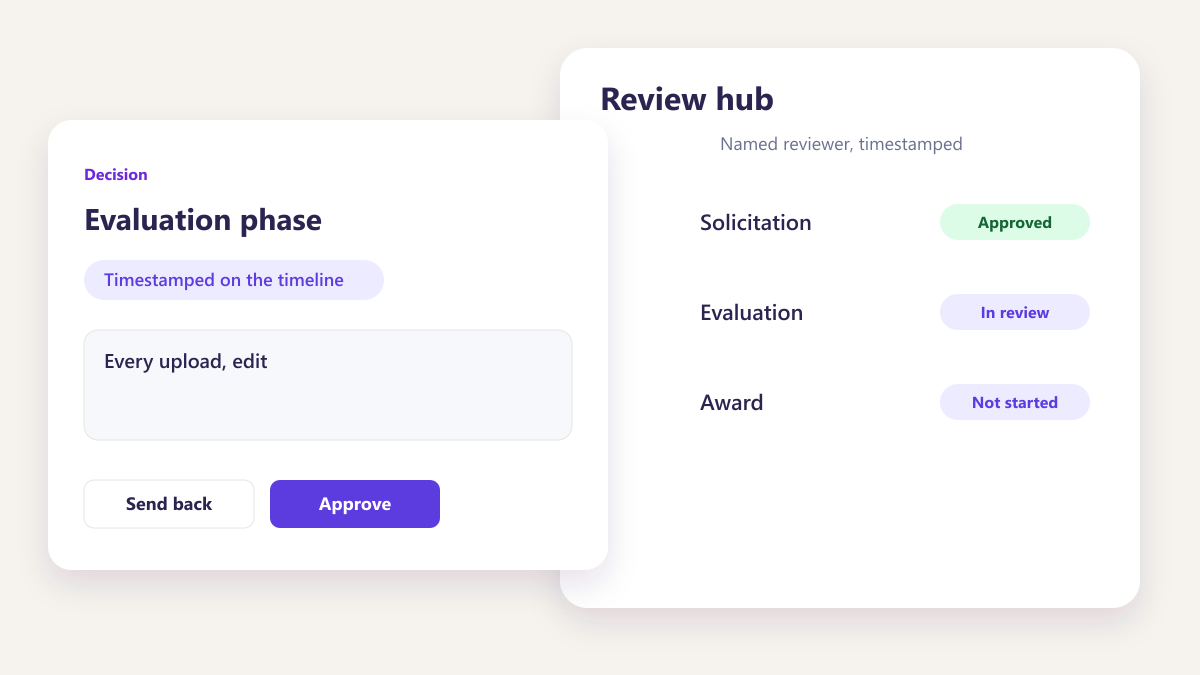
Activity trail
Every upload, edit and approval logged with who and when.
Questions about the document drive
How is the drive organised?
What happens to old versions?
Can documents be edited without downloading?
How does review work from the drive?
What file types are supported?
Can we bring in documents from an existing shared drive?
Who can see a document?
Other parts of the same workspace
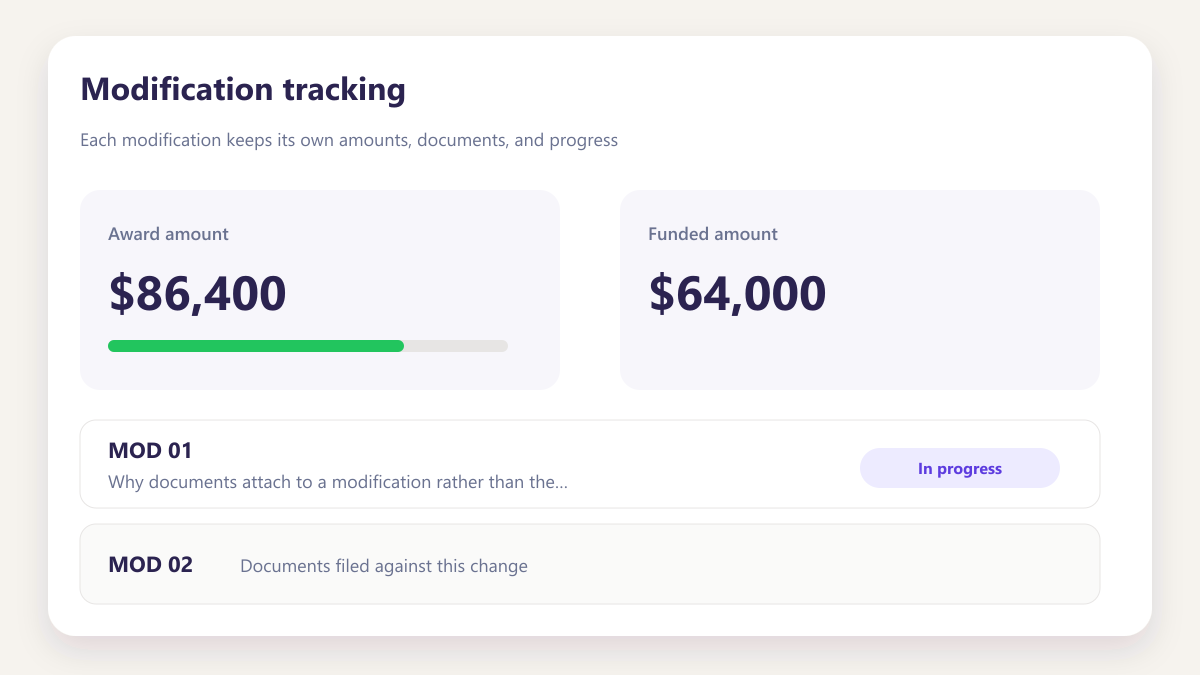
Modification tracking
Why documents attach to a modification rather than the parent.
Learn more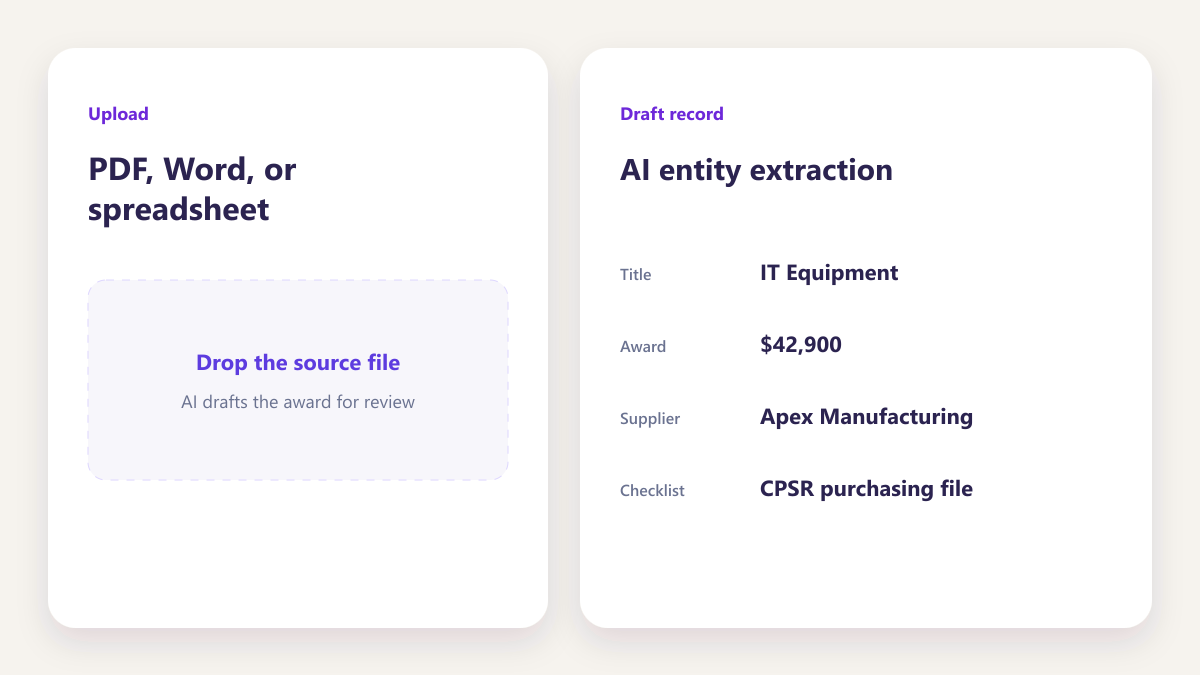
Bring a purchasing file you dread
Ideally one currently spread across a shared drive. We will show what the same evidence looks like structured by the record.
Book a demo