Home / Features / AI extraction
AI entity extractionUpload a document,
skip the typing
Most of what an award record needs already exists in a document a supplier sent you. Extraction reads it and drafts either the record or a checklist rule, so the workspace fills from what you already hold.
One upload, two possible outputs
You choose whether a document should become an award record or a checklist rule. Both are drafts you review before anything is kept.
Records built from what suppliers already send you
A subcontract checklist or an award document contains most of what a record needs. Reading it is faster and considerably more accurate than keying the same figures in from the same page.
- Fields populated from the document itself
- Checklist template applied on creation
- Award values read rather than retyped
- Editable before anything is saved
Rules generated from what you already wrote
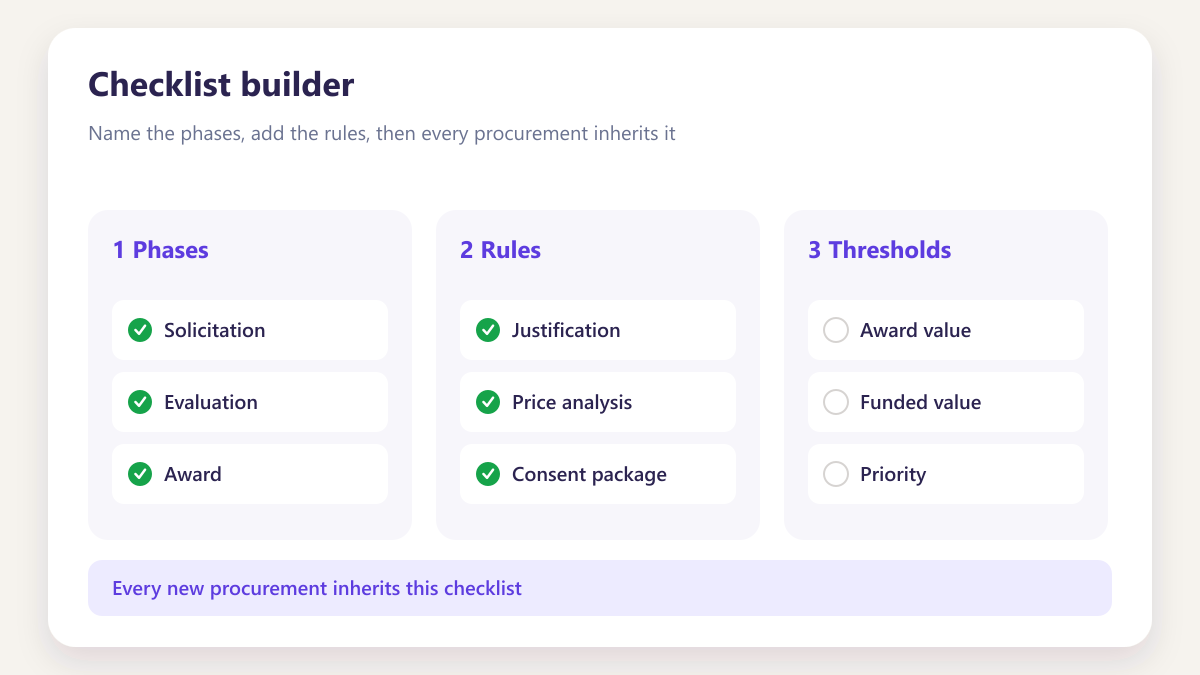
Checklist rules usually exist somewhere in writing already. Uploading that document produces the rule rather than asking somebody to author it from nothing.
- Rule produced from your own policy document
- Tagged as AI generated so it stays obvious
- Saved into your reusable rule library
- Edited before it is used in any template
An explanation of what it found
Every run produces a narrative summary of what was read and what was tagged, so you can verify the output without opening the source document alongside it.
- Plain summary of what was extracted
- Tagged items listed explicitly
- Reviewed before you accept anything
- Discarded without consequence if it is wrong
Nothing about it is disposable
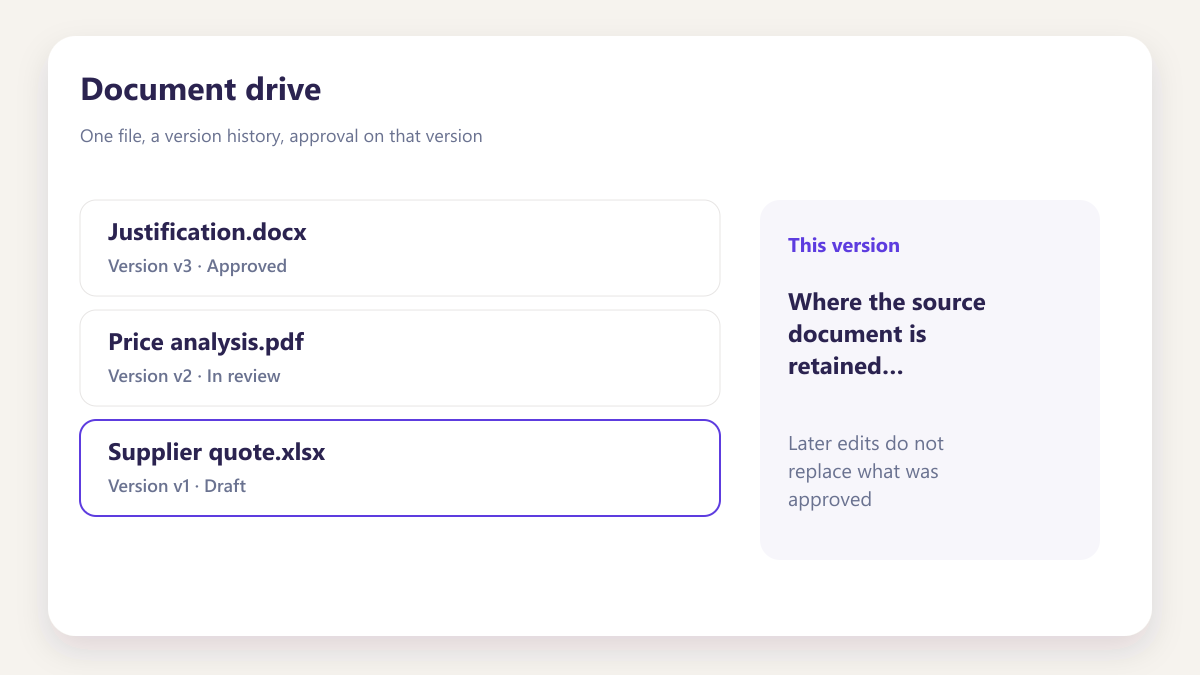
Runs are kept with the file, the output and the time, visible to the team, so what was attempted is as recoverable as what was accepted.
- Every run retained, accepted or not
- Shows the file, the output and the time
- Visible to the team rather than one person
- Re-runnable if a document is updated
Being straight about the limits
Extraction is useful because it removes keystrokes, not because it makes judgements. The distinction matters and we would rather state it here than let you discover it.
Useful for keystrokes. Not a substitute for judgement.
Upload a document and AI drafts an award record or a checklist rule, with a written summary and a job history you can check before anything is saved.
- Drafts from PDF, Word, Excel, CSV or TXT
- Written summary so you can see what it took from the file
- Full job history kept for later review
Three things it changes about setup
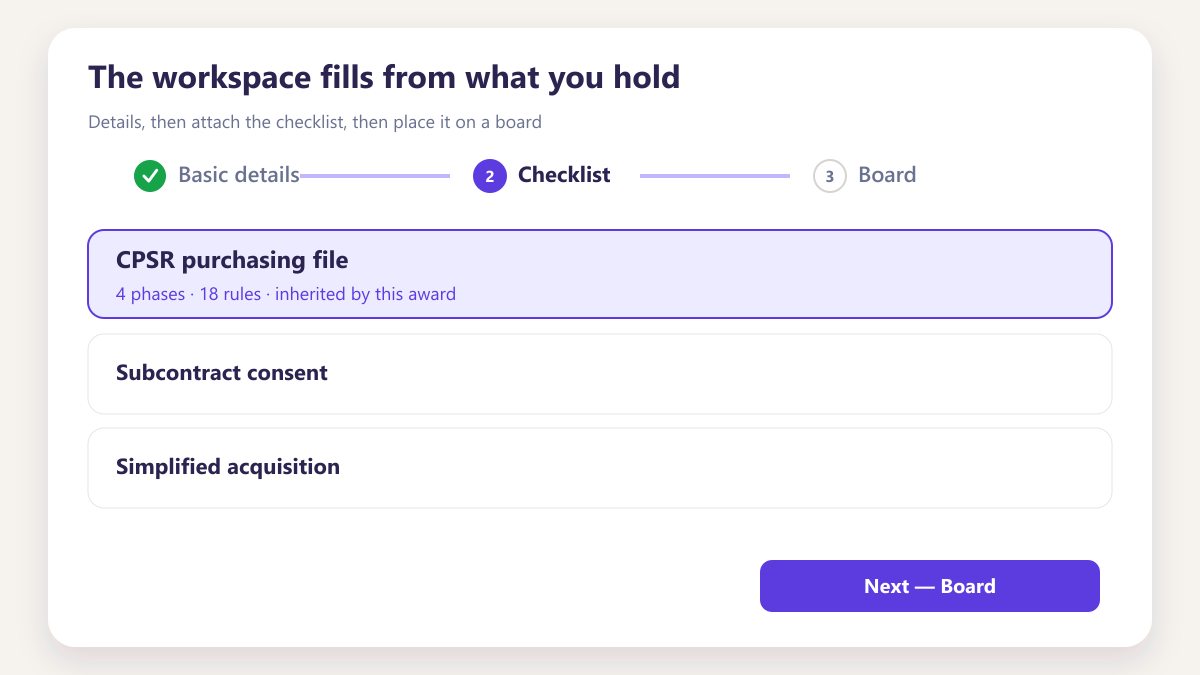
The workspace fills from what you hold
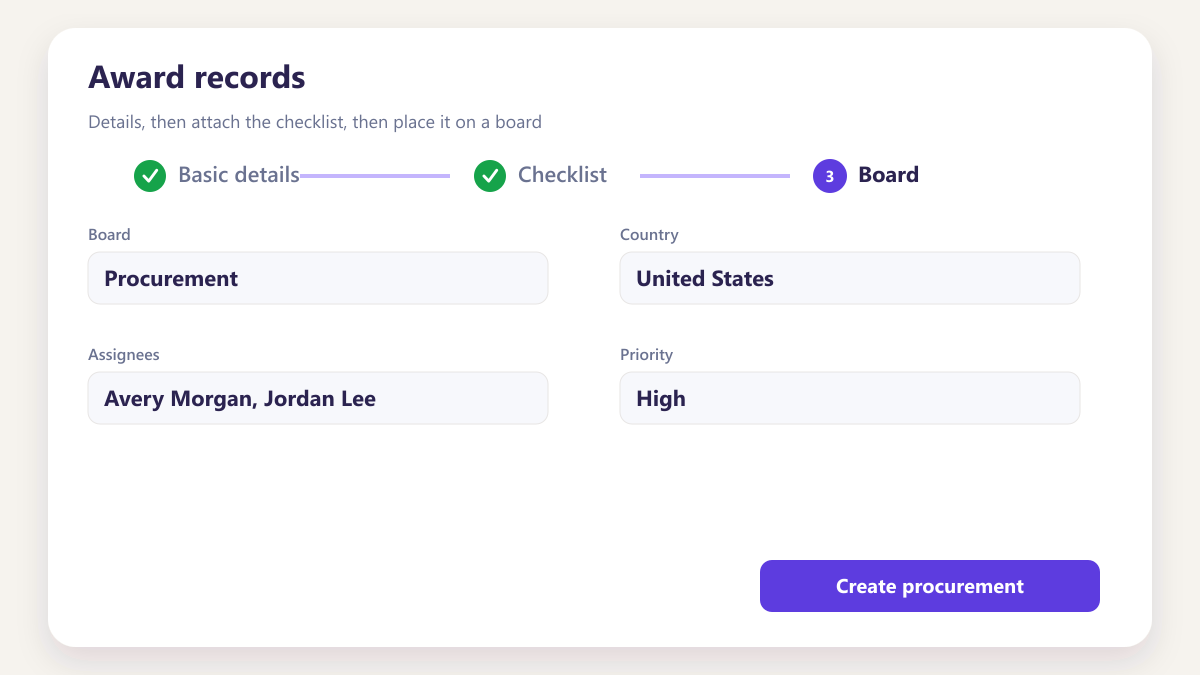
Instead of a blank record waiting for somebody to type, awards start from the documents suppliers already sent. That is the difference between a system people populate and one they abandon.
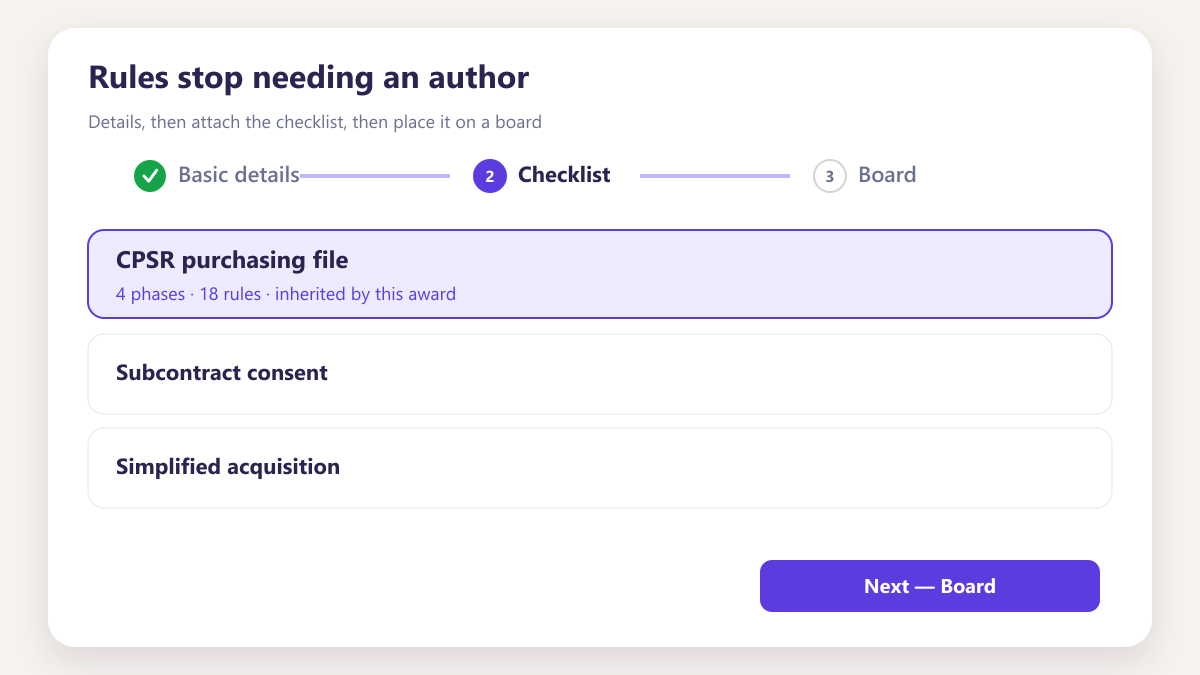
Rules stop needing an author
Writing checklist rules from nothing is the step most teams stall on. Producing them from a policy document you already wrote means editing rather than authoring.
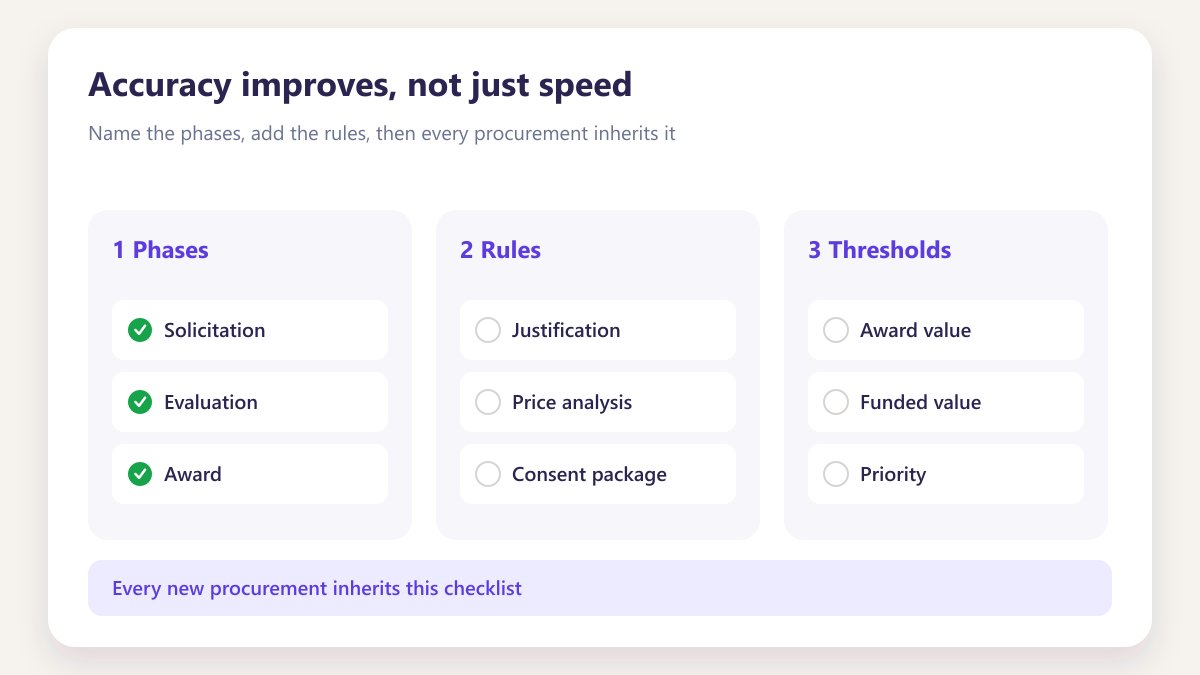
Accuracy improves, not just speed
Reading a figure from a document is less error prone than a person copying it across a screen, particularly at the end of a long afternoon.
Four situations, all at the start
Four situations teams use it at the start.
Extraction earns its place when a new award or template would otherwise mean retyping fields you already hold on paper or in a file.
- Standing up a new award from an existing document
- Drafting checklist rules without starting from a blank form
- Catching fields that would otherwise be typed twice
Loading historic awards
Bringing existing subcontracts into the workspace without keying each one in from its documents.
Learn moreBuilding the first template
Turning a policy document you already maintain into checklist rules you can arrange into phases.
Learn moreA supplier sends a new award document
Read into a draft record in about a minute rather than transcribed by somebody.
Learn moreA rule needs updating
Re-run against the revised policy document rather than editing the rule by hand from scratch.
Learn moreSix things worth knowing before you try it
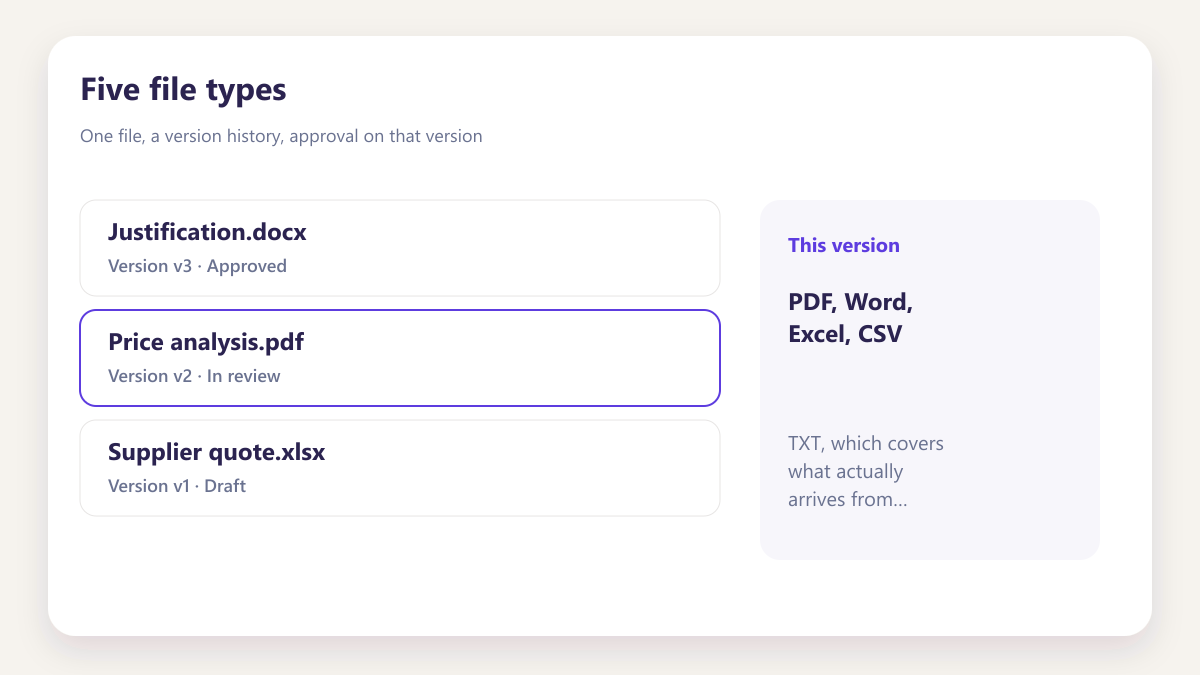
Five file types
PDF, Word, Excel, CSV and TXT, which covers what actually arrives from suppliers.
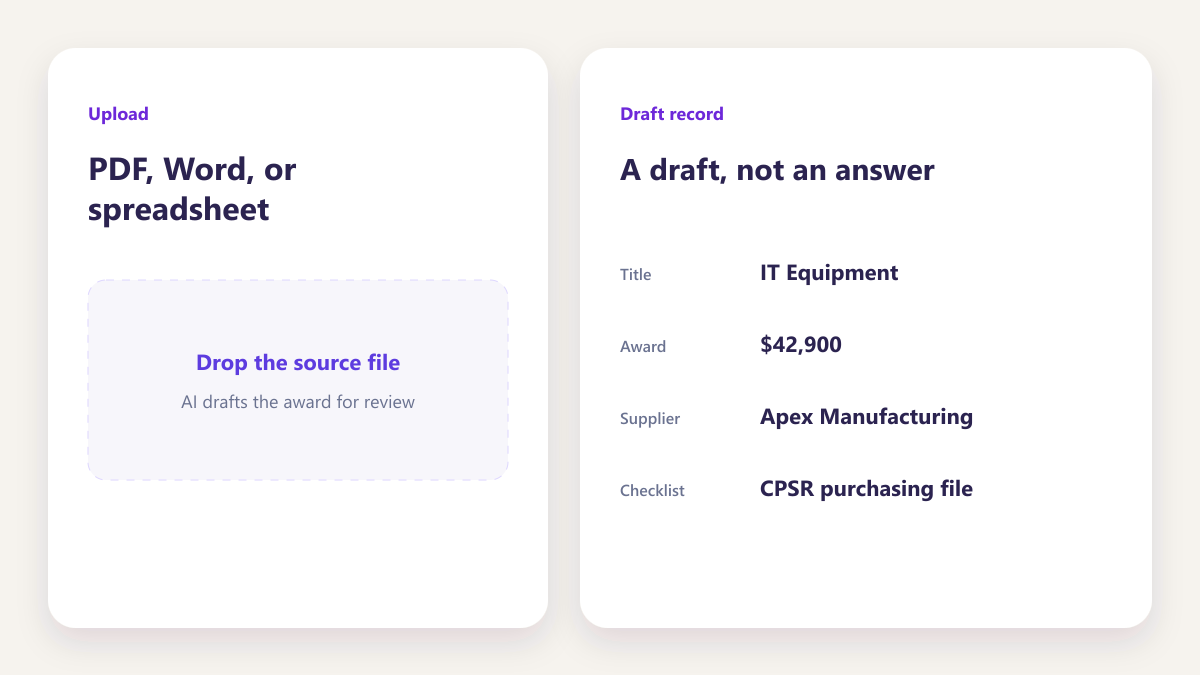
A draft, not an answer
Everything produced is reviewed before it is kept, and stays tagged so its origin is obvious.
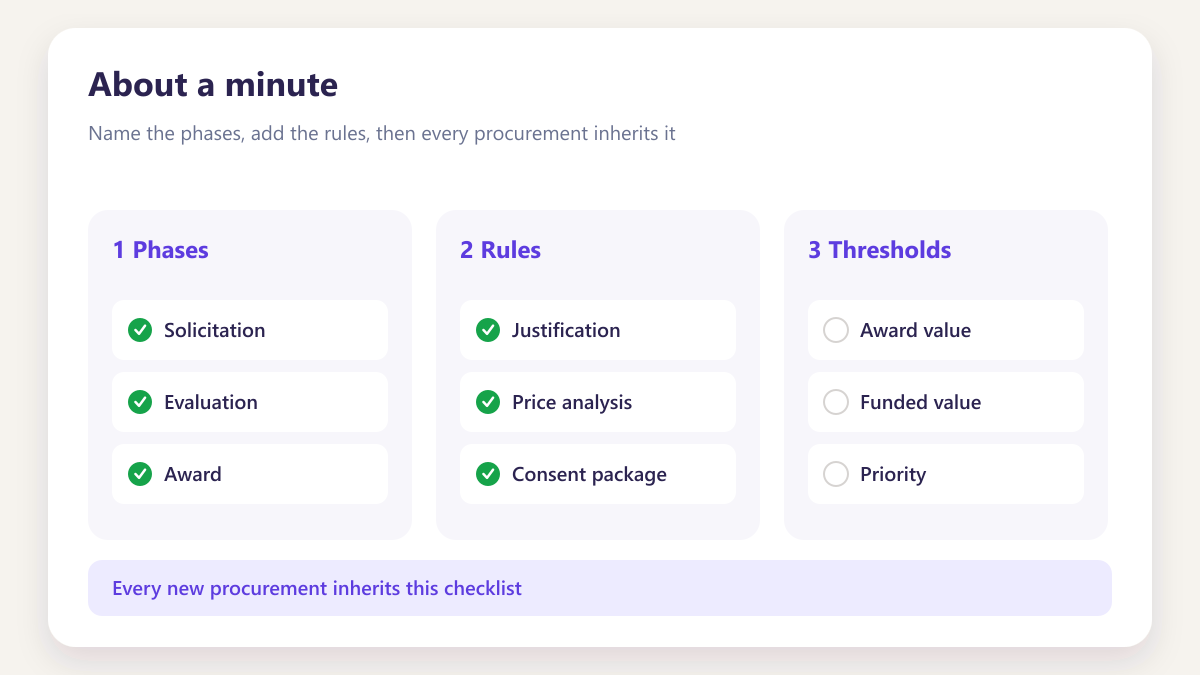
About a minute
Typical run time for a normal document, considerably faster than keying the same information.
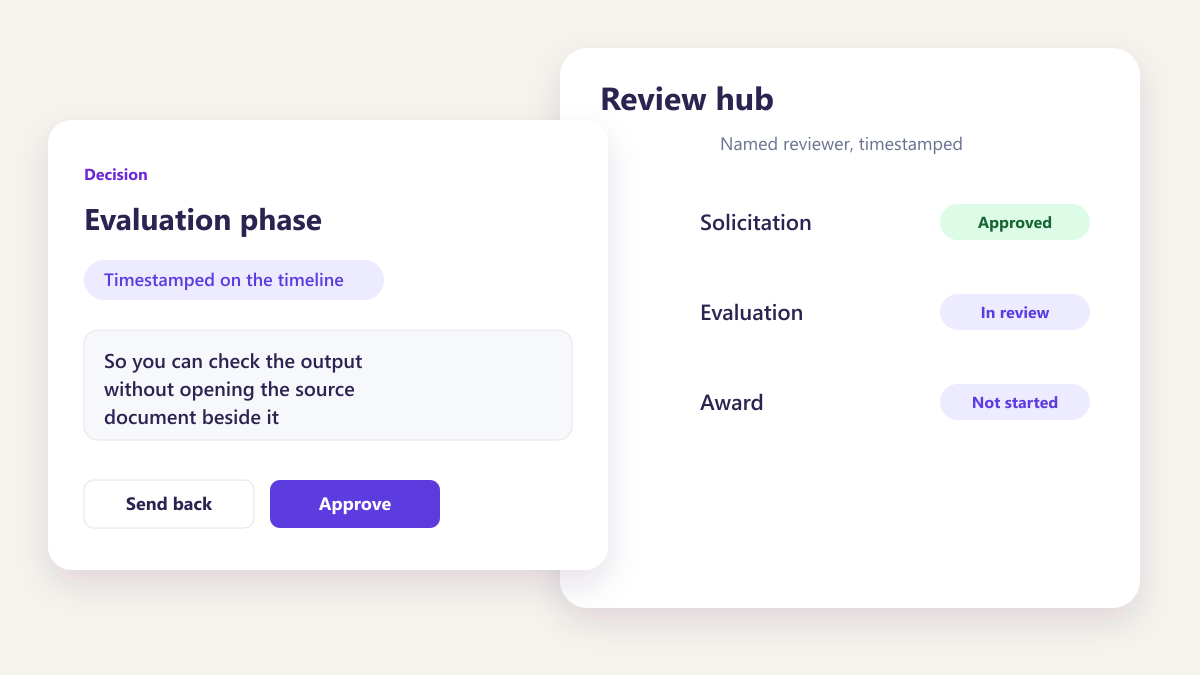
A written summary
So you can check the output without opening the source document beside it.
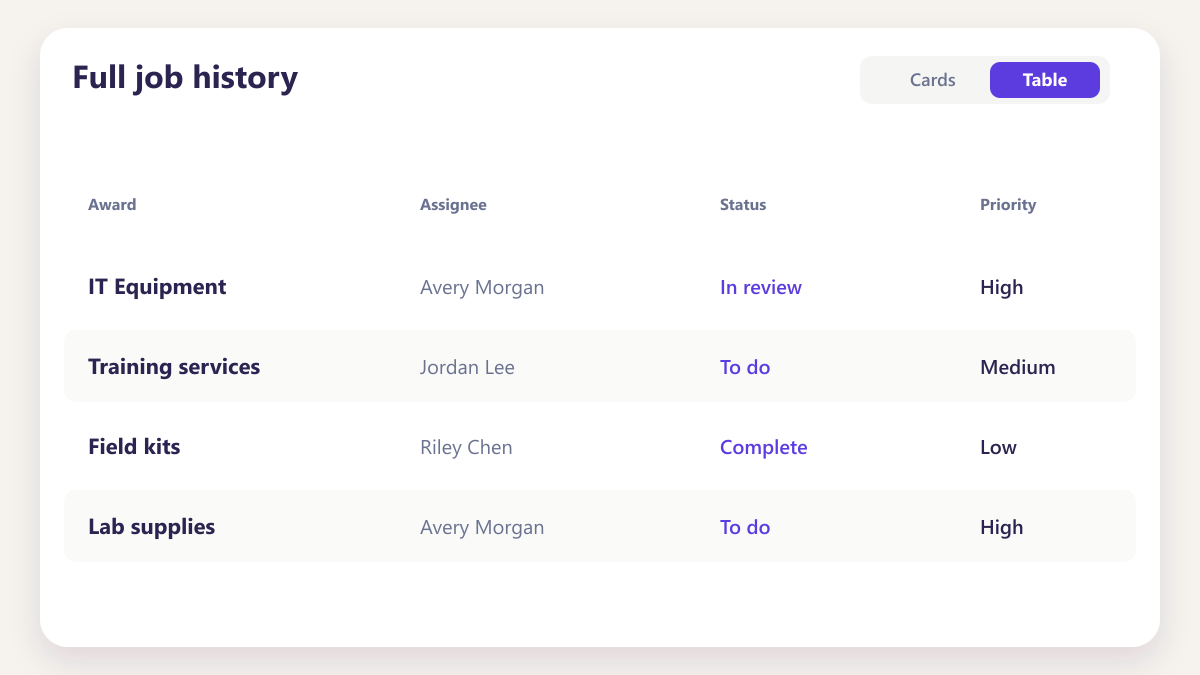
Full job history
Every run retained with its file, output and time, visible to the team.
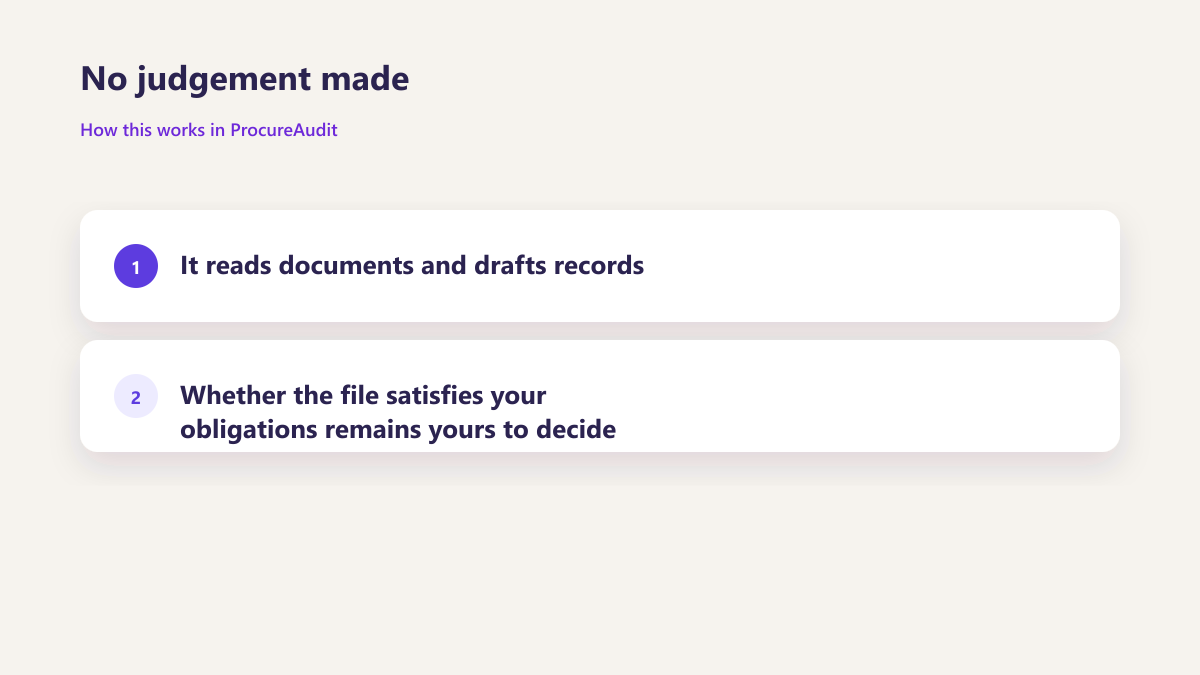
No judgement made
It reads documents and drafts records. Whether the file satisfies your obligations remains yours to decide.
Questions about AI extraction
What file types can it read?
Does it create the record automatically?
Can it generate checklist rules from our policy?
Is the output kept if we do not use it?
Does it make judgements about our purchasing?
What happens if a document cannot be read?
Is our data used to train anything?
Other parts of the same workspace
Bring a real document to the call
A subcontract checklist or an award document. We will run extraction on it live rather than on a prepared sample.
Book a demo