Home / Features / Award records
Award recordsOne record that holds
the whole purchase
Open an award and everything about it is in one place. The checklist arranged into phases, the documents behind each rule, the modifications with their own amounts, and a timeline showing what happened and when.
Why purchasing records break at the joins
Nothing here is difficult individually. What breaks a record is that the pieces live in different places and the connection between them exists only in somebody's head.
Three things that follow from one record
The benefit of a single record is not tidiness. It is that several expensive activities stop being necessary.
Three things that follow from one purchasing record.
Phases, rules, documents and approvals sit on the same award. The expensive work of joining things up afterwards stops being necessary.
- One record for the whole purchase
- Phases and rules arranged on that record
- Uploads and approvals land on the same timeline
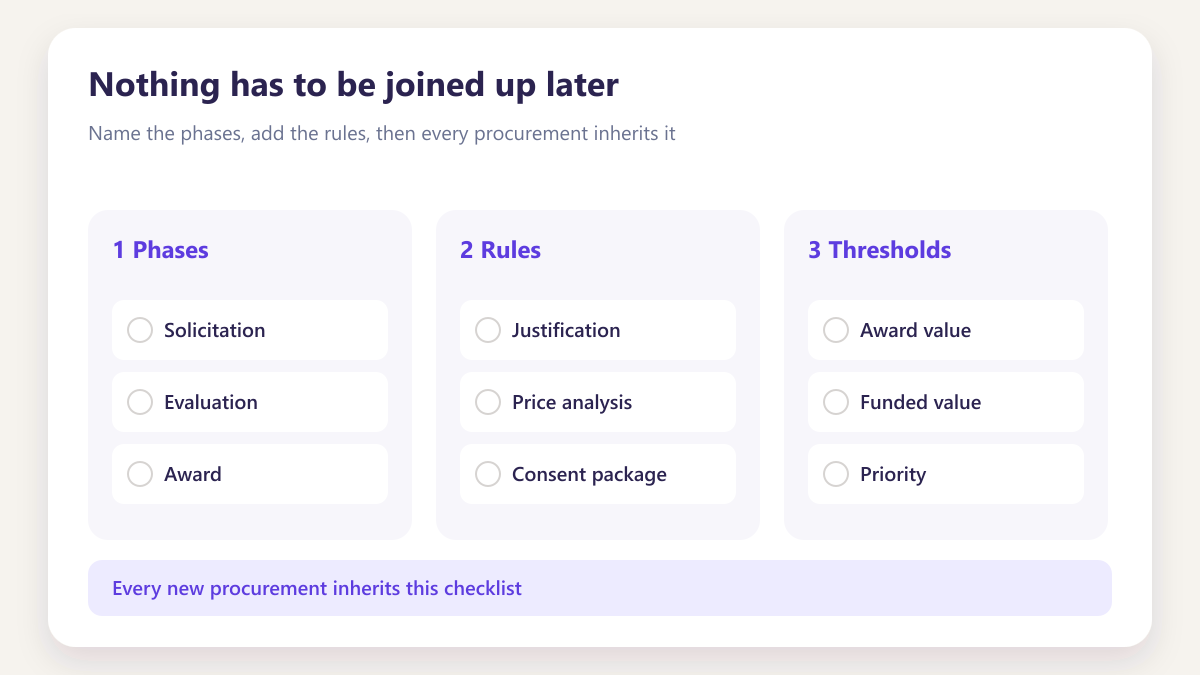
Nothing has to be joined up later
When the award, its documents and its approvals already sit together, producing the file is a filter rather than an exercise in reconnecting things that were never connected.
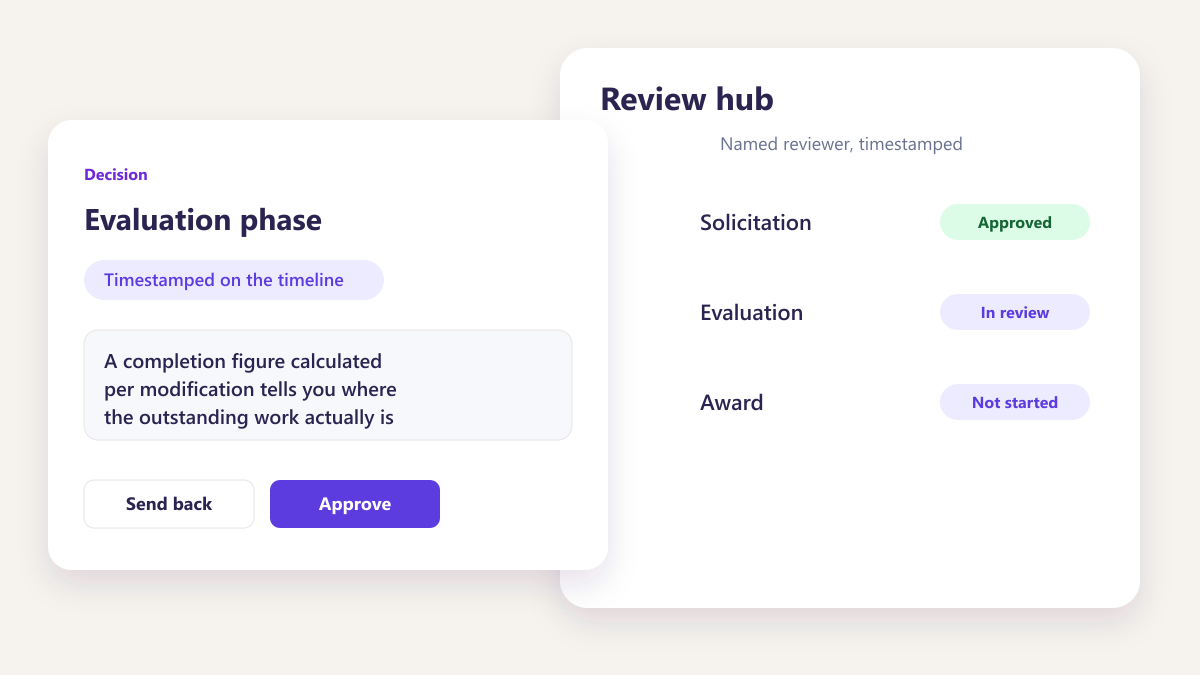
Progress means something
A completion figure calculated per modification tells you where the outstanding work actually is. One blended percentage across a whole award tells you almost nothing.
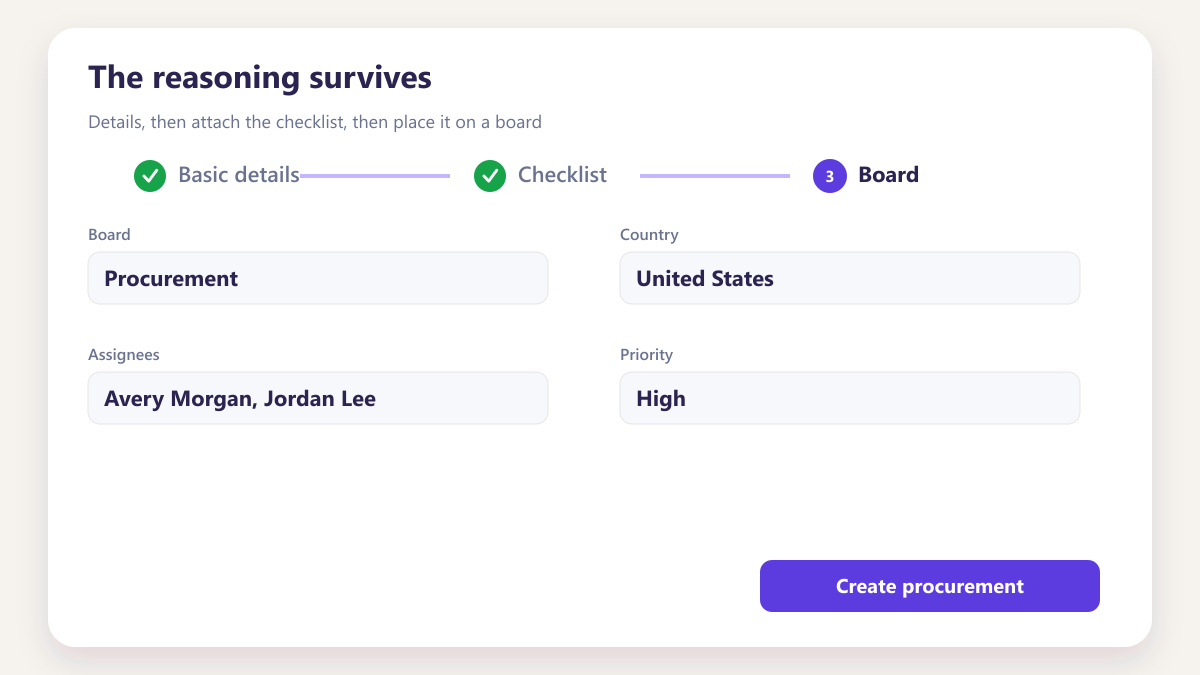
The reasoning survives
Prices and dates live in documents. Why one supplier was chosen exists only if somebody wrote it at the time, which is the single hardest thing to recover afterwards.
Four things the record carries
Open one and this is what is there. Click through each to see it.
Rules come from your library and are dragged into whichever phase matches how your team sequences the work. Nothing about the order is fixed by us, because it genuinely differs between organisations.
- Rules dragged from your library into a phase
- Reorder or remove without rebuilding the record
- Progress calculated from what is actually complete
- Reviewers assigned per phase rather than per award
MOD 01 and MOD 02 carry their own award and funded amounts and their own progress. Folding them into the parent is how teams lose track of which document supports which change.
- Award and funded amounts held per modification
- Documents attached to the change they support
- Progress readable per MOD rather than blended
- Legible however many accumulate over a program
Evidence is filed against the phase that produced it, so a reviewer opening Phase 2 sees what Phase 2 requires and nothing else.
- Structured by award, modification and phase
- Version history retained on every file
- Approval recorded against the version reviewed
- Retrieved by filter rather than by folder trawl
Every upload, approval and completed rule lands on the timeline with the person and the moment attached. It is the part that answers questions years later.
- Each entry carrying a name and a timestamp
- Scoped to the award, modification and phase
- Not editable after the fact
- Written during the work rather than reconstructed
Four situations teams describe to us
Four situations where a single record earns its place.
Handoffs, reviews and later questions all get easier when the purchasing file was complete while the work was being done — not rebuilt under pressure.
- When work moves between buyers and reviewers
- When somebody asks for the file at short notice
- When progress has to be explained per phase
A modification arrives in year three
Recorded on its own with its own amounts and evidence, rather than appended to a record nobody can now read cleanly.
Learn moreThe buyer moves to another programme
The record reads the same afterwards, because the reasoning was written at the decision rather than held in their memory.
Learn moreSomebody asks what supports a cost
Answered from the phase the document was filed against, in seconds rather than through an email search.
Learn moreA reviewer needs only their part
They open the phase assigned to them and see what that phase requires, which makes review faster and better.
Learn moreSix entries that answer later questions
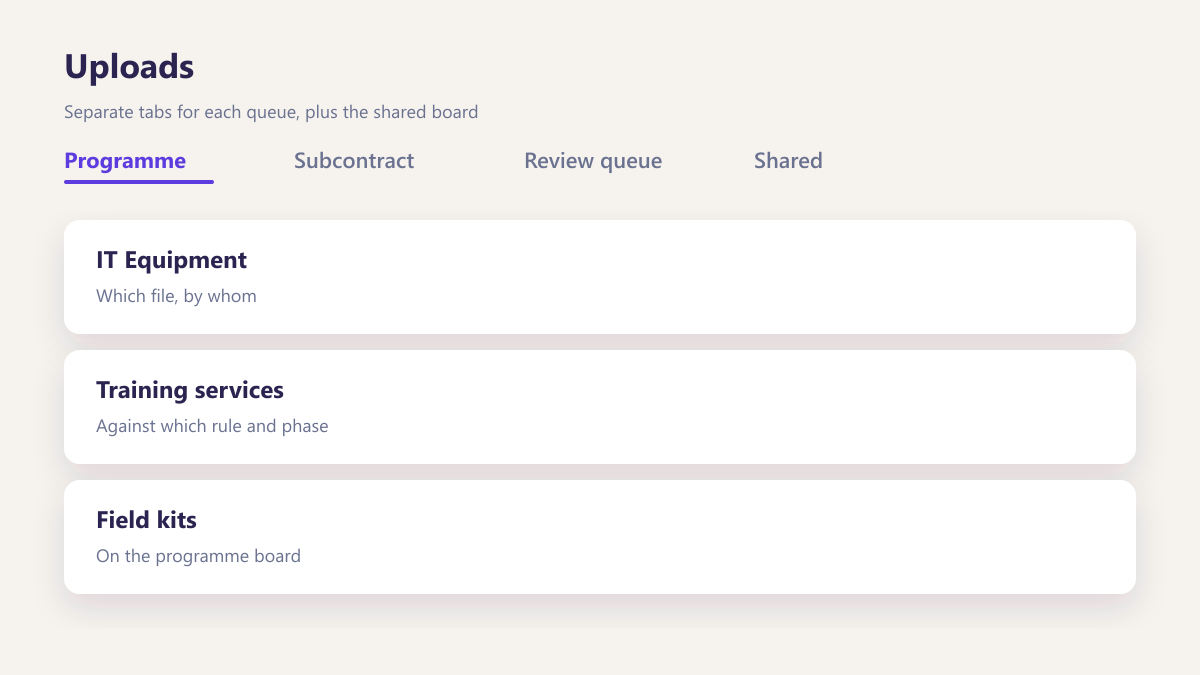
Uploads
Which file, by whom, against which rule and phase.
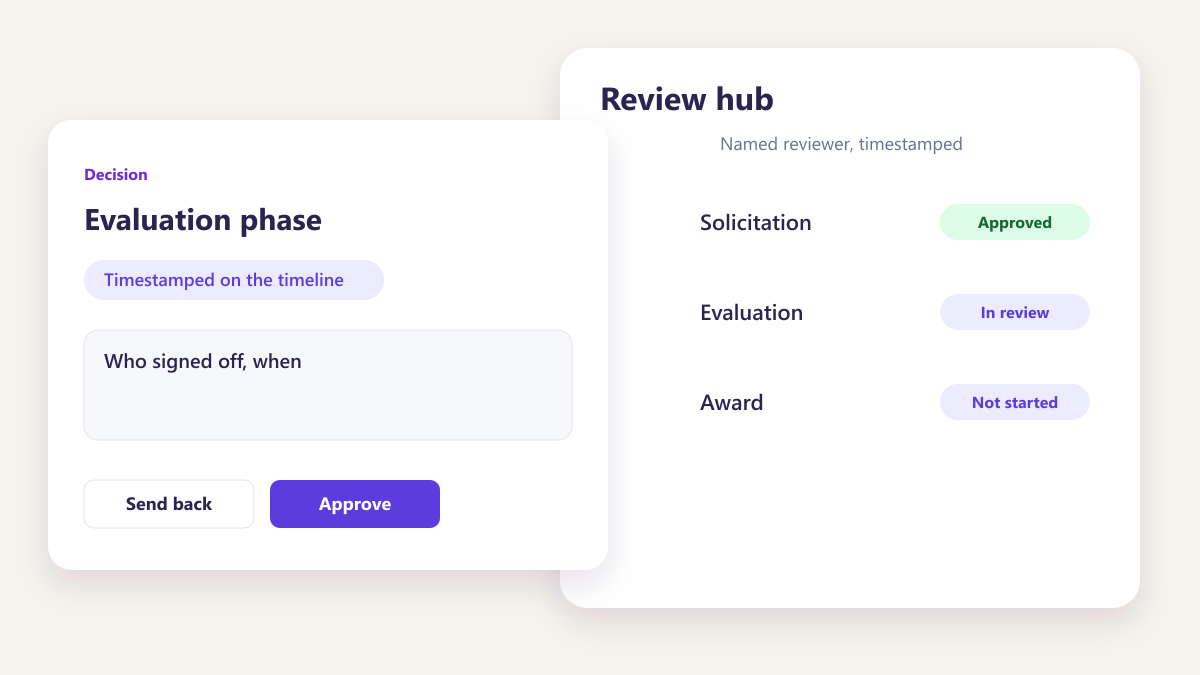
Approvals
Who signed off, when, and on which version of the document.
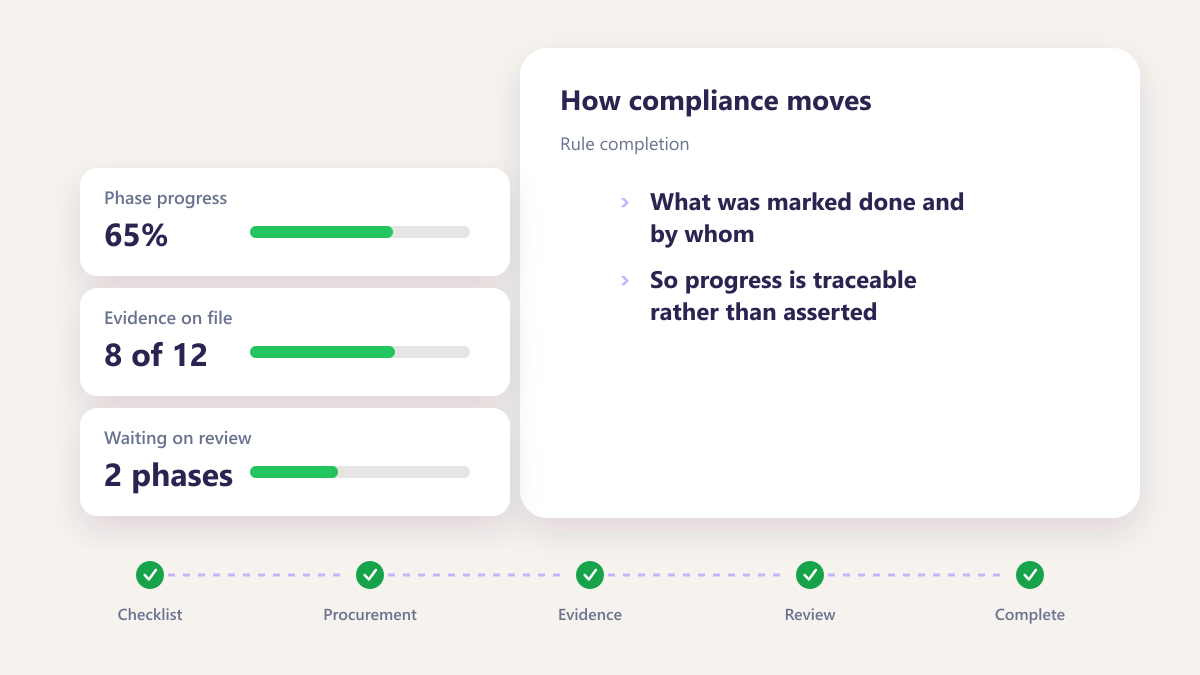
Rule completion
What was marked done and by whom, so progress is traceable rather than asserted.
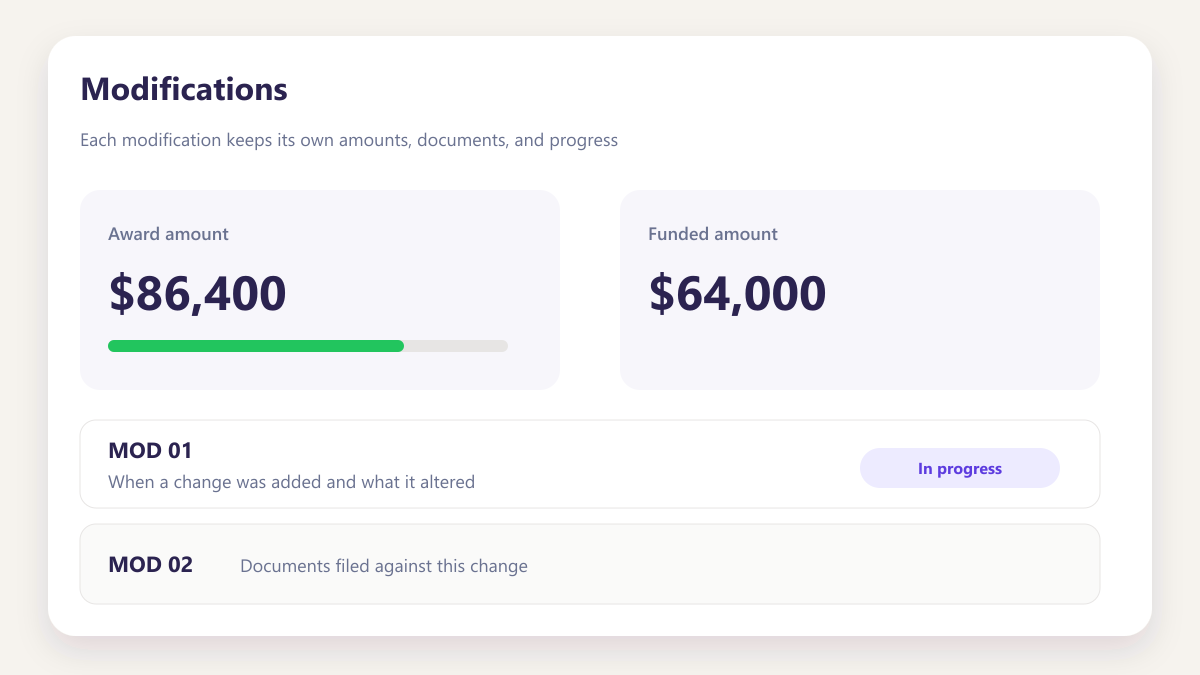
Modifications
When a change was added and what it altered.
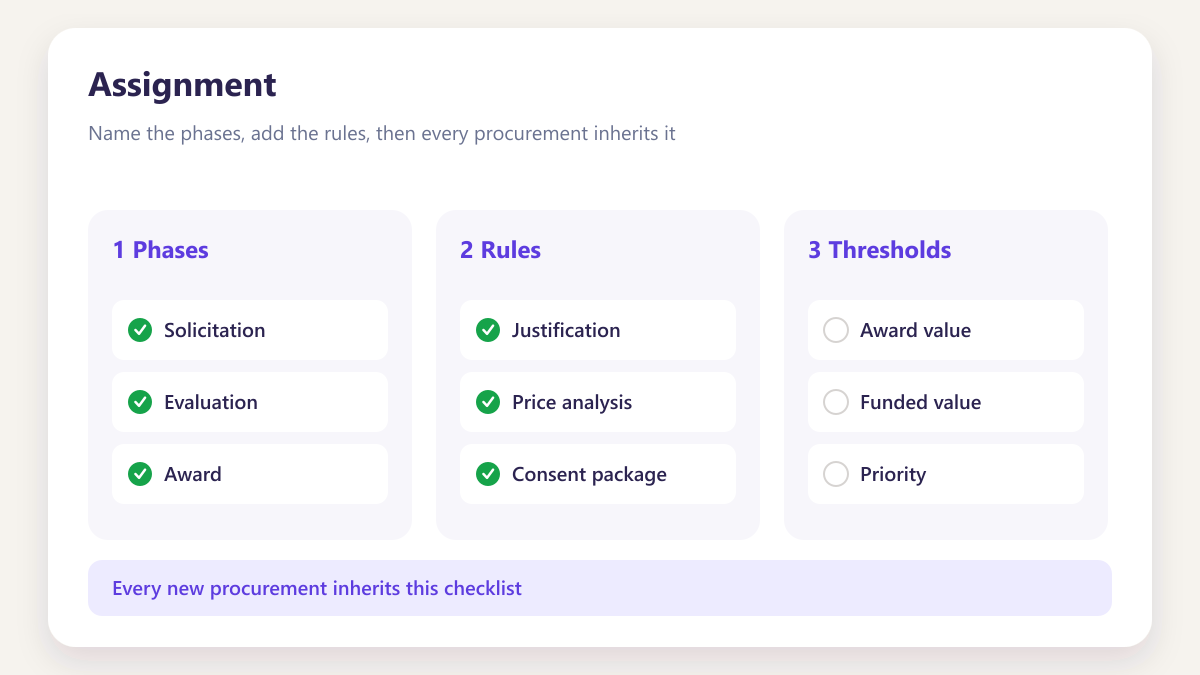
Assignment
Who the record moved to and when, with both names retained.
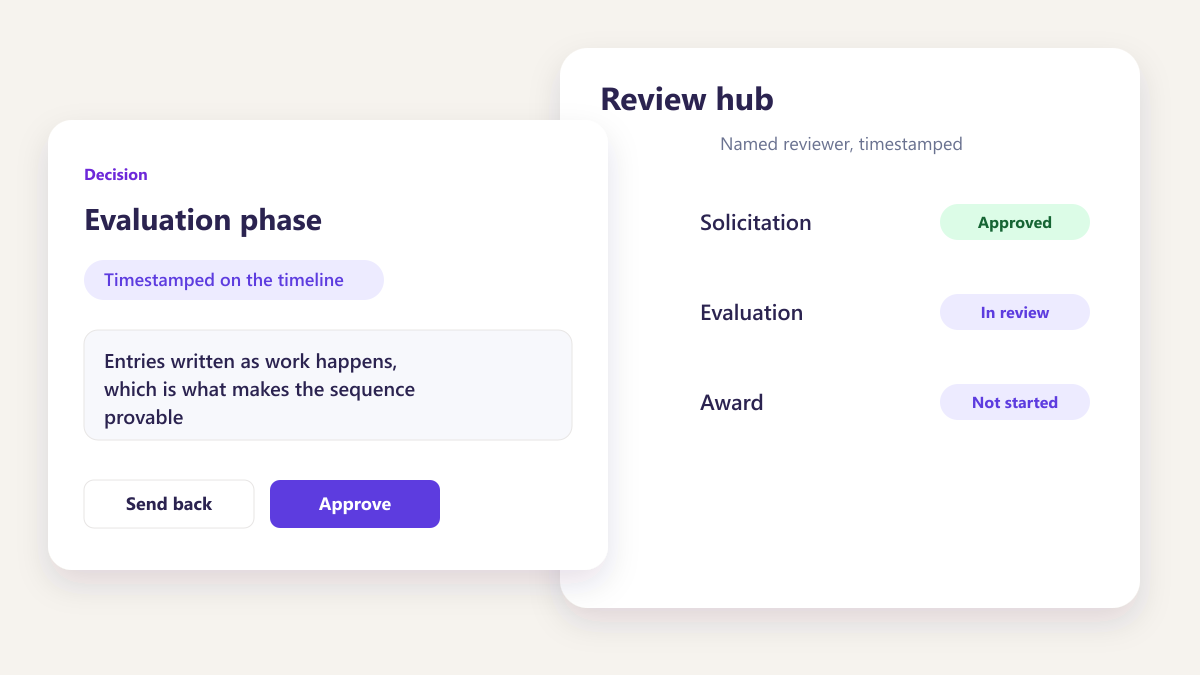
Nothing retrofitted
Entries written as work happens, which is what makes the sequence provable.
Questions about award records
Can we decide our own phases?
How is progress calculated?
Why track modifications separately?
What lands on the activity timeline?
Can two people work on the same award?
Can activity entries be edited later?
What happens if we change the checklist template?
Other parts of the same workspace
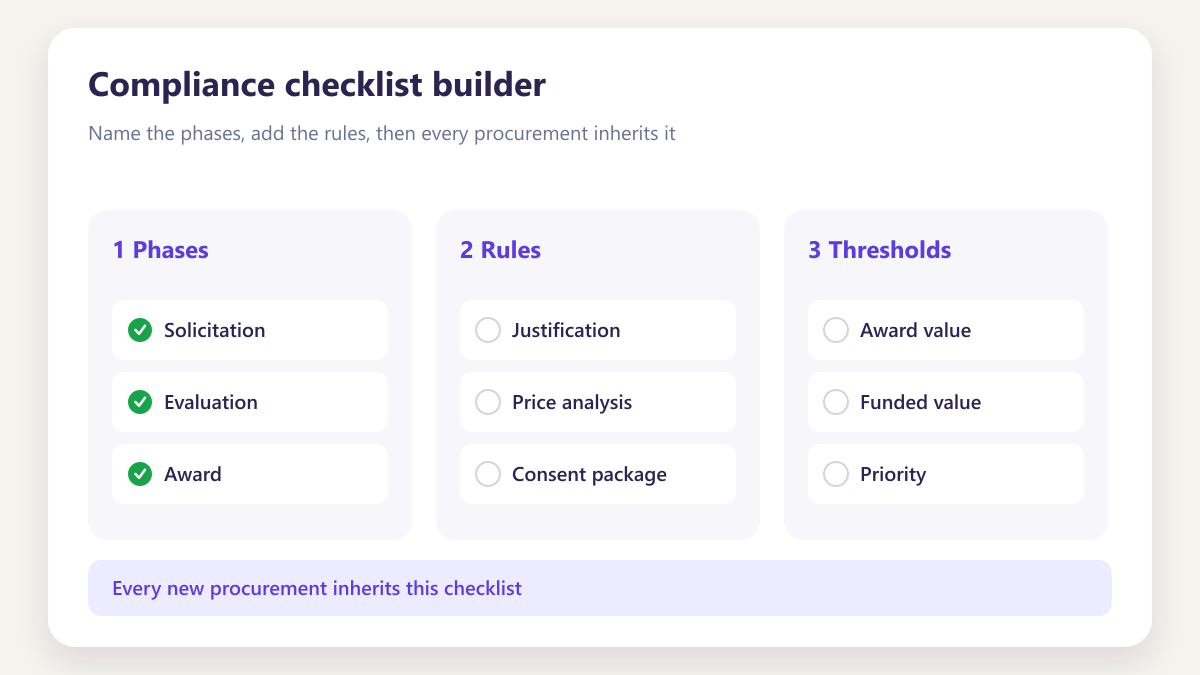
Compliance checklist builder
Build the template once and every future award inherits it.
Learn more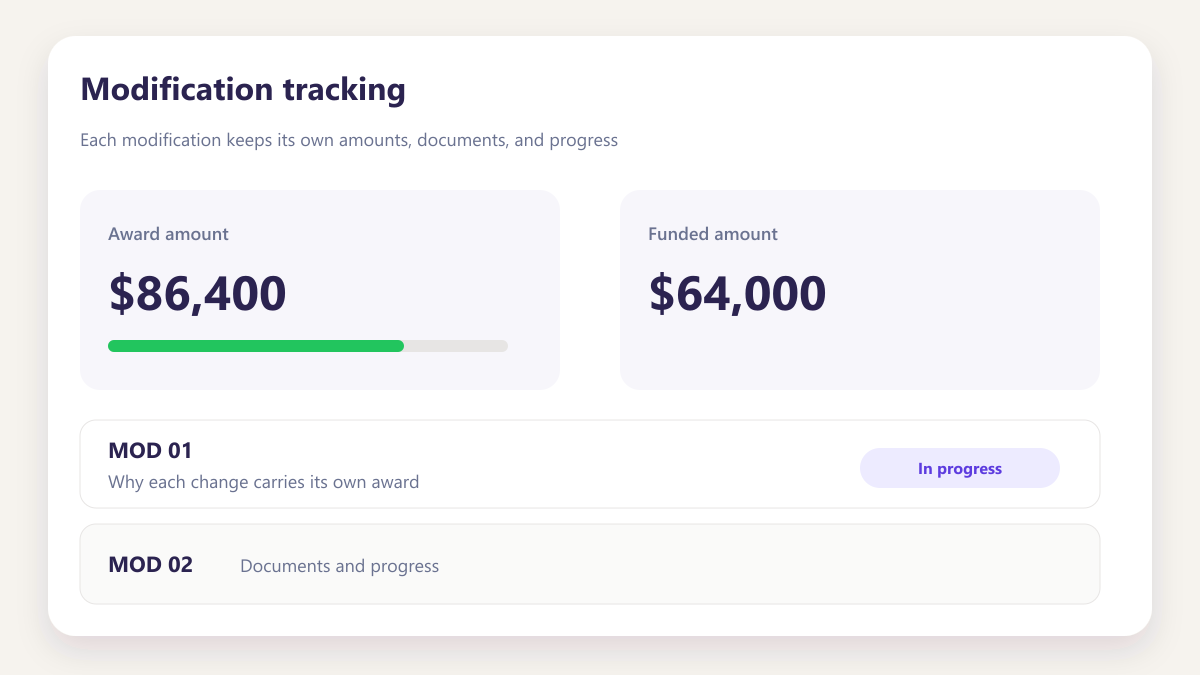
Modification tracking
Why each change carries its own award, documents and progress.
Learn more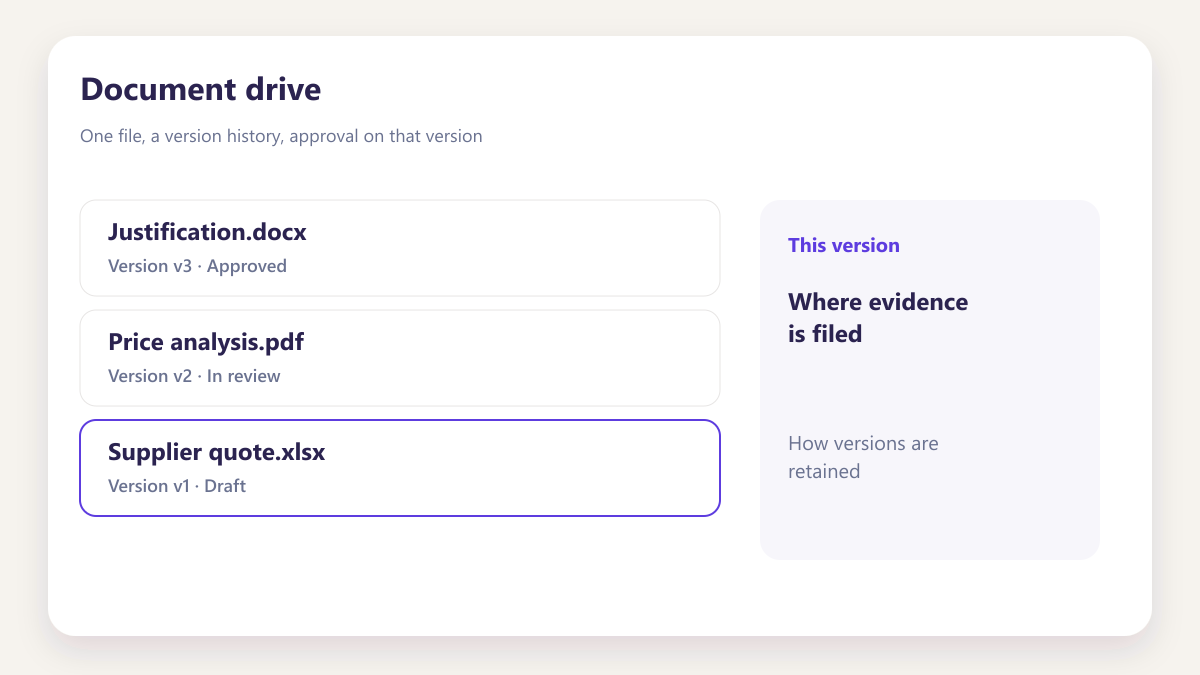
Open one of your own awards
Bring a subcontract with a couple of modifications and we will configure the phases live, using your records rather than a sample.
Book a demo